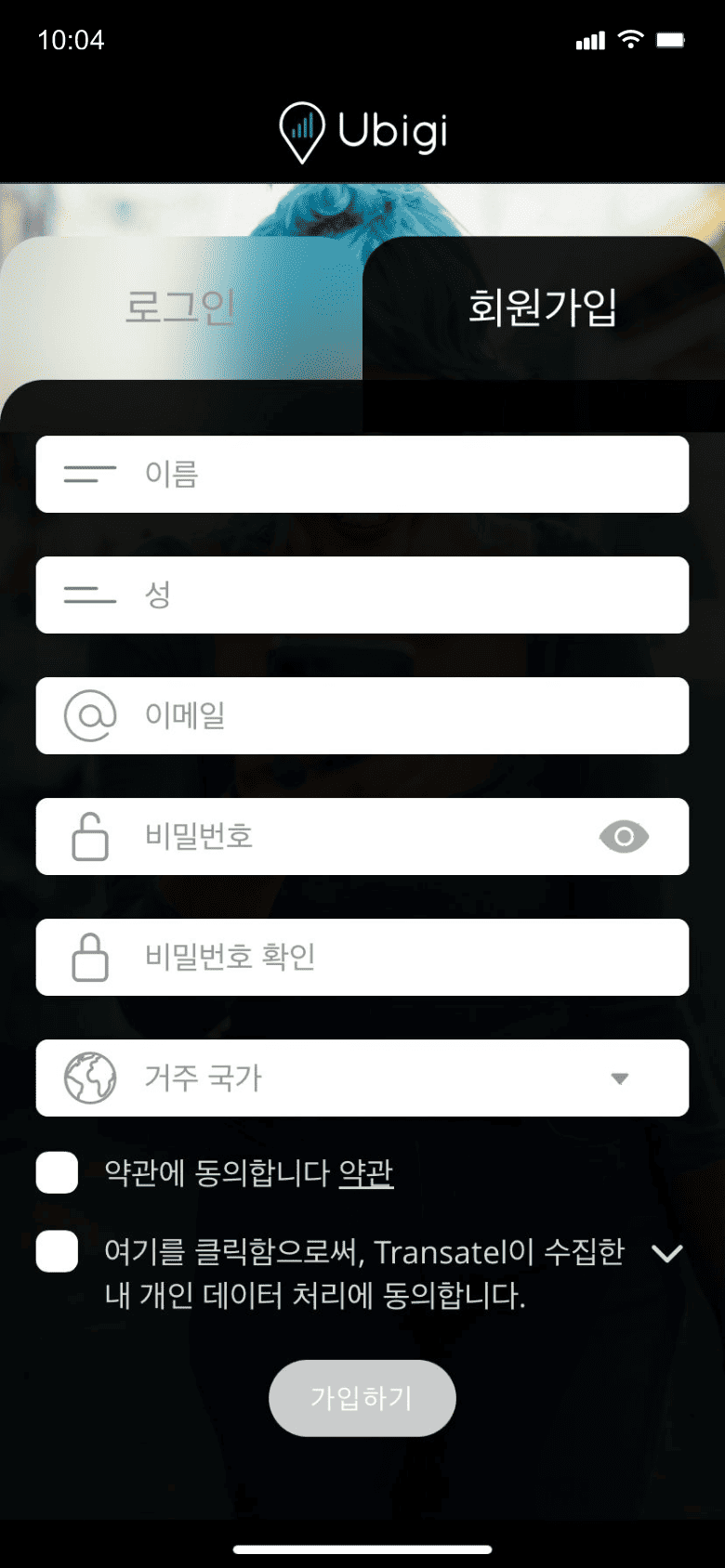
앱을 다운로드하거나 Ubigi.me를 방문하여 실시간으로 데이터를 추적하고 알림을 받고 쉽게 충전하려면 Ubigi에 가입하세요
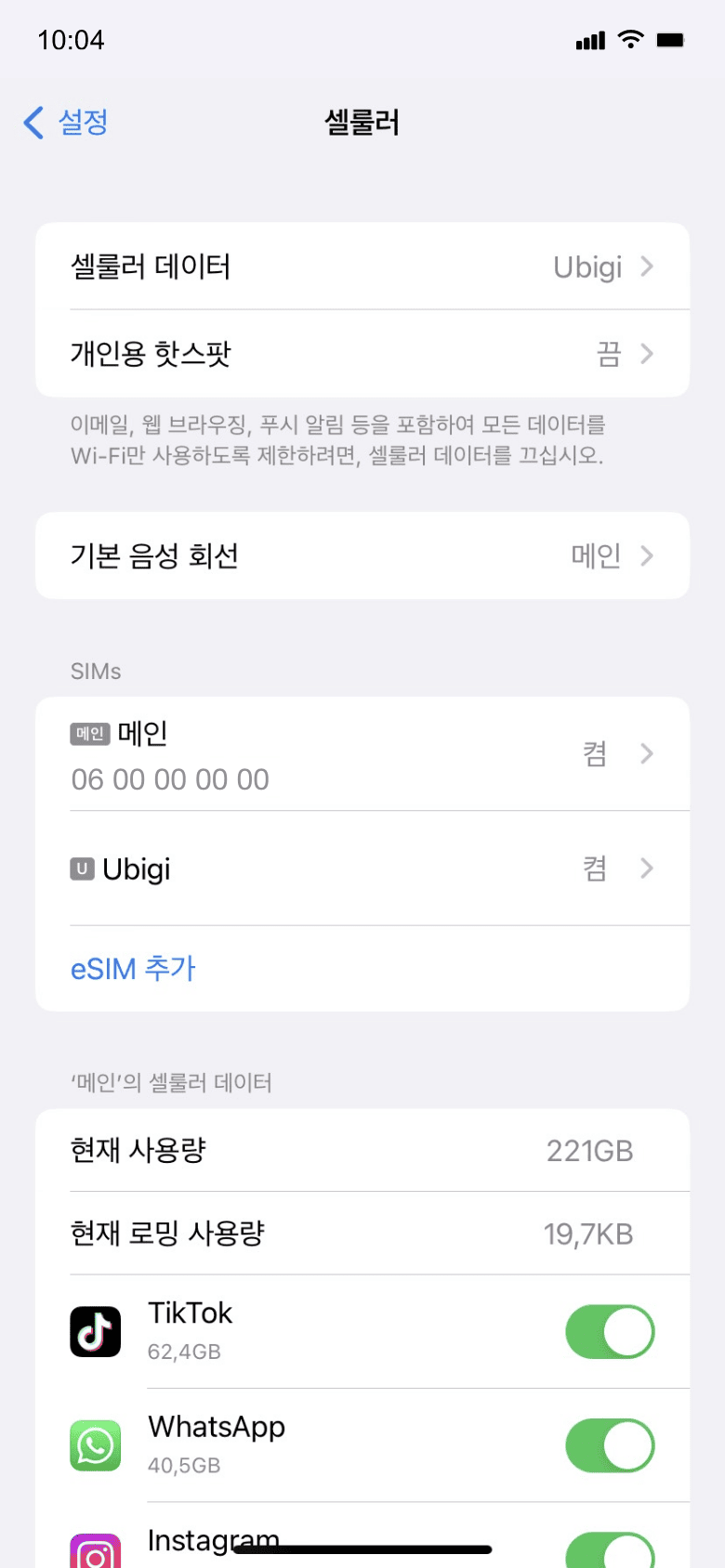
꼭 기억해야 할 iPhone 설정 사항들이 있습니다
출발 전에
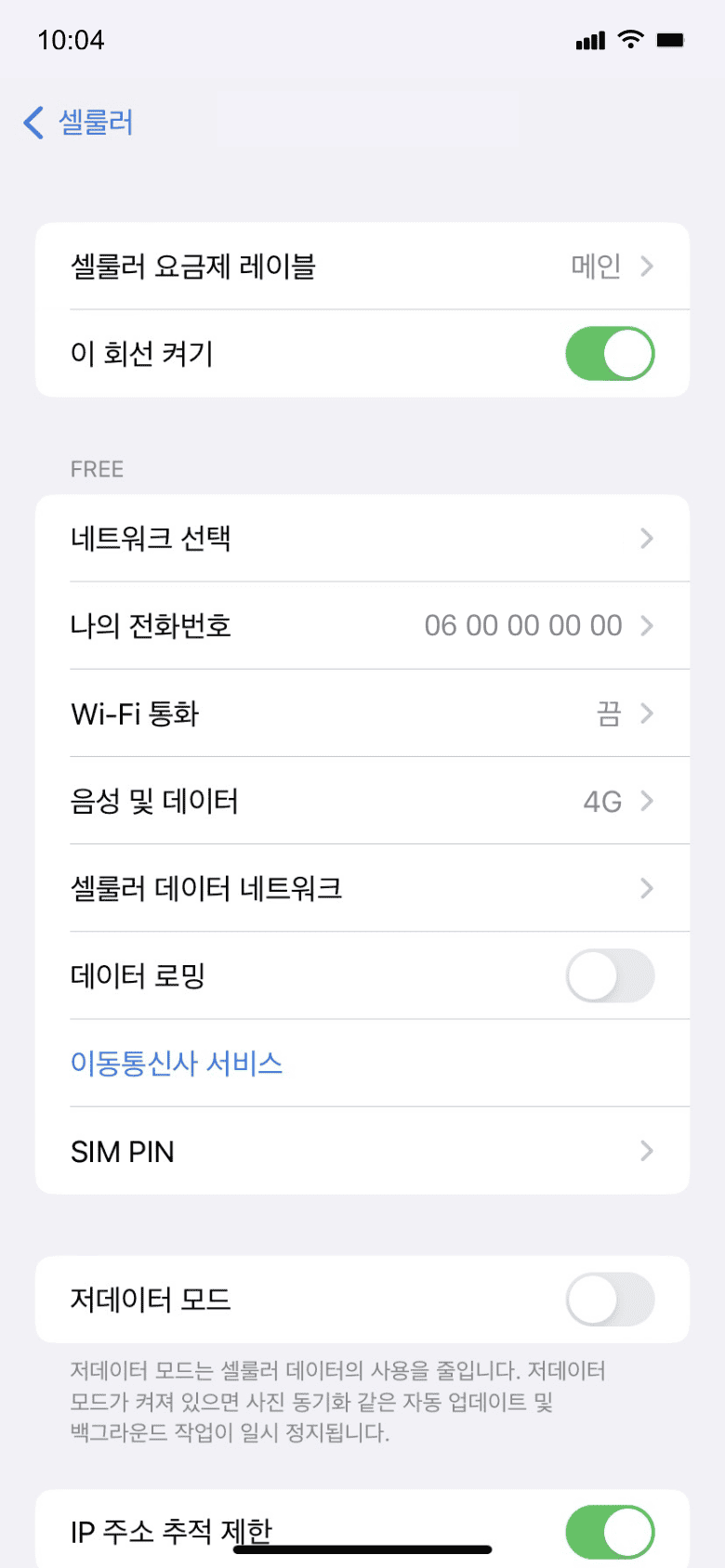
출발 전에 홈 라인의 데이터 로밍이 꺼져 있는지 확인하세요.
도착 시
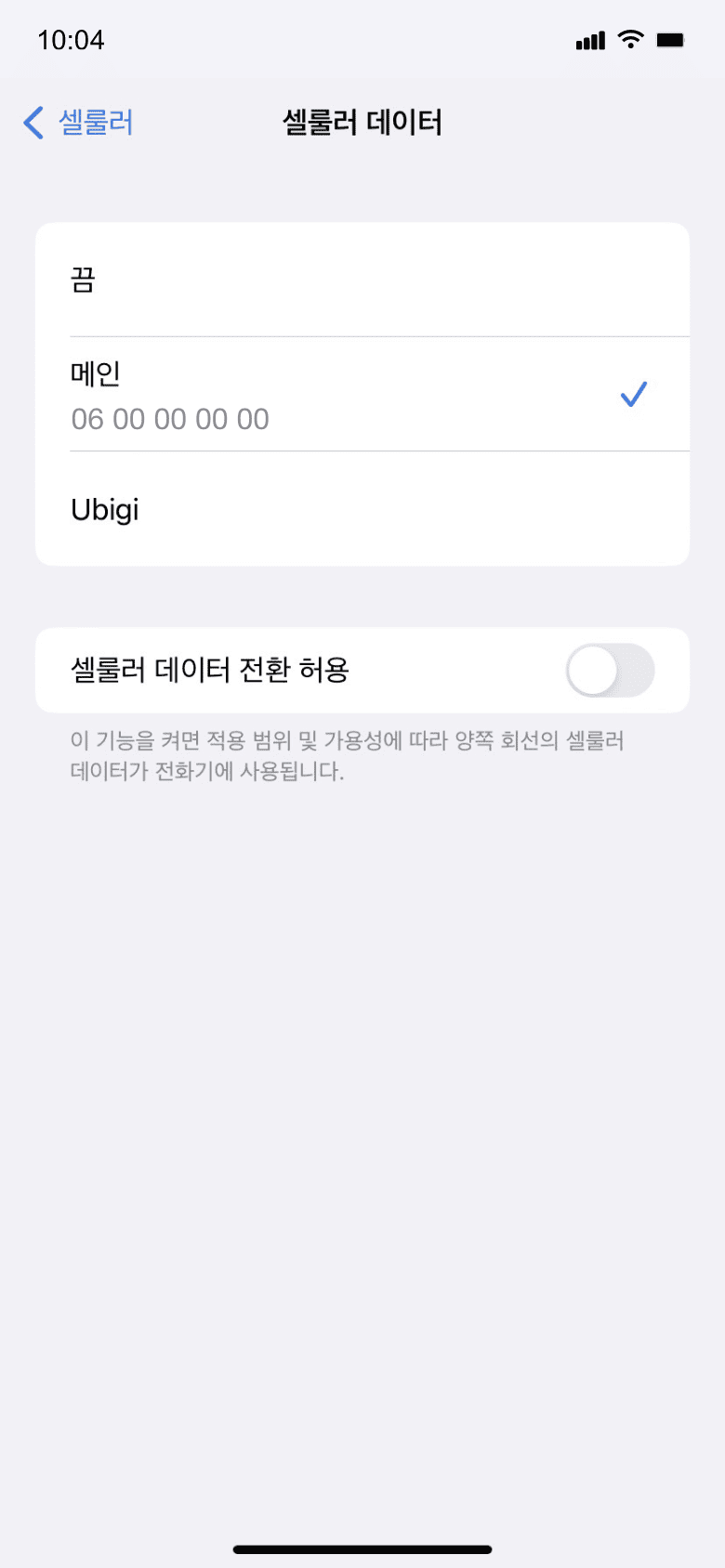
목적지에 도착하면 데이터 사용이 시작됩니다. 셀룰러 데이터에 Ubigi 회선을 사용 중인지 확인하세요.
집에 돌아왔을 때
Ubigi 회선을 끄고 초기 설정으로 돌아가세요.
Ubigi 앱에서 eSIM을 어떻게 충전하나요?
튜토리얼을 확인해보세요:
훌륭해
의 43860개 리뷰를 기준으로
검증됨
검증된 리뷰
이 사용자는 구매자로 확인되었습니다
It was easier than I thought
To all the older technophobic people: this is a trustworthy good value source of data. I had good service all over the UK!
Jansie, 19 Aug 2026
검증됨
검증된 리뷰
이 사용자는 구매자로 확인되었습니다
Very good service.
Very good service.
customer, 19 Aug 2026
검증됨
검증된 리뷰
이 사용자는 구매자로 확인되었습니다
Great experience
Easy to download, setup have had great coverage even on islands of Phuket. Good rates too. Been very happy
Andrew, 19 Aug 2026
검증됨
검증된 리뷰
이 사용자는 구매자로 확인되었습니다
First class service
Realised when I got to Egypt that the normal O2 roaming SIM did not work.
Did some research, and decided on Ubigi, and the whole process was very simple, priced competatively, and seamless.
Had no issues during the weeks stay, and the speed was constant and consistant.
Very happy with the whole thing.
Rick, 19 Aug 2026
검증됨
검증된 리뷰
이 사용자는 구매자로 확인되었습니다
Easy to activate and good data
customer, 19 Aug 2026
검증됨
검증된 리뷰
이 사용자는 구매자로 확인되었습니다
A technically ignorant senior citizen
As a very ignorant senior citizen, it, fortunately, hasn't presented me with any technical obstacles that I have been unable to solve on my own.
customer Jane, 19 Aug 2026
검증됨
검증된 리뷰
이 사용자는 구매자로 확인되었습니다
Easy to download it and i never lost…
Easy to download it and i never lost the connection even though I was in a Countryside
Andria Hadjicosta, 19 Aug 2026
검증됨
검증된 리뷰
이 사용자는 구매자로 확인되었습니다
Perfect
Simple, easy, quality, friendly, good price.
Luigi, 19 Aug 2026
검증됨
검증된 리뷰
이 사용자는 구매자로 확인되었습니다
I can’t connect with you easily.
customer, 19 Aug 2026
검증됨
검증된 리뷰
이 사용자는 구매자로 확인되었습니다
very good!!!
very good!!!
customer, 19 Aug 2026
검증됨
검증된 리뷰
이 사용자는 구매자로 확인되었습니다
Easy to install
Easy to install. Good coverage
customer, 19 Aug 2026
검증됨
검증된 리뷰
이 사용자는 구매자로 확인되었습니다
Great I would highly recommend
Tammy T, 19 Aug 2026
검증됨
검증된 리뷰
이 사용자는 구매자로 확인되었습니다
I was traveling and the service was…
I was traveling and the service was reliable and I never had any hiccups.
Rashmi S, 19 Aug 2026
검증됨
검증된 리뷰
이 사용자는 구매자로 확인되었습니다
Good availability but avg speed
Good availability and price. Sometimes speed is not very good.
Chris Wilpert, 19 Aug 2026
검증됨
검증된 리뷰
이 사용자는 구매자로 확인되었습니다
Awesome
Awesome, best decision that I ever made.
customer, 19 Aug 2026
감사합니다
귀하의 메시지가 전송되었습니다. 곧 답변드리겠습니다.
감사합니다
귀하의 뉴스레터 구독을 고려했습니다.
eSIM 호환성 확인 방법
스마트폰 / 태블릿:
*#06# 입력. → EID 번호가 나오면 eSIM 지원 기기입니다.
Windows 10 / 11:
Windows+I 를 누르세요. “네트워크 및 인터넷”으로 이동하세요 → 셀룰러 네트워크가 보이면 PC가 eSIM을 지원합니다..
통신사 잠금 해제 여부 확인 방법
iPhone / iPad:
설정 > 일반 > 정보로 이동 통신사 잠금 항목까지 스크롤. → “SIM 제한 없음”이 표시되면 기기는 잠금 해제 상태입니다.
Android:
설정 > 네트워크 및 인터넷 > 모바일 네트워크 자동 네트워크 선택을 끄세요. → 여러 네트워크가 보이면 잠금 해제된 기기입니다.