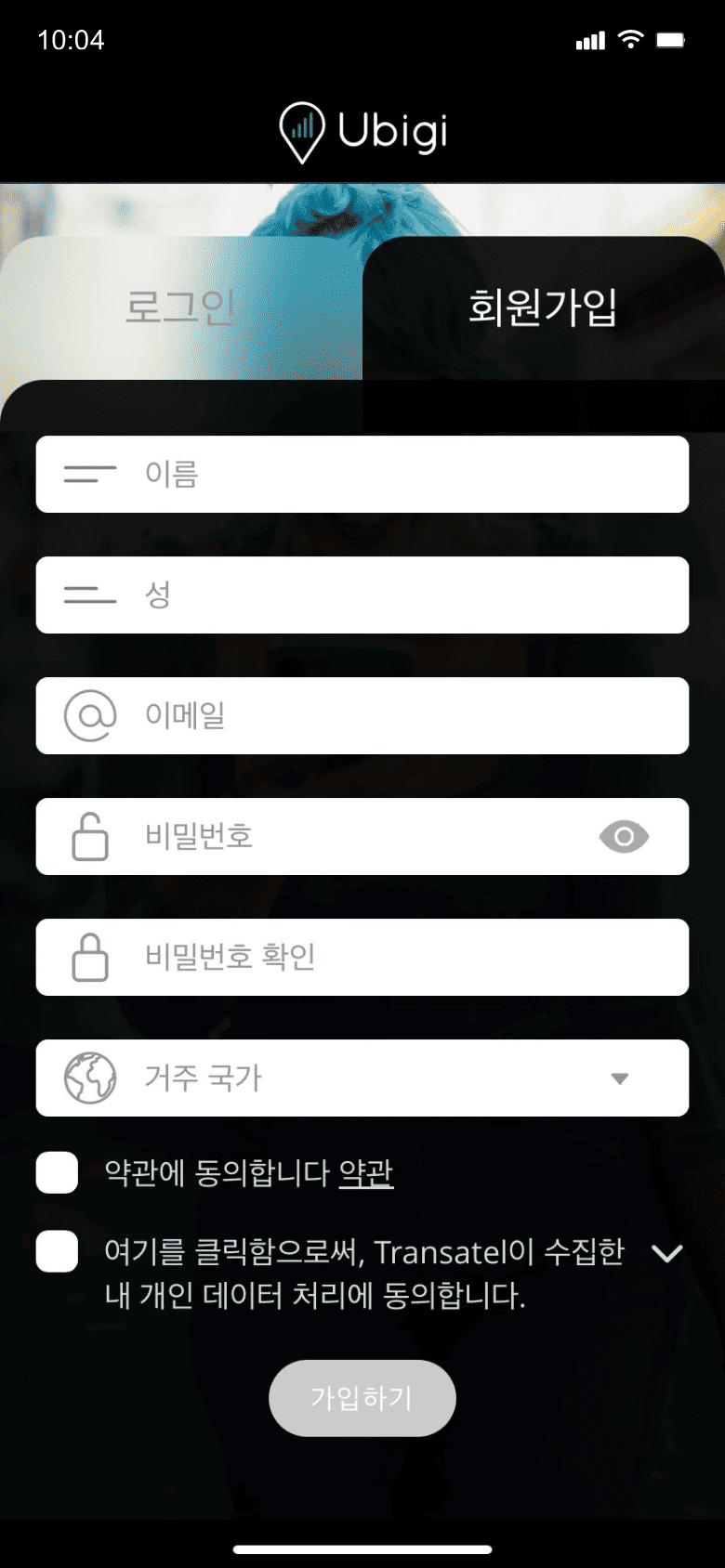
앱을 다운로드하거나 Ubigi.me를 방문하여 실시간으로 데이터를 추적하고 알림을 받고 쉽게 충전하려면 Ubigi에 가입하세요
데이터 요금제를 구매하세요
'새로운 Ubigi eSIM 구매'를 선택하여 데이터 요금제를 받으세요
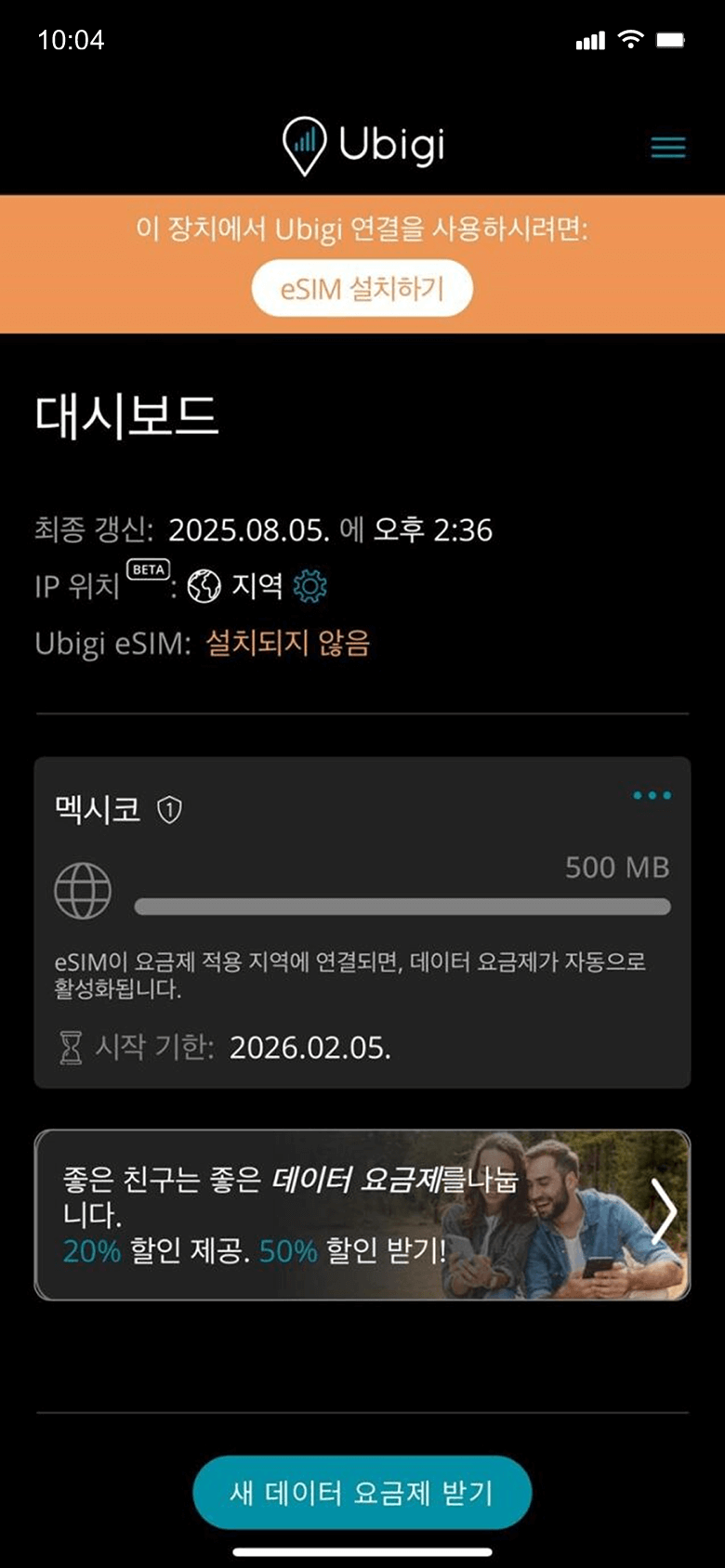
eSIM을 설치하세요
데이터 요금제가 목적지에 도착하면 활성화됩니다
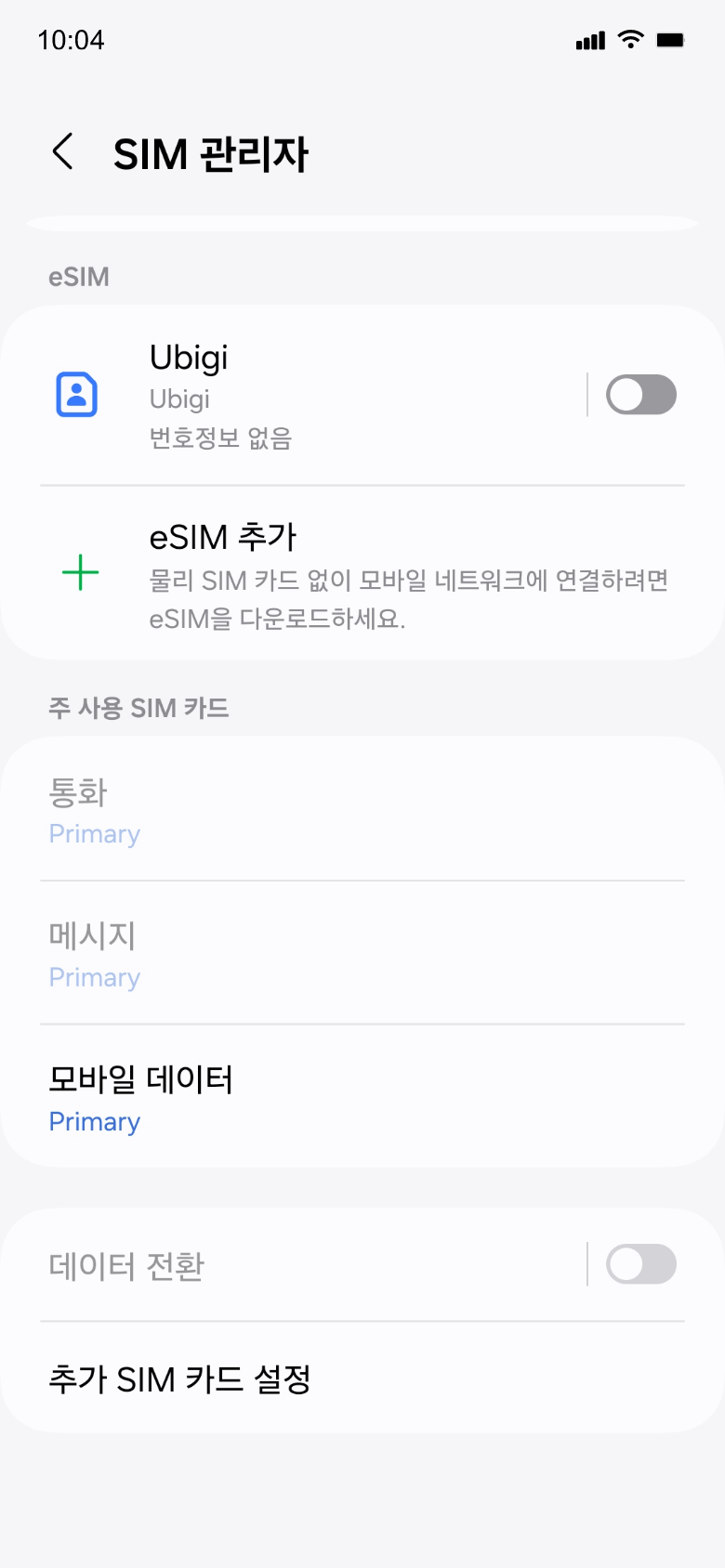
기억해야 할 Android 설정 몇 가지가 있습니다.
출발 전에
여행 전에 Ubigi 회선을 끄고 기본 SIM의 모바일 데이터를 켜두었는지 확인하세요.
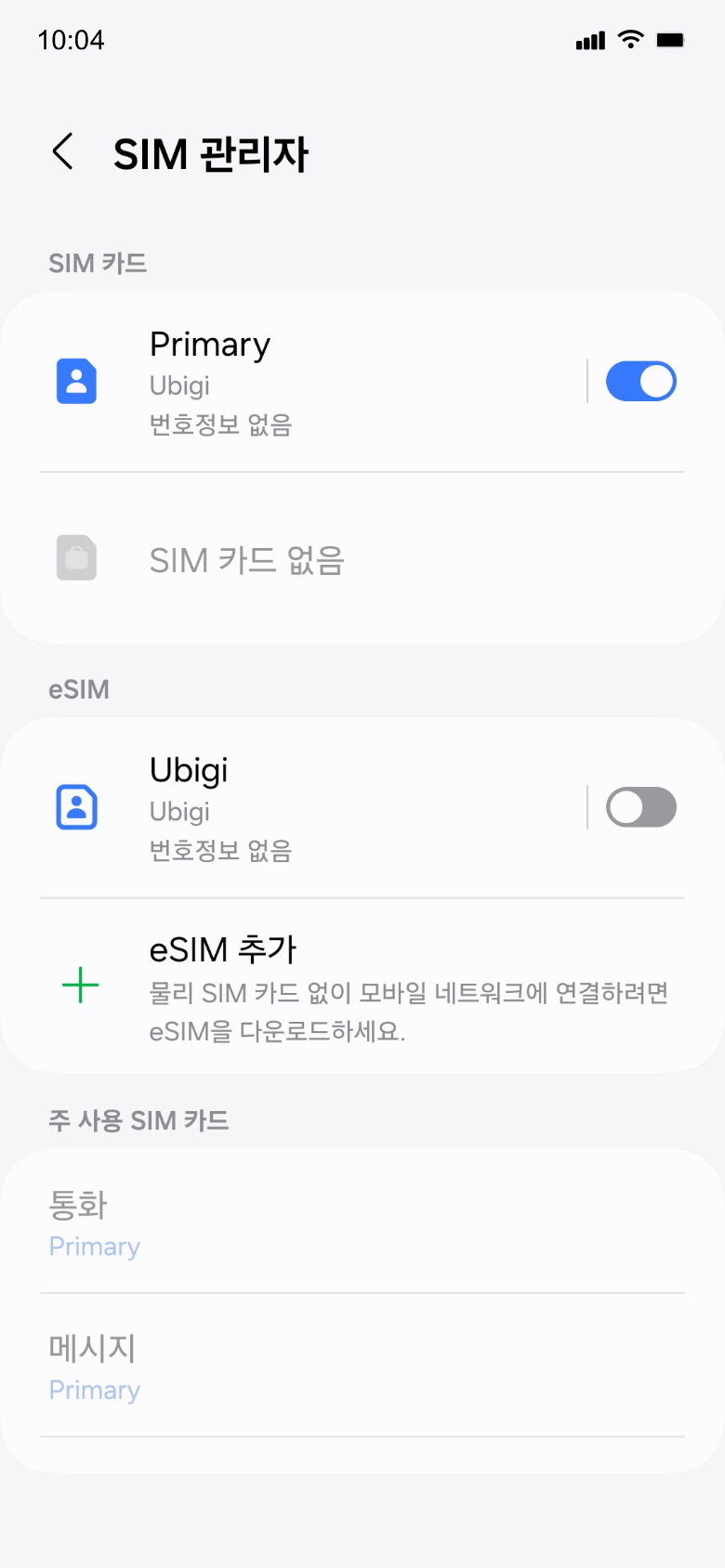
도착 시
목적지에 도착하면 데이터 사용이 시작됩니다. Ubigi 라인을 사용하고 모바일 데이터용 기본 SIM으로 설정했는지 확인하세요.
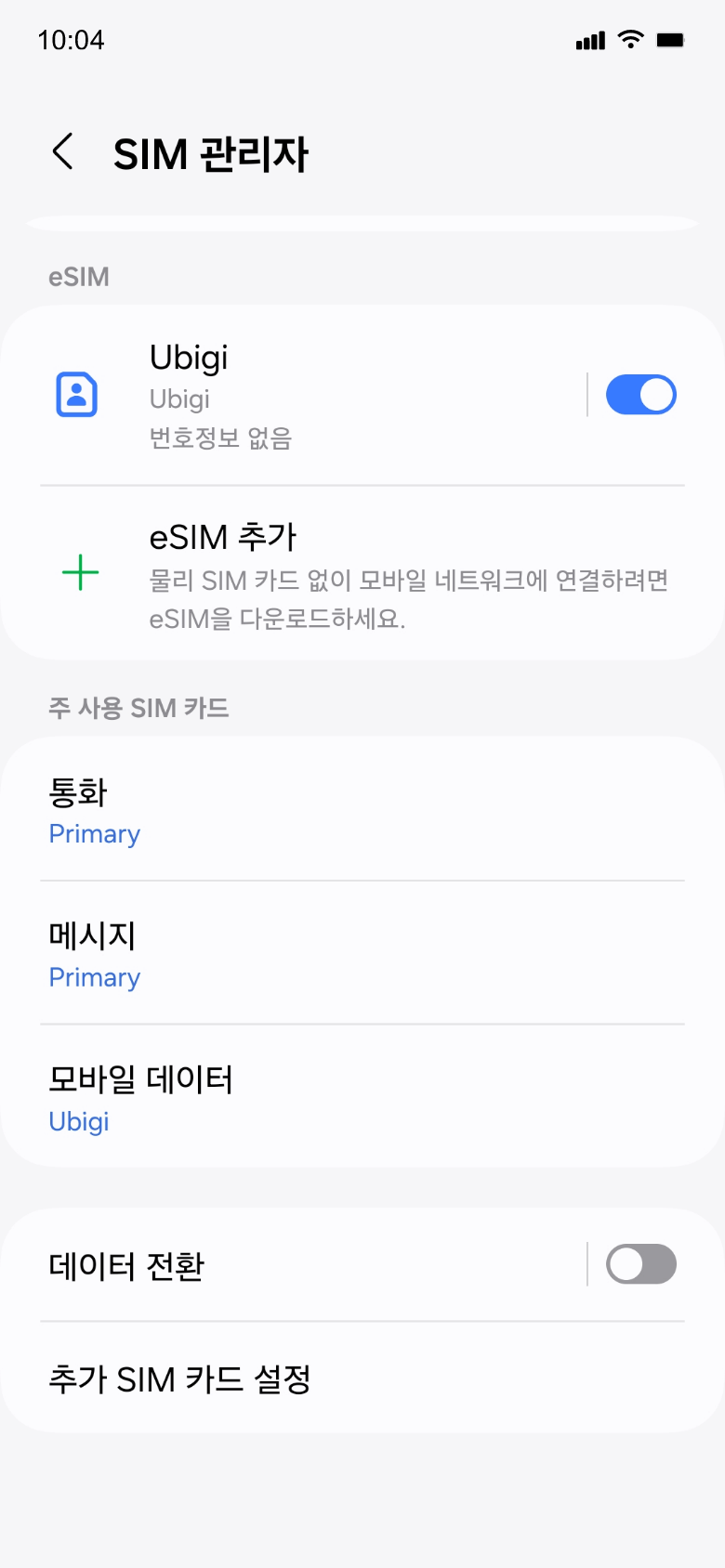
집에 돌아왔을 때
Ubigi 라인을 끄고 초기 설정으로 되돌리세요.
Ubigi 앱에서 eSIM을 어떻게 충전하나요?
튜토리얼을 확인해보세요:
훌륭해
의 45251개 리뷰를 기준으로
검증됨
검증된 리뷰
이 사용자는 구매자로 확인되었습니다
Very Nice 10
Very Nice 10
customer, 07 Sep 2026
검증됨
검증된 리뷰
이 사용자는 구매자로 확인되었습니다
Works as advertised!
customer, 07 Sep 2026
검증됨
검증된 리뷰
이 사용자는 구매자로 확인되었습니다
“Good
“Good, but it can always be better.”
SEVERPLAST GARDNJA SOMBOR, 07 Sep 2026
검증됨
검증된 리뷰
이 사용자는 구매자로 확인되었습니다
Works great
Works great
Phil, 07 Sep 2026
검증됨
검증된 리뷰
이 사용자는 구매자로 확인되었습니다
Great in Dolomites
It was easy to activate upon landing in Germany. Transfers through Austria and Italy were smooth. It worked surprisingly well hiking up in the Dolomites with very few dead spots.
Jeremy, 07 Sep 2026
검증됨
검증된 리뷰
이 사용자는 구매자로 확인되었습니다
I had a connection to the internet all…
I had a connection to the internet all time while I had vacation in Side-Antalya, Turkey.
KarinaK, 07 Sep 2026
검증됨
검증된 리뷰
이 사용자는 구매자로 확인되었습니다
Very happy with this eSIM
Excellent coverage in UK and easy to use app.
customer, 07 Sep 2026
검증됨
검증된 리뷰
이 사용자는 구매자로 확인되었습니다
Easy and very quick to install and use and a good price!
Easy to use and a good price
lisa magnago, 07 Sep 2026
검증됨
검증된 리뷰
이 사용자는 구매자로 확인되었습니다
Very satisfied during my Japan trip
I was amazed at how much coverage and speed I had while in Japan. I stayed for 8 days there. GPS and other apps worked well. I used the subway a lot and even went to Mount Takao for a day which was 2hrs away from where I stayed in Tokyo. Coverage was strong all the way to the peak!
Alison, 07 Sep 2026
검증됨
검증된 리뷰
이 사용자는 구매자로 확인되었습니다
Works as described and expected but…
Works as described and expected but instructions were not always clear about how to activate it and also how to set up the regular provider to avoid conflicts and potential surcharges
customer, 07 Sep 2026
검증됨
검증된 리뷰
이 사용자는 구매자로 확인되었습니다
Very good!
Excellent!
André Zapelini, 07 Sep 2026
검증됨
검증된 리뷰
이 사용자는 구매자로 확인되었습니다
I had many issues at the beginning related to glitches with the application but after a bit of assistance from helpline i t worked. …
I had many issues at the beginning including glitches with the application. It did not show the button to install, then I needed to get help to get the bar code. Once set up I did not connect wuth the internet once I arrived in France and needed to reinstall everything and get the bar code again, the it worked. I did not have cellular data for the first 36 hours of my trip.
Lola, 07 Sep 2026
검증됨
검증된 리뷰
이 사용자는 구매자로 확인되었습니다
Never tried an esim foe travel before…
Never tried an esim for travel before but Ubigi made it and easy and affordable. I will never travel without Ubigi! Experienced 5G for most all my travels. Surprised I still had connection while on the cruise ship. You must try this service!
CM, 07 Sep 2026
검증됨
검증된 리뷰
이 사용자는 구매자로 확인되었습니다
Easy on every level!
Easy to buy, install and it kicked in immediately. Great cover so far!
Greg, 07 Sep 2026
검증됨
검증된 리뷰
이 사용자는 구매자로 확인되었습니다
Perfect service
Perfect service
customer, 07 Sep 2026
감사합니다
귀하의 메시지가 전송되었습니다. 곧 답변드리겠습니다.
감사합니다
귀하의 뉴스레터 구독을 고려했습니다.
eSIM 호환성 확인 방법
스마트폰 / 태블릿:
*#06# 입력. → EID 번호가 나오면 eSIM 지원 기기입니다.
Windows 10 / 11:
Windows+I 를 누르세요. “네트워크 및 인터넷”으로 이동하세요 → 셀룰러 네트워크가 보이면 PC가 eSIM을 지원합니다..
통신사 잠금 해제 여부 확인 방법
iPhone / iPad:
설정 > 일반 > 정보로 이동 통신사 잠금 항목까지 스크롤. → “SIM 제한 없음”이 표시되면 기기는 잠금 해제 상태입니다.
Android:
설정 > 네트워크 및 인터넷 > 모바일 네트워크 자동 네트워크 선택을 끄세요. → 여러 네트워크가 보이면 잠금 해제된 기기입니다.