Manu-manong mag-install ng Ubigi eSIM sa iyong laptop gamit ang QR code
Bumili ng data plan
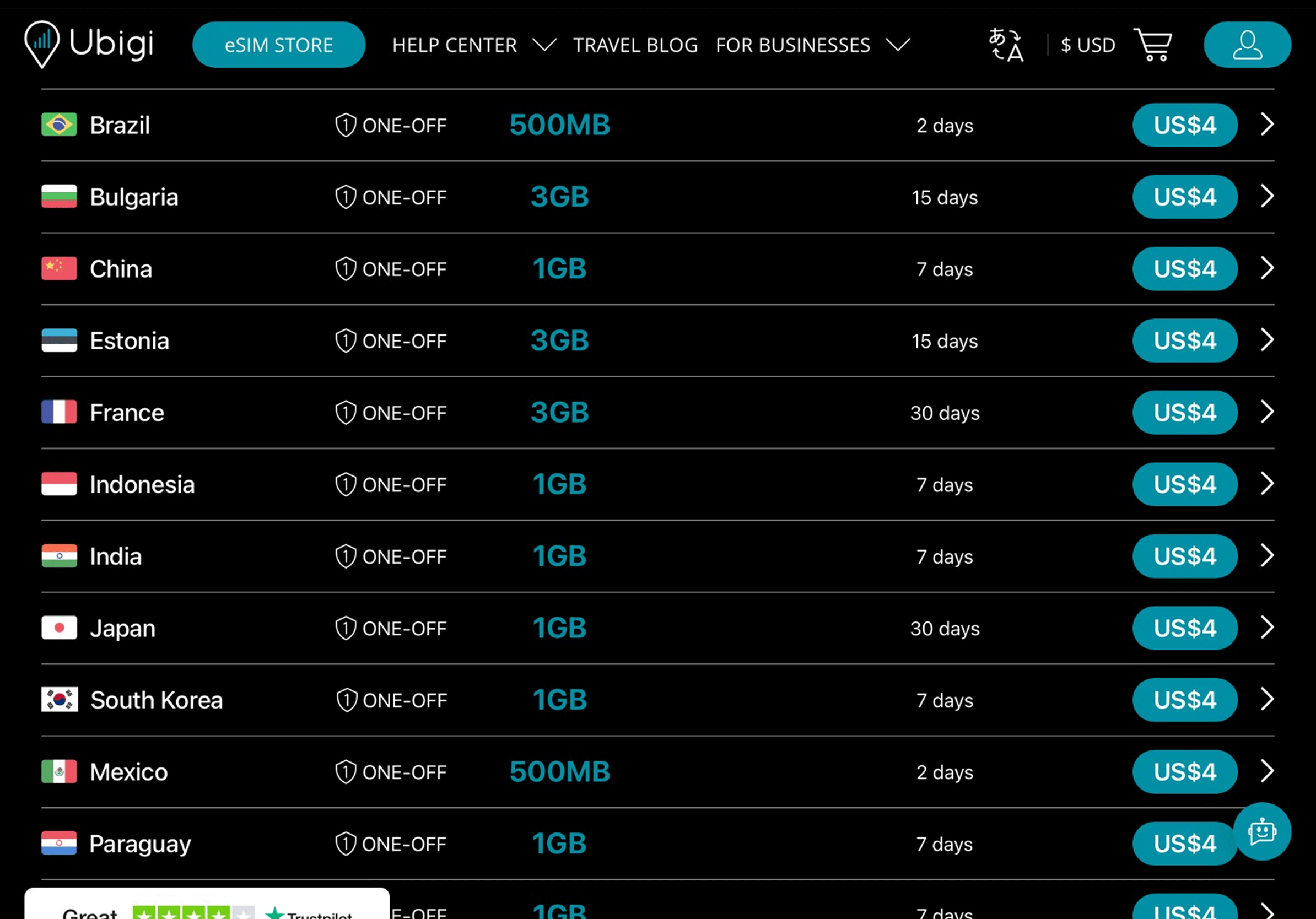
Piliin ang iyong destinasyon at bumili ng data plan mula sa aming katalogo.
I-install ang iyong eSIM
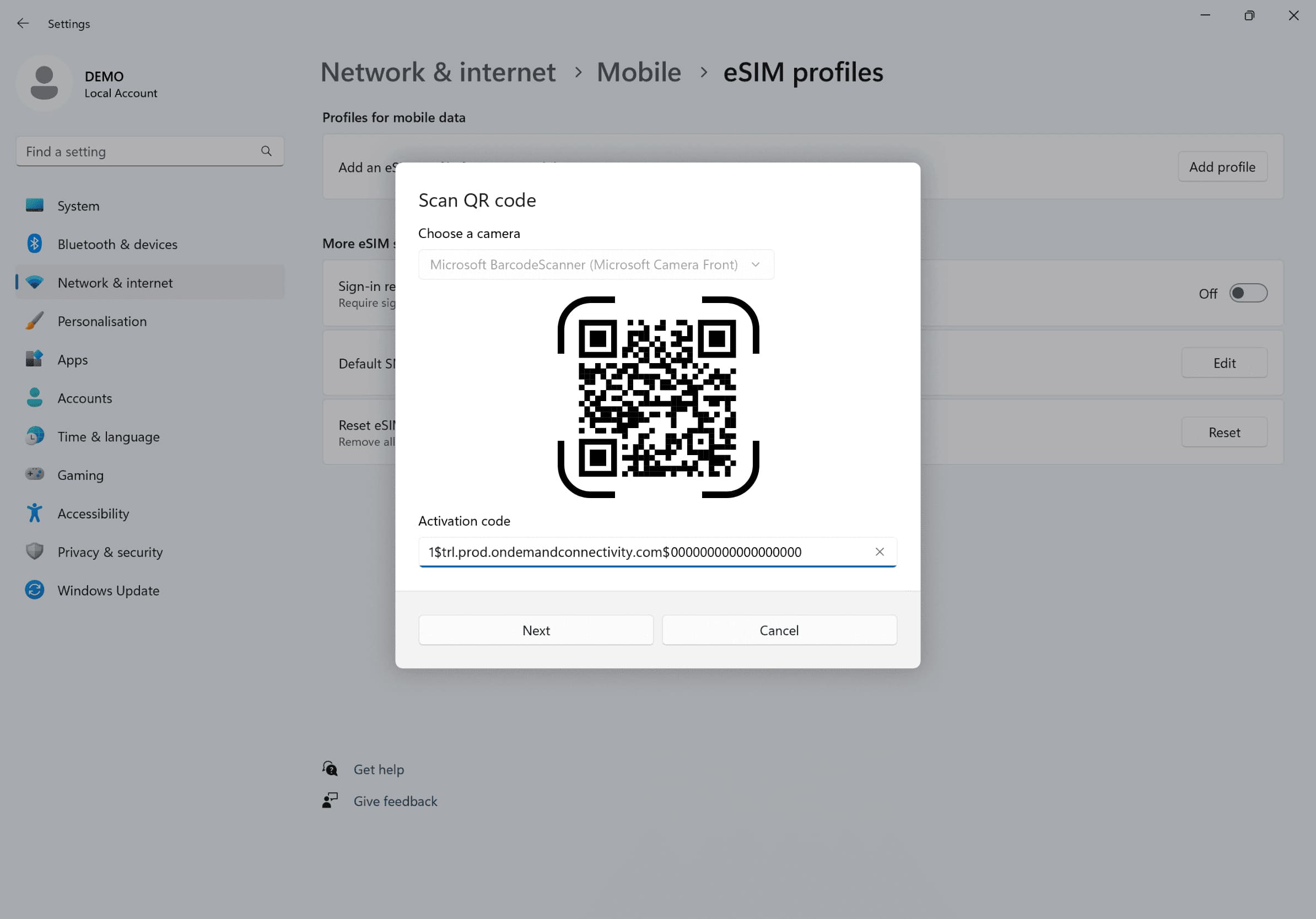
Pumunta sa iyong Mga Setting ng Network, i-click ang Cellular, pagkatapos ay i-click ang Magdagdag ng Profile at ilagay ang activation code na natanggap sa pamamagitan ng email.
Gumawa ng iyong account
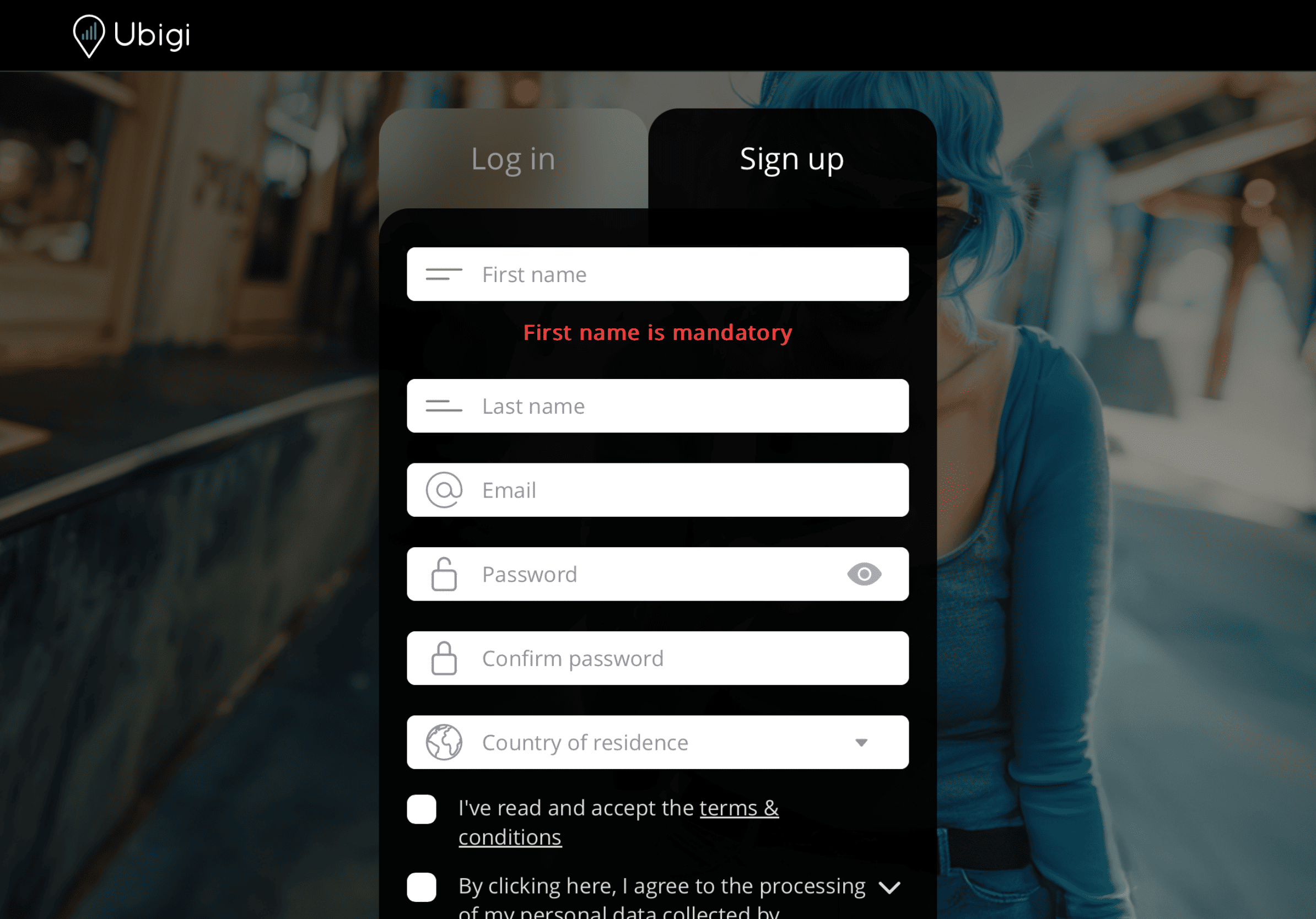
Mag-sign up sa Ubigi sa Ubigi.me para masubaybayan ang iyong data nang real time, makatanggap ng mga alert notification, at mag-top up nang madali.
Narito ang ilang mga setup ng laptop na kailangan mong tandaan na gawin.
Bago umalis
I-install ang iyong eSIM at siguraduhing naka-disconnect mula sa Cellular Data.
Pagdating
Buksan ang iyong Cellular Data upang makakonekta ang iyong eSIM sa destinasyon.
Bumalik na sa bahay
Patayin ang iyong Cellular Data at ibalik ang karaniwang mga setting.
Paano mag-top up ng iyong eSIM sa Ubigi app?
Tingnan ang tutorial:
Magaling
Batay sa 46579 na mga pagsusuri sur
Na-verify
Na-verify na review
Ang user na ito ay kinilala bilang mamimili.
It ıs very useful
It was easy to set up on my mobile phone and I didn't have any problem during to use it.
Beria Rodwell, 25 Sep 2026
Na-verify
Na-verify na review
Ang user na ito ay kinilala bilang mamimili.
Amazing 5G and service
Amazing 5G and service
customer, 25 Sep 2026
Na-verify
Na-verify na review
Ang user na ito ay kinilala bilang mamimili.
It was simple
It was simple, good, and inexpensive.
customer, 25 Sep 2026
Na-verify
Na-verify na review
Ang user na ito ay kinilala bilang mamimili.
Easy to use reasonable price
Easy to use reasonable price
Allison Child Wheatley, 25 Sep 2026
Na-verify
Na-verify na review
Ang user na ito ay kinilala bilang mamimili.
I used Ubigi during my trip to Japan…
I used Ubigi during my trip to Japan and had an excellent experience. The eSIM was easy to install, activation was seamless, and I had reliable high-speed data throughout my stay. Coverage was excellent in major cities as well as during train travel. It made staying connected completely hassle-free. Highly recommended for travelers visiting Japan.
customer, 25 Sep 2026
Na-verify
Na-verify na review
Ang user na ito ay kinilala bilang mamimili.
Service was very good everywhere I went…
Service was very good everywhere I went in Tokyo, Kyoto and Osaka.
James Robson, 25 Sep 2026
Na-verify
Na-verify na review
Ang user na ito ay kinilala bilang mamimili.
It was really easy to install and use…
It was really easy to install and use and worked exactly as it said it would. Highly recommended.
Noel customer, 25 Sep 2026
Na-verify
Na-verify na review
Ang user na ito ay kinilala bilang mamimili.
Easy to use
Easy to use. Working without problems.
Anna, 24 Sep 2026
Na-verify
Na-verify na review
Ang user na ito ay kinilala bilang mamimili.
No problems with connection from…
No problems with connection from country to country in Europe. Awesome
Auds, 24 Sep 2026
Na-verify
Na-verify na review
Ang user na ito ay kinilala bilang mamimili.
no problems with ubigi in thailand
no problems - whatsoever.
activating the e-sim on arrival worked fine.
quality of connection was fine.
i had a package for thailand.
even recharging during the stay made no difficulties at all.
will use it again, when i am outside "my hemisphere"
old Folkie, 24 Sep 2026
Na-verify
Na-verify na review
Ang user na ito ay kinilala bilang mamimili.
Nice data plan
Data activated automatically and works as intended.
MasterixG, 24 Sep 2026
Na-verify
Na-verify na review
Ang user na ito ay kinilala bilang mamimili.
The car was better than expected
The car was better than expected.
Great service.
Maria Paz, 24 Sep 2026
Na-verify
Na-verify na review
Ang user na ito ay kinilala bilang mamimili.
Easy install
Easy install. Everything worked perfectly first time. Thanks
customer, 24 Sep 2026
Na-verify
Na-verify na review
Ang user na ito ay kinilala bilang mamimili.
The service was better than my local…
The service was better than my local provider in the US. It didn’t disappoint. Fast 5G speed. Will use again.
customer, 24 Sep 2026
Na-verify
Na-verify na review
Ang user na ito ay kinilala bilang mamimili.
Easy to use
Easy to use, good value for money and works perfectly 👍
Sue Renforth, 24 Sep 2026
Salamat
Naipadala na ang iyong mensahe. Makikipag-ugnayan kami sa iyo sa lalong madaling panahon.
Salamat
Isinasaalang-alang na namin ang iyong pag-subscribe sa newsletter.
Palitan ng bagong plano
Mga smartphone/mga tablet:
I-dial ang *#06#. → Kung lumitaw ang isang EID na numero, eSIM-compatible ang iyong aparato.
Windows 10 / 11:
Pindutin ang Windows+I. Pumunta sa "Network at Internet" → Kung nakikita mo ang "Cellular", eSIM-compatible ang iyong PC.
Paano suriin ang pag-unlock ng carrier
iPhone / iPad:
Pumunta sa Mga Setting > Pangkalahatan > Tungkol sa Mag-scroll sa Carrier Lock. → Kung makikita mo ang Walang mga paghihigpit sa SIM, naka-unlock ang iyong aparato.
Android:
Pumunta sa Mga Setting > Network at Internet > Mobile network. I-disable ang Awtomatikong pagpili ng network. → Kung lumalabas ang maraming network, naka-unlock ang iyong device.
Mayroon ka nang eSIM sa iyong cart.
Bawat order ay maaari lamang maglaman ng isang eSIM data plan.
Kung pipiliin mong magdagdag ng bago, matatanggal ang kasalukuyang plano. Ano ang nais mong gawin?