Manu-manong mag-install ng Ubigi eSIM sa iyong laptop gamit ang QR code
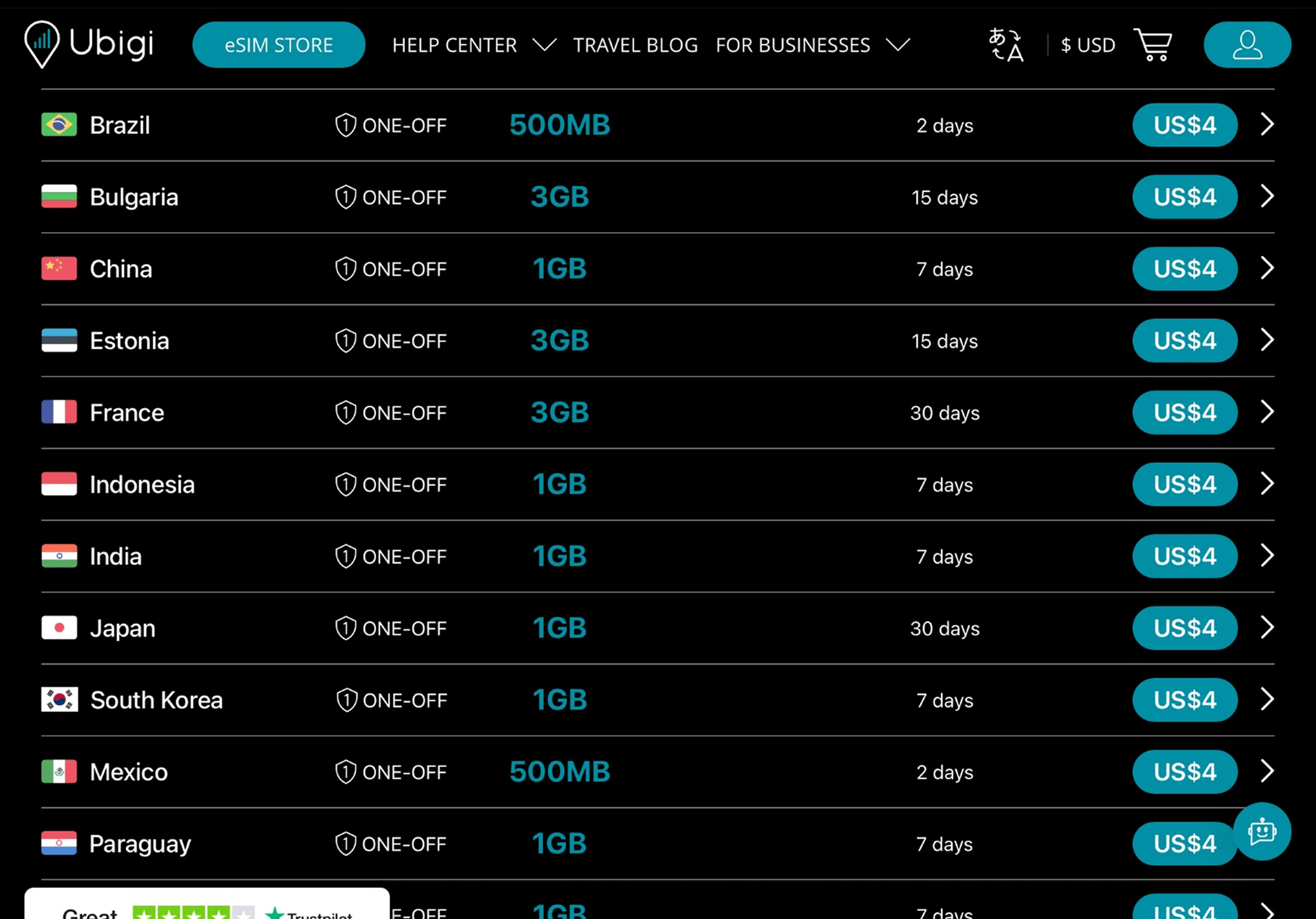
Bumili ng data plan
Piliin ang iyong destinasyon at bumili ng data plan mula sa aming katalogo.
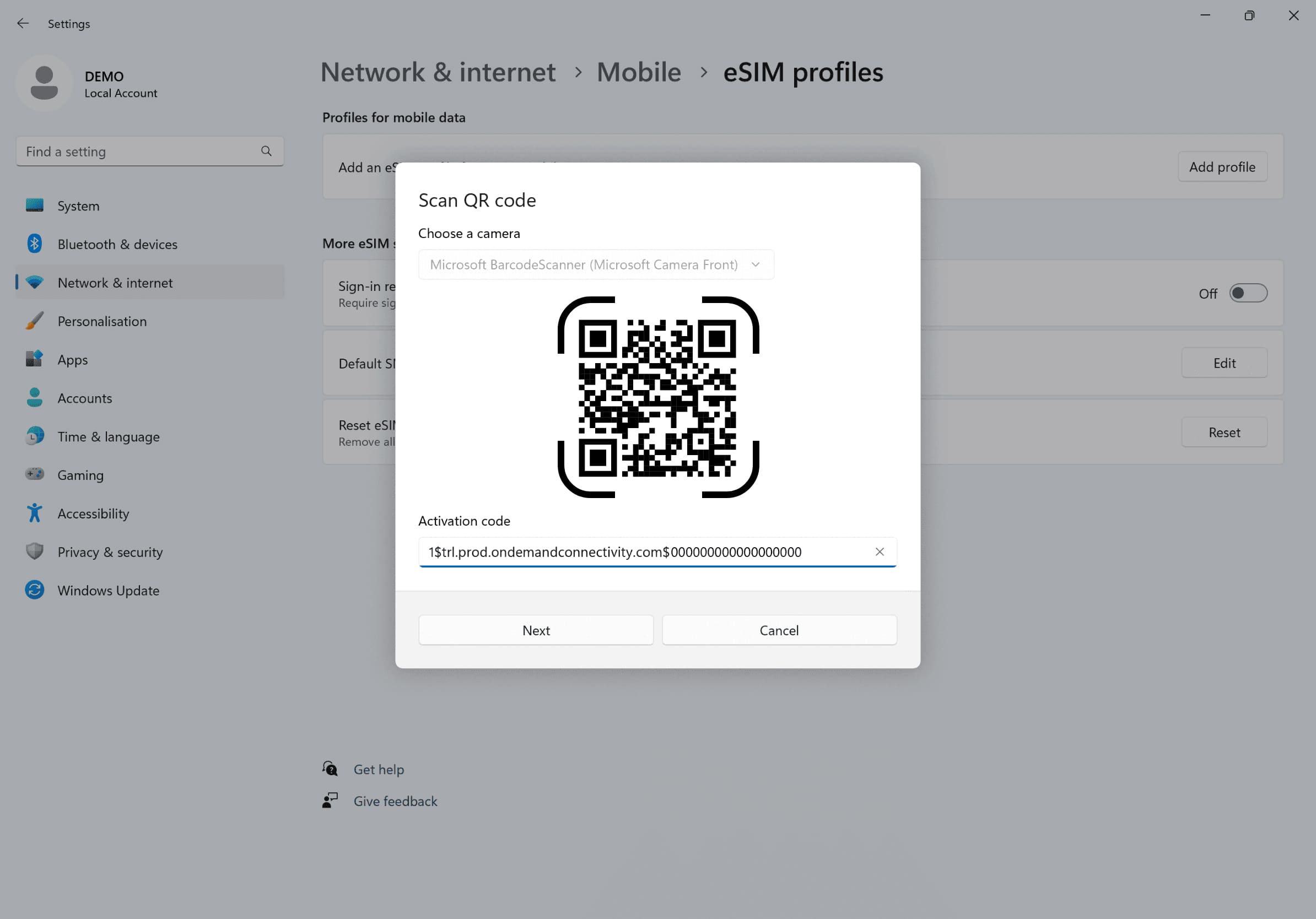
I-install ang iyong eSIM
Pumunta sa iyong Mga Setting ng Network, i-click ang Cellular, pagkatapos ay i-click ang Magdagdag ng Profile at ilagay ang activation code na natanggap sa pamamagitan ng email.
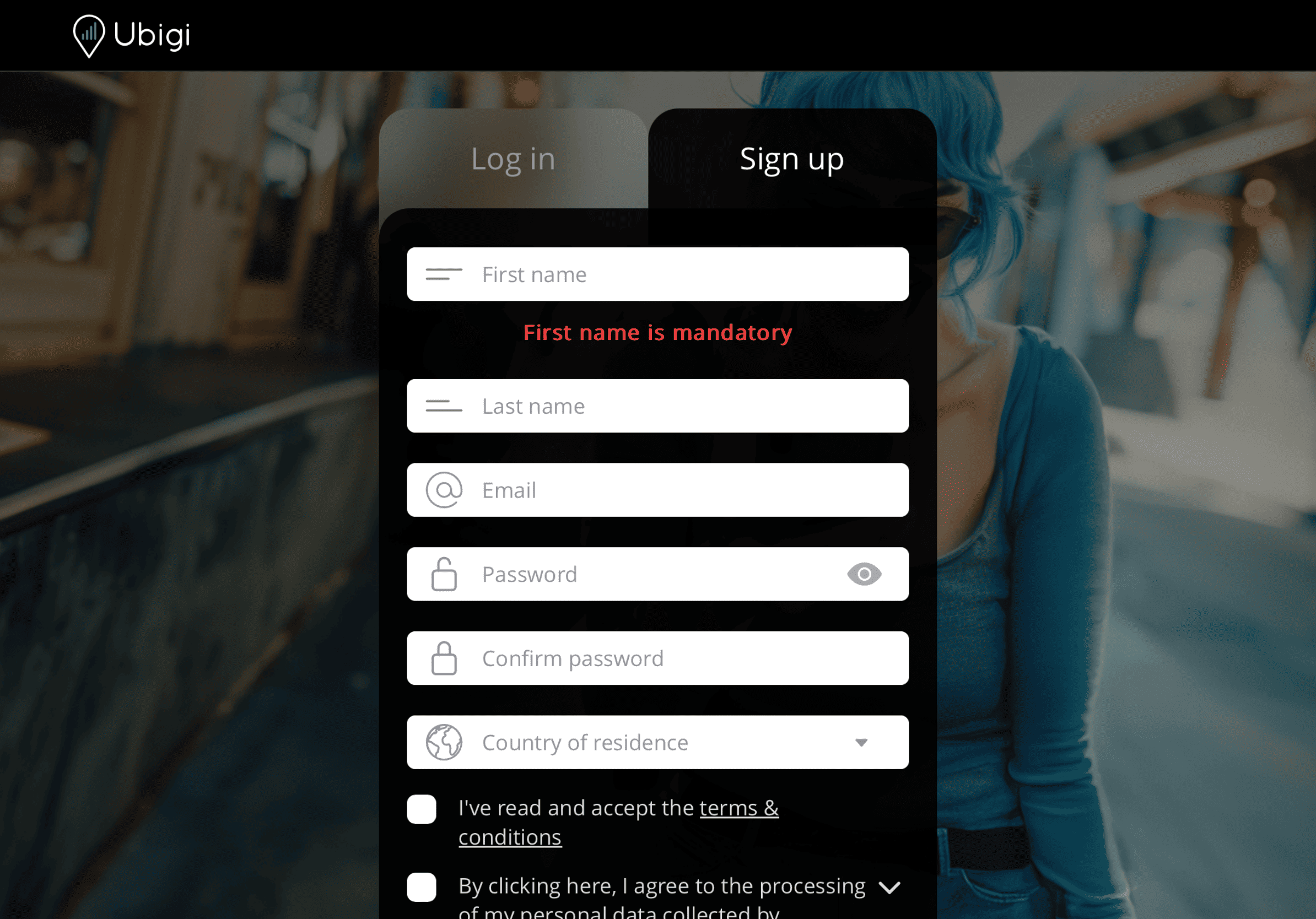
Gumawa ng iyong account
Mag-sign up sa Ubigi sa Ubigi.me para masubaybayan ang iyong data nang real time, makatanggap ng mga alert notification, at mag-top up nang madali.
Narito ang ilang mga setup ng laptop na kailangan mong tandaan na gawin.
Bago umalis
I-install ang iyong eSIM at siguraduhing naka-disconnect mula sa Cellular Data.
Pagdating
Buksan ang iyong Cellular Data upang makakonekta ang iyong eSIM sa destinasyon.
Bumalik na sa bahay
Patayin ang iyong Cellular Data at ibalik ang karaniwang mga setting.
Paano mag-top up ng iyong eSIM sa Ubigi app?
Tingnan ang tutorial:
Magaling
Batay sa 53297 na mga pagsusuri sur
Na-verify
Na-verify na review
Ang user na ito ay kinilala bilang mamimili.
Worked well when we went to Japan
Worked well when we went to Japan
Tessa-Australia,
29 Nov 2026
Na-verify
Na-verify na review
Ang user na ito ay kinilala bilang mamimili.
Access confortable internet
Access confortable internet
The posibilities to have Internet access during the trip in Philipine in diferent location, espeacially in place visited Boracay, El Nido. Puerto Princesa !
In the tours which we reserved far from the Islands we used very easily the nerwork UBIGI
So transfers of data and pictures are in real time or litle delays
Also we use all time day and night in hotels restaurants shutlle etc we still used in Manila so mor than two weeks it worked for us
Elena Porumb,
29 Nov 2026
Na-verify
Na-verify na review
Ang user na ito ay kinilala bilang mamimili.
Bought the esim on the plane and it…
Bought the esim on the plane and it worked super easily no prob. Will use again
customer,
29 Nov 2026
Na-verify
Na-verify na review
Ang user na ito ay kinilala bilang mamimili.
Switching between countrys
easy to use and switching between country's while on holidays helps but not know if you needed a specific addition plan for every separate country would help - info a little hard t find on the Q&A.. but am so happy with it
Russell M - NZ,
29 Nov 2026
Na-verify
Na-verify na review
Ang user na ito ay kinilala bilang mamimili.
PREPARE FOR SELF-GUIDED INSTALLATION
Solid, reliable service throughout all of my time travelling. Docking one star since the app said that the activation process would be guided by the app (with instructions) once my destination was reached and it was not. I'm not tech savvy and had to travel through customs, which required continuous internet usage, in order to get through successfully. Had no cell service until I made it all the way to my hotel and googled how to install using hotel wifi. Could have left me in a very bad and unsafe spot had I not been with a friend who had international cell service.
melstac,
29 Nov 2026
Na-verify
Na-verify na review
Ang user na ito ay kinilala bilang mamimili.
Highly recommended!
Works as advertised and was easy to setup. Very competitive prices!
Connection and speed was spotty at times in highly dense areas or underground.
Final score: 4.5 rounded to 5/5
Dolanaar,
29 Nov 2026
Na-verify
Na-verify na review
Ang user na ito ay kinilala bilang mamimili.
Easy and convenient
Easy to purchase and set up eSIM. Coverage was great around Ōsaka and Tokyo. Made a mistake with a purchase and refund was easy and quick. My only complaint was that even though I had signal, my phone constantly showed 0 bars. My wife’s phone didn’t have this issue, so I’m not sure what the problem was.
Ted,
29 Nov 2026
Na-verify
Na-verify na review
Ang user na ito ay kinilala bilang mamimili.
Very easy installation
Very easy installation. Excellent coverage in mountain region of Hakone.
customer from N America,
29 Nov 2026
Na-verify
Na-verify na review
Ang user na ito ay kinilala bilang mamimili.
Easy to use and set up and also good to…
Easy to use and set up and also good to see my usage in real time good connections when it and about in Morocco on trips even in the desert
Leroy Walker,
29 Nov 2026
Na-verify
Na-verify na review
Ang user na ito ay kinilala bilang mamimili.
Great coverage and speed
Great coverage and speed. Tethering was also useful when WiFi wasn't available.
customer,
29 Nov 2026
Na-verify
Na-verify na review
Ang user na ito ay kinilala bilang mamimili.
Good uninterrupted coverage
Good uninterrupted coverage
Vanita,
29 Nov 2026
Na-verify
Na-verify na review
Ang user na ito ay kinilala bilang mamimili.
Quality and Honest
Quality and Honest
Addition Gusto,
29 Nov 2026
Na-verify
Na-verify na review
Ang user na ito ay kinilala bilang mamimili.
Great coverage
Their coverage was awesome and it was so easy to install & use.
Francine Genna Cruz Quidachay,
29 Nov 2026
Na-verify
Na-verify na review
Ang user na ito ay kinilala bilang mamimili.
Easy straightforward connection
Easy straightforward connection
Peter Marengo,
29 Nov 2026
Na-verify
Na-verify na review
Ang user na ito ay kinilala bilang mamimili.
Always delivered
Always delivered. Had great reception while driving through out Thailand.
Stephen Dennis,
29 Nov 2026
Salamat
Naipadala na ang iyong mensahe. Makikipag-ugnayan kami sa iyo sa lalong madaling panahon.
Salamat
Isinasaalang-alang na namin ang iyong pag-subscribe sa newsletter.
Palitan ng bagong plano
Mga smartphone/mga tablet:
I-dial ang *#06#. → Kung lumitaw ang isang EID na numero, eSIM-compatible ang iyong aparato.
Windows 10 / 11:
Pindutin ang Windows+I. Pumunta sa "Network at Internet" → Kung nakikita mo ang "Cellular", eSIM-compatible ang iyong PC.
Paano suriin ang pag-unlock ng carrier
iPhone / iPad:
Pumunta sa Mga Setting > Pangkalahatan > Tungkol sa Mag-scroll sa Carrier Lock. → Kung makikita mo ang Walang mga paghihigpit sa SIM, naka-unlock ang iyong aparato.
Android:
Pumunta sa Mga Setting > Network at Internet > Mobile network. I-disable ang Awtomatikong pagpili ng network. → Kung lumalabas ang maraming network, naka-unlock ang iyong device.