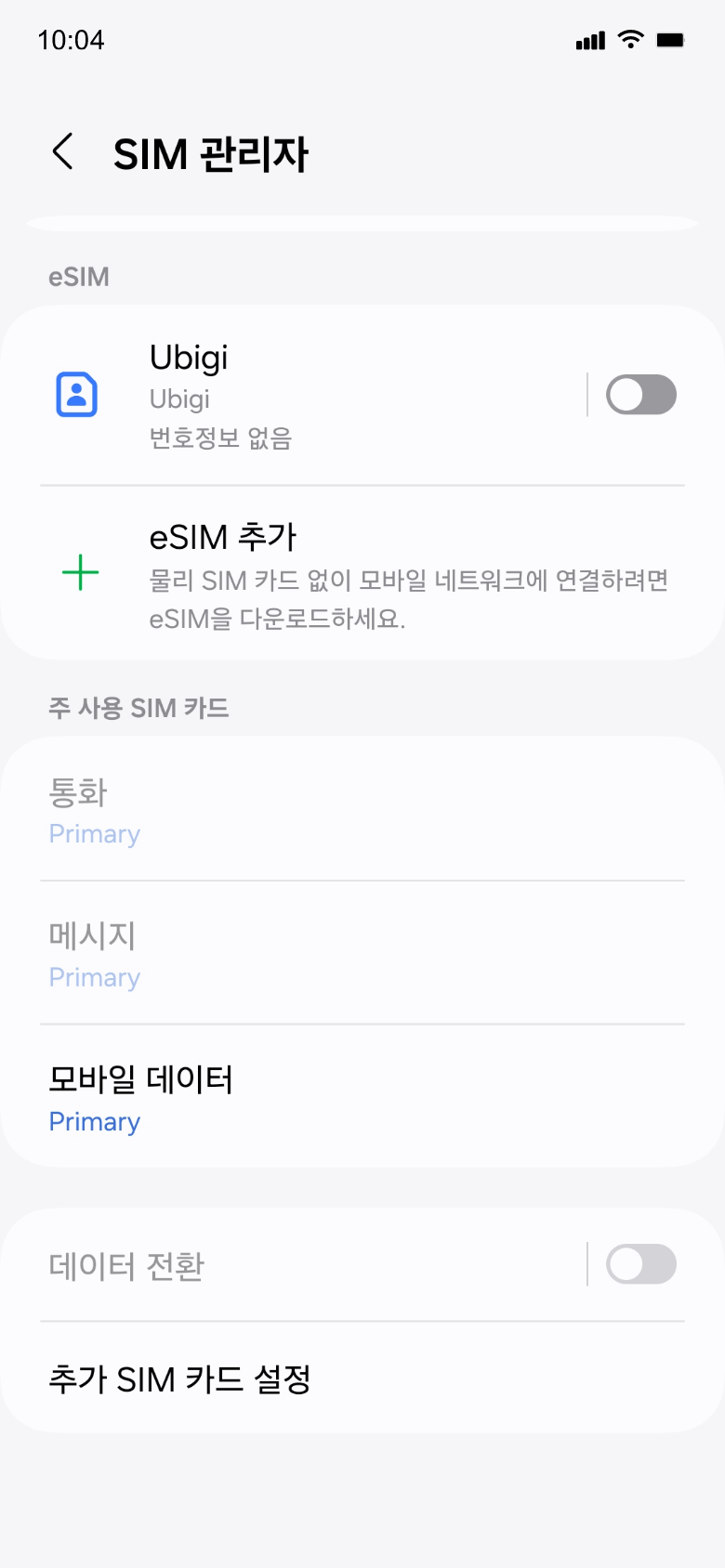
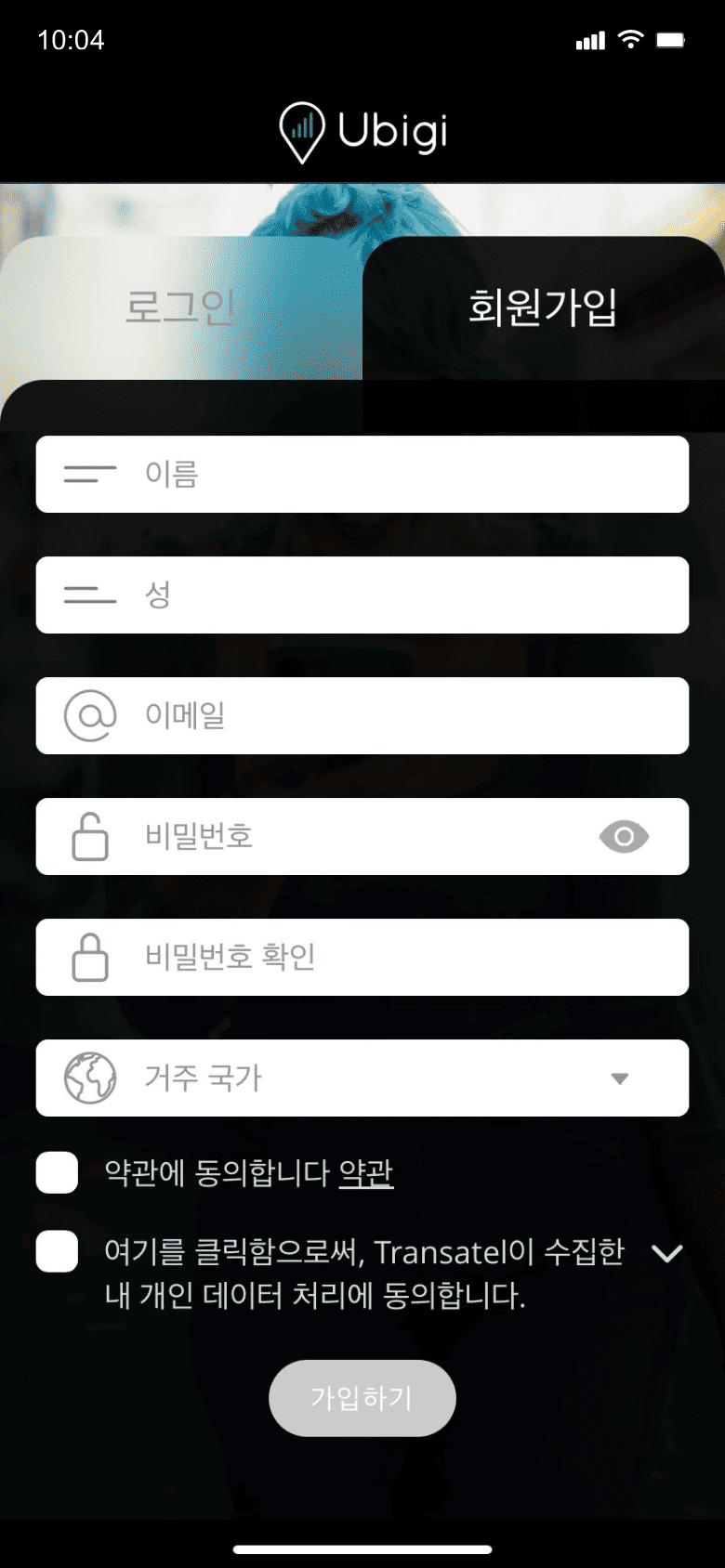
앱을 다운로드하거나 Ubigi.me를 방문하여 실시간으로 데이터를 추적하고 알림을 받고 쉽게 충전하려면 Ubigi에 가입하세요
데이터 요금제를 구매하세요
'새로운 Ubigi eSIM 구매'를 선택하여 데이터 요금제를 받으세요
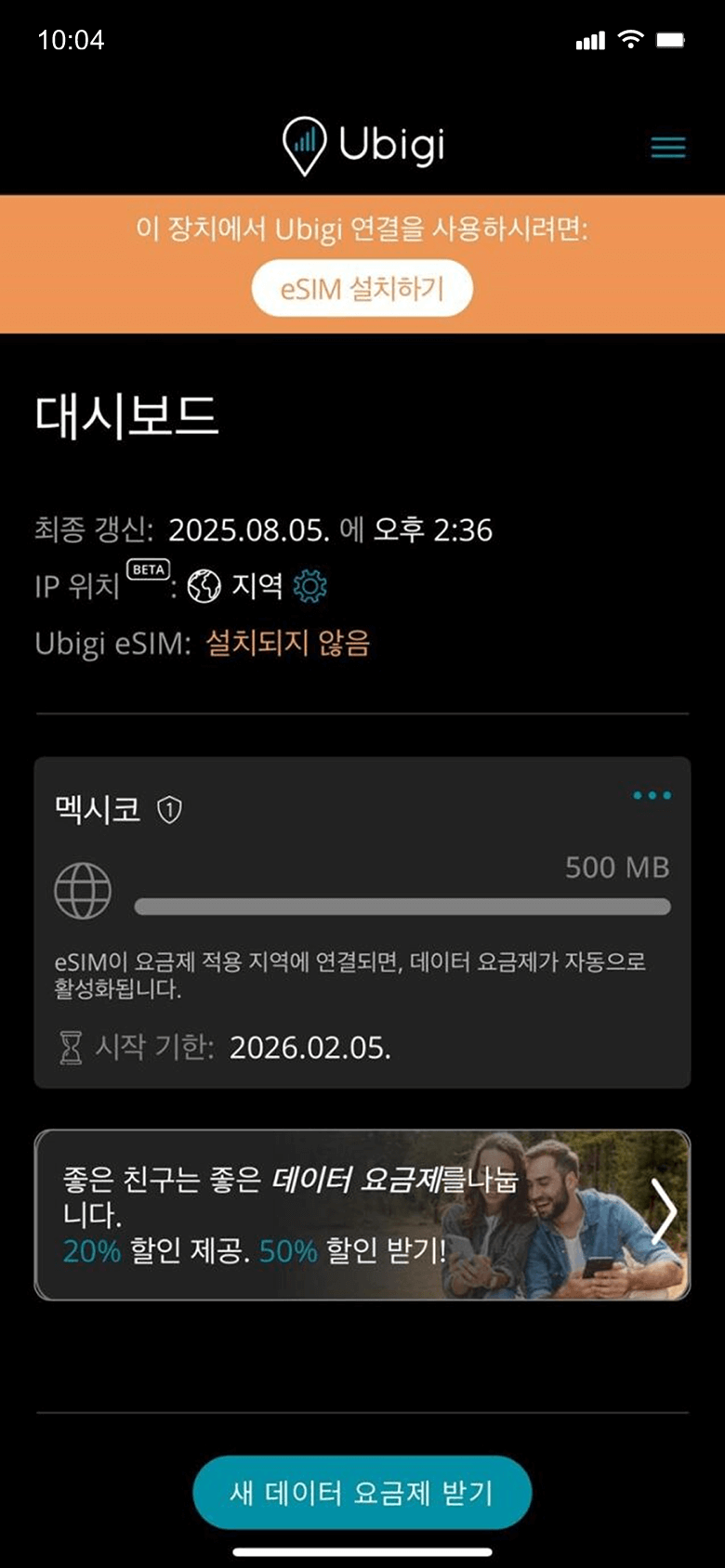
eSIM을 설치하세요
데이터 요금제가 목적지에 도착하면 활성화됩니다
기억해야 할 Android 설정 몇 가지가 있습니다.
출발 전에
여행 전에 Ubigi 회선을 끄고 기본 SIM의 모바일 데이터를 켜두었는지 확인하세요.
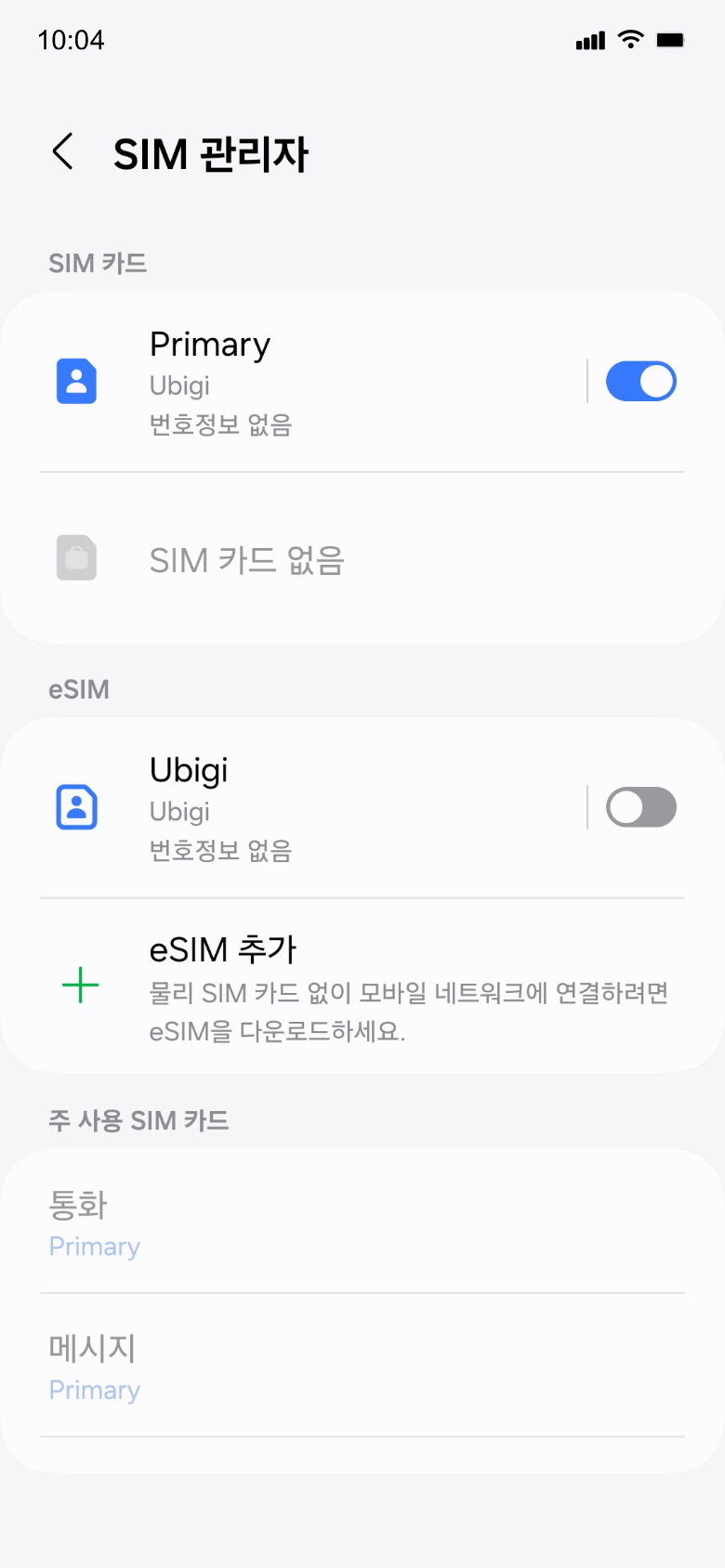
도착 시
목적지에 도착하면 데이터 사용이 시작됩니다. Ubigi 라인을 사용하고 모바일 데이터용 기본 SIM으로 설정했는지 확인하세요.
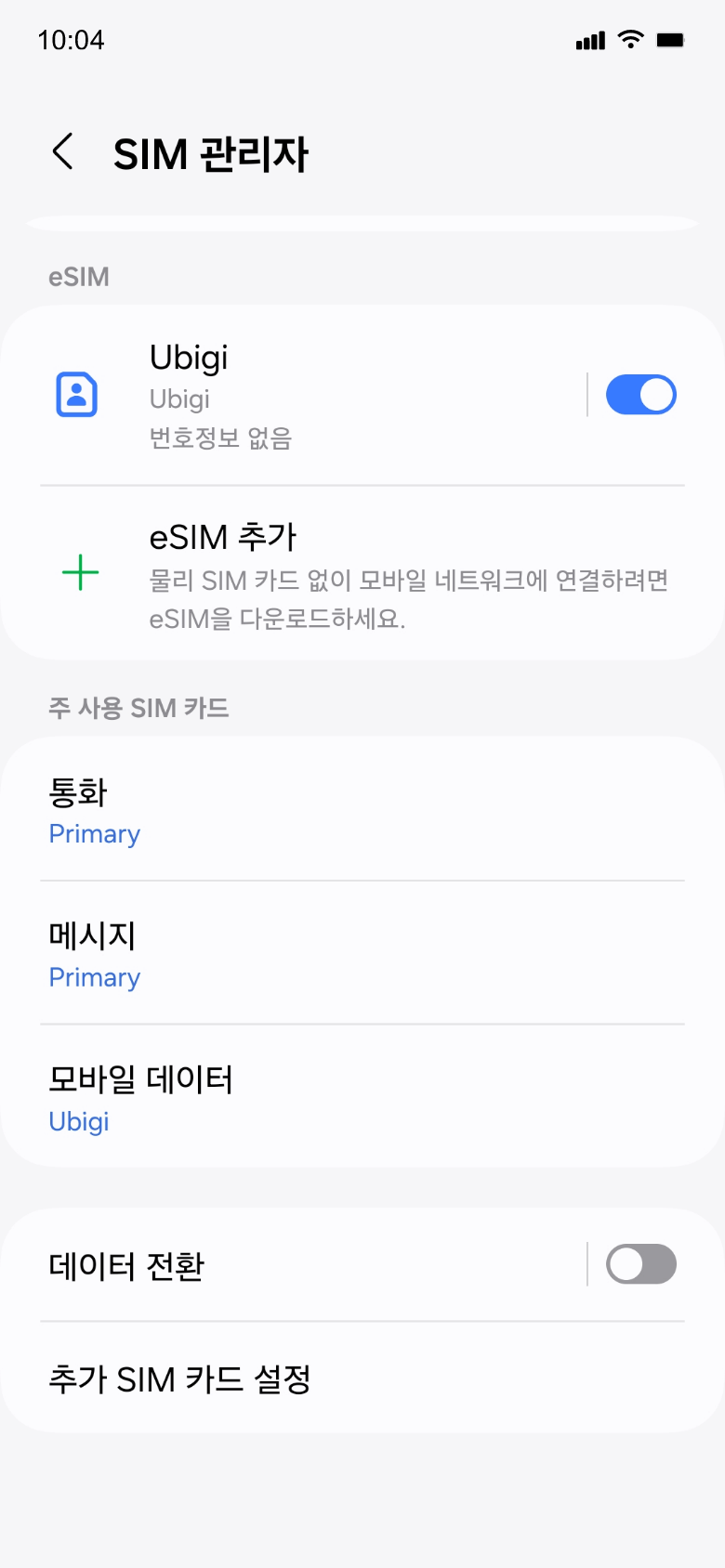
집에 돌아왔을 때
Ubigi 라인을 끄고 초기 설정으로 되돌리세요.
Ubigi 앱에서 eSIM을 어떻게 충전하나요?
튜토리얼을 확인해보세요:
훌륭해
의 45145개 리뷰를 기준으로
검증됨
검증된 리뷰
이 사용자는 구매자로 확인되었습니다
The service was good ..:
The service was good , no interruptions.
customer, 06 Sep 2026
검증됨
검증된 리뷰
이 사용자는 구매자로 확인되었습니다
It’s been working great with no issues.
It’s been working great with no issues. Easy to install.
Peter, 06 Sep 2026
검증됨
검증된 리뷰
이 사용자는 구매자로 확인되었습니다
For value and coverage
Researched our needs and very glad I went with Ubigi. I did not stint on usage and could avoid free wifi woes with our 10Gb for our month travelling the South Island. Maps, music, Emails and even social media were all available to us in all but the most remote area.
Norma Doyle, 06 Sep 2026
검증됨
검증된 리뷰
이 사용자는 구매자로 확인되었습니다
Very easy and cheap
Very easy and cheap
Juanita Garrett, 06 Sep 2026
검증됨
검증된 리뷰
이 사용자는 구매자로 확인되었습니다
Everything Ok!✅
Everything Ok!✅
Petra, 06 Sep 2026
검증됨
검증된 리뷰
이 사용자는 구매자로 확인되었습니다
Made my international vacation so…
Made my international vacation so seamless and didn’t have to worry about my service once. 10 gb was plenty, only used about 5 gb while being pretty active on my phone. Would recommend 1000x over to any international traveler
Julicious, 06 Sep 2026
검증됨
검증된 리뷰
이 사용자는 구매자로 확인되었습니다
The service is great and very easy to…
The service is great and very easy to sign up and get an eSIM. I will always use Ubigi!
Marissa Dyer, 06 Sep 2026
검증됨
검증된 리뷰
이 사용자는 구매자로 확인되었습니다
Best & easiest eSIM.
Easy set up. Excellent coverage. I was in Japan for 18 days, I opted for the 25Gb eSIM, I used my phone the whole time for WhatsApp messaging & calls, social media, google maps & google translate, and I didn’t even use 10gb of the data I paid for. Will definitely use again when I go overseas. I downloaded the app before I went & switched the eSIM over when we landed on the plane. Worked straight away, no issues.
Mrs Shannon Selby, 06 Sep 2026
검증됨
검증된 리뷰
이 사용자는 구매자로 확인되었습니다
Still good but used to be perfect
I've used Ubigi in Japan several times for the past 2 years. This time, i.ve experienced at least once a day an interruption of connexion for several minutes despite restarting the phone or going to plane mode trying to reset the connexion right. A bit disappointed.
C., 06 Sep 2026
검증됨
검증된 리뷰
이 사용자는 구매자로 확인되었습니다
I love it!!! You have your own internet connection anywhere you go.
I love it!!! This is my 3rd year using Ubigi when I come home to my native land. I can go anywhere and have my own data/internet. 😊
Rowena David, 06 Sep 2026
검증됨
검증된 리뷰
이 사용자는 구매자로 확인되었습니다
Easy to access and provided me with…
Easy to access and provided me with ready data without the need to look for wifi wherever I found myself.
Joe, 06 Sep 2026
검증됨
검증된 리뷰
이 사용자는 구매자로 확인되었습니다
Love it
Love it. Wish I could give it 1000 stars. Highly recommend. We traveled throughout Europe and had no issues.
customer, 05 Sep 2026
검증됨
검증된 리뷰
이 사용자는 구매자로 확인되었습니다
Reliable and easy.
Reliable and easy.
customer, 05 Sep 2026
검증됨
검증된 리뷰
이 사용자는 구매자로 확인되었습니다
It’s very convenient
It’s very convenient. Easy to follow from buying, setup to really use when I arrived. Thanks to their video on YouTube.
Michael Ho, 05 Sep 2026
검증됨
검증된 리뷰
이 사용자는 구매자로 확인되었습니다
Ubigi,stay in touch when you travel
Recommended by my son who frequently travels, easy to set up and cheaper than most network providers travel packages. You can make calls providing you through an app like messenger or WhatsApp
Therider, 05 Sep 2026
감사합니다
귀하의 메시지가 전송되었습니다. 곧 답변드리겠습니다.
감사합니다
귀하의 뉴스레터 구독을 고려했습니다.
eSIM 호환성 확인 방법
스마트폰 / 태블릿:
*#06# 입력. → EID 번호가 나오면 eSIM 지원 기기입니다.
Windows 10 / 11:
Windows+I 를 누르세요. “네트워크 및 인터넷”으로 이동하세요 → 셀룰러 네트워크가 보이면 PC가 eSIM을 지원합니다..
통신사 잠금 해제 여부 확인 방법
iPhone / iPad:
설정 > 일반 > 정보로 이동 통신사 잠금 항목까지 스크롤. → “SIM 제한 없음”이 표시되면 기기는 잠금 해제 상태입니다.
Android:
설정 > 네트워크 및 인터넷 > 모바일 네트워크 자동 네트워크 선택을 끄세요. → 여러 네트워크가 보이면 잠금 해제된 기기입니다.