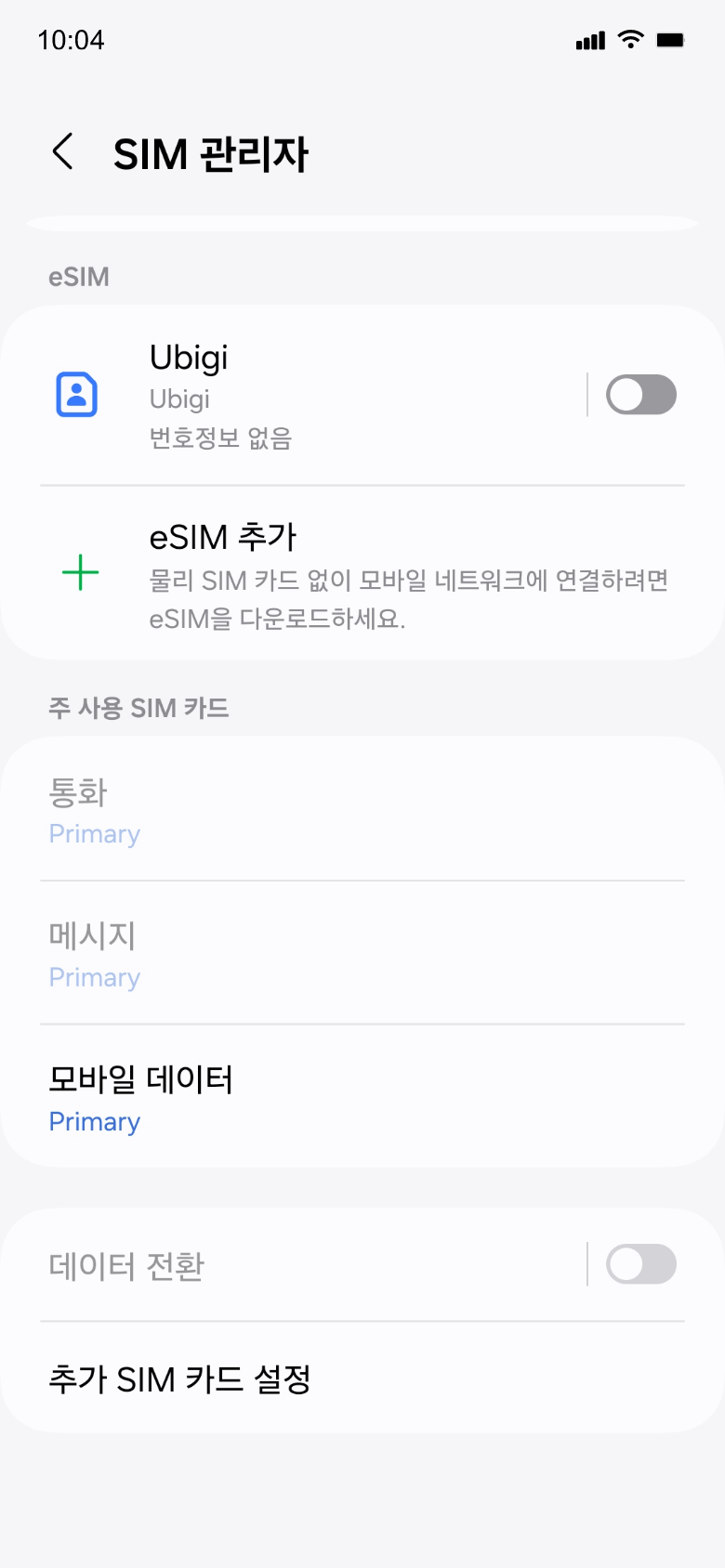
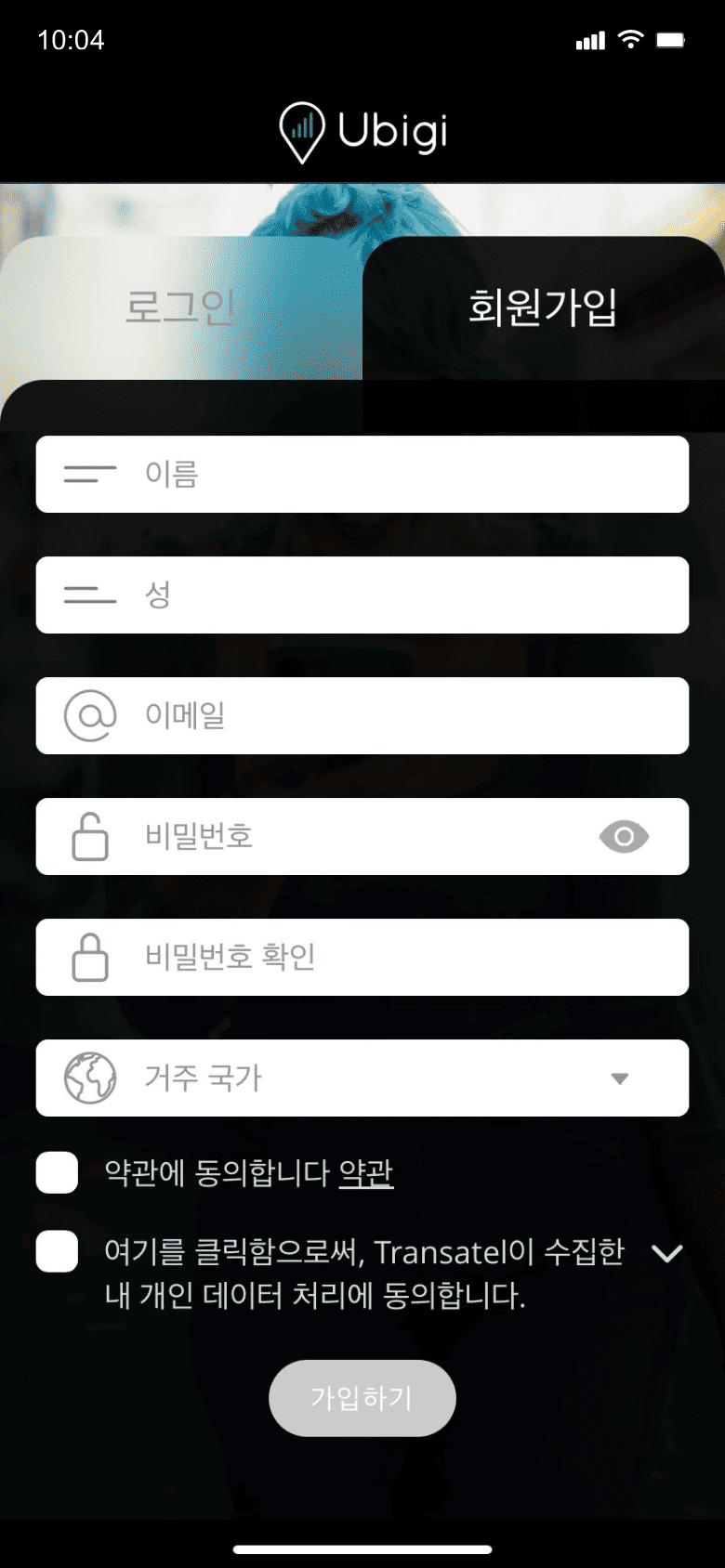
앱을 다운로드하거나 Ubigi.me를 방문하여 실시간으로 데이터를 추적하고 알림을 받고 쉽게 충전하려면 Ubigi에 가입하세요
데이터 요금제를 구매하세요
'새로운 Ubigi eSIM 구매'를 선택하여 데이터 요금제를 받으세요
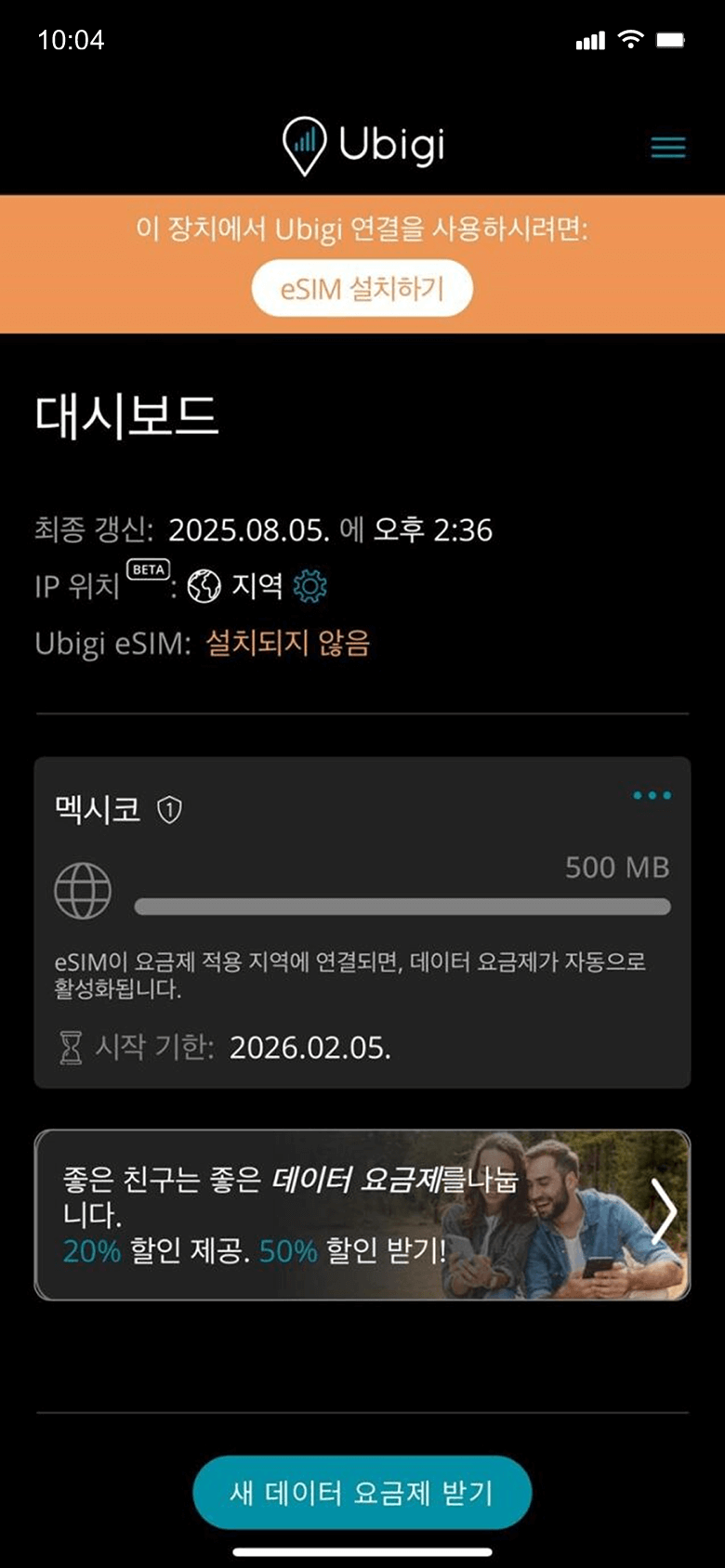
eSIM을 설치하세요
데이터 요금제가 목적지에 도착하면 활성화됩니다
기억해야 할 Android 설정 몇 가지가 있습니다.
출발 전에
여행 전에 Ubigi 회선을 끄고 기본 SIM의 모바일 데이터를 켜두었는지 확인하세요.
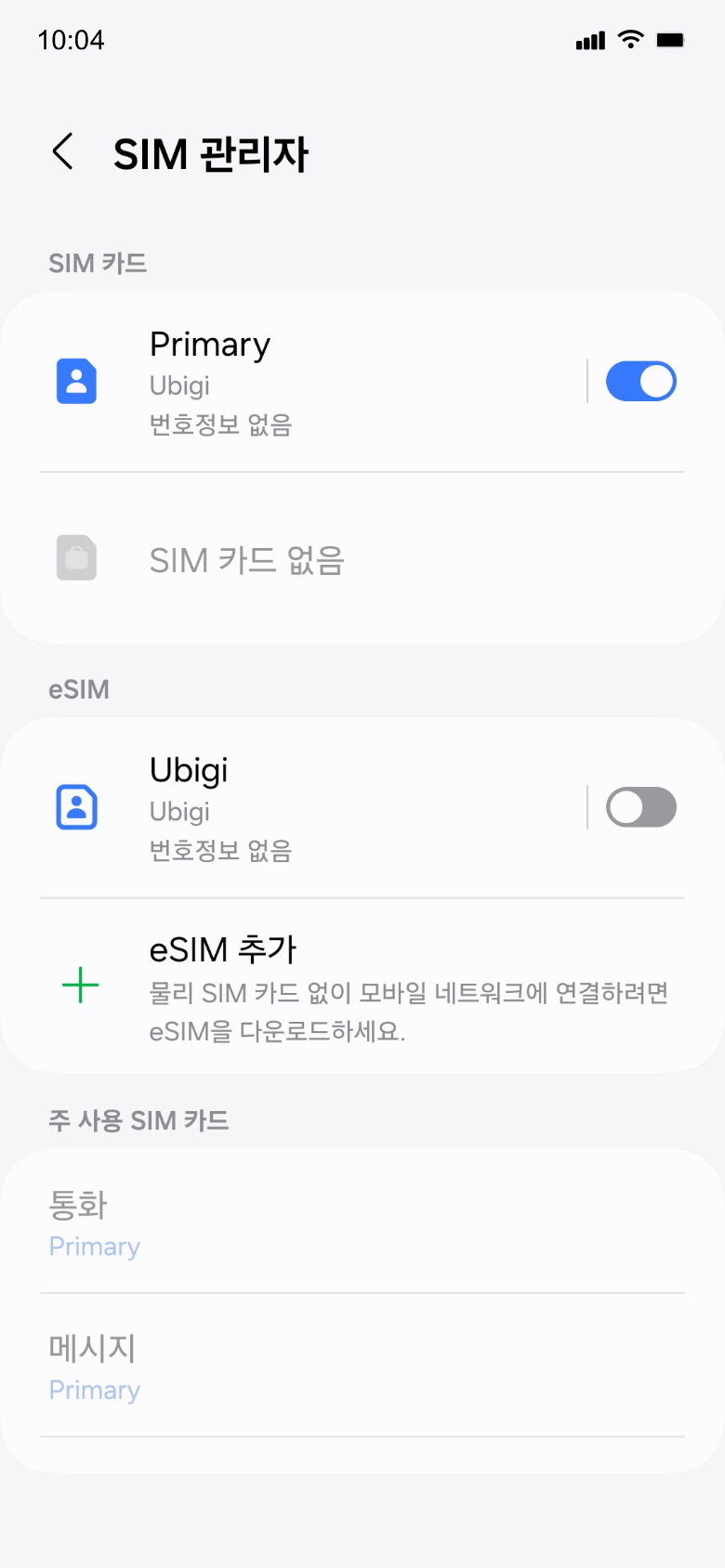
도착 시
목적지에 도착하면 데이터 사용이 시작됩니다. Ubigi 라인을 사용하고 모바일 데이터용 기본 SIM으로 설정했는지 확인하세요.
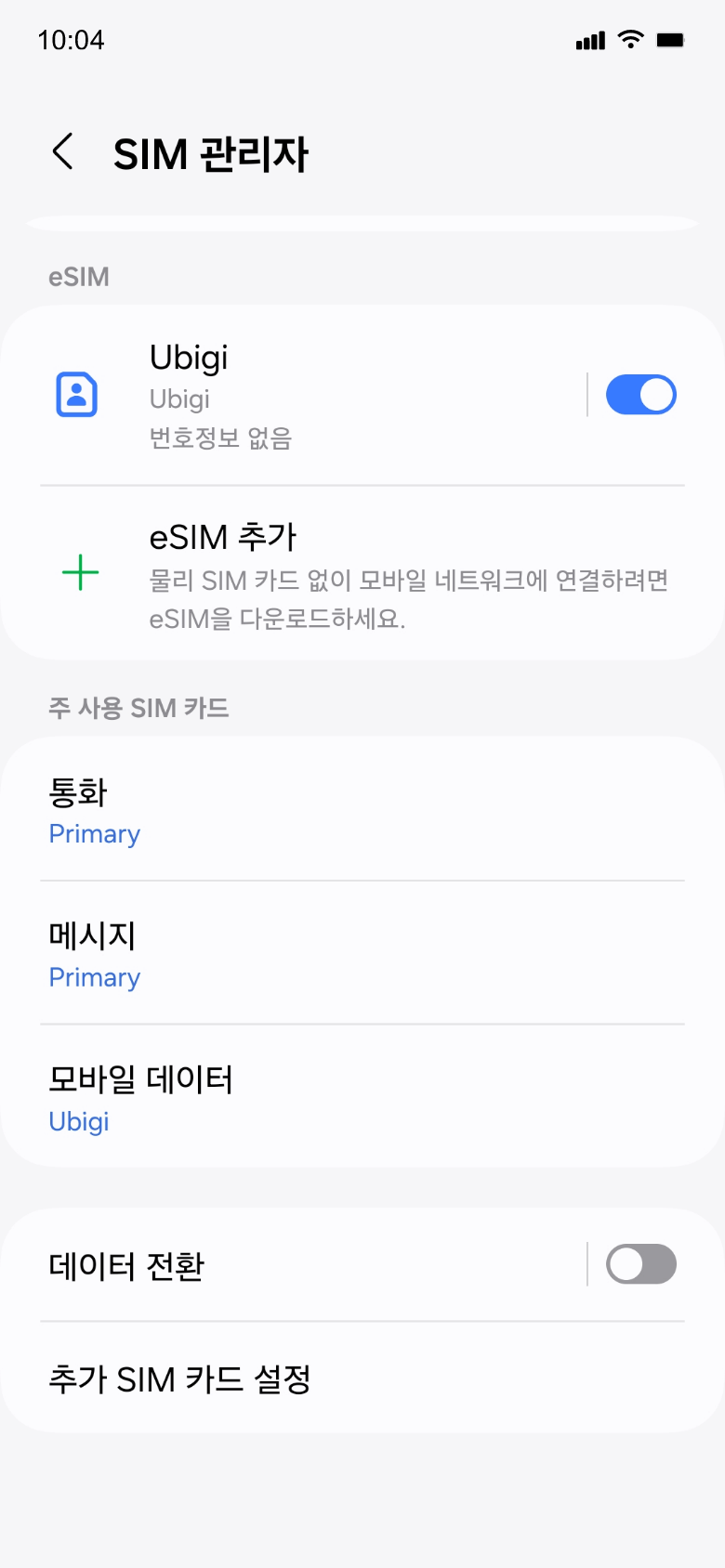
집에 돌아왔을 때
Ubigi 라인을 끄고 초기 설정으로 되돌리세요.
Ubigi 앱에서 eSIM을 어떻게 충전하나요?
튜토리얼을 확인해보세요:
훌륭해
의 34255개 리뷰를 기준으로
검증됨
검증된 리뷰
이 사용자는 구매자로 확인되었습니다
Reliable and easy to add time when…
Reliable and easy to add time when needed.
customer, 13 Apr 2026
검증됨
검증된 리뷰
이 사용자는 구매자로 확인되었습니다
First attempt
I find that the network, I guess, is consistent, reliable, and its value for money
KH Loh, 13 Apr 2026
검증됨
검증된 리뷰
이 사용자는 구매자로 확인되었습니다
Reliable
Excellent coverage and data service
EU, 13 Apr 2026
검증됨
검증된 리뷰
이 사용자는 구매자로 확인되었습니다
Worked like a charm
Worked like a charm, no connectivity issues seen in Japan/Hong Kong.
Vivek, 13 Apr 2026
검증됨
검증된 리뷰
이 사용자는 구매자로 확인되었습니다
Ubigi was a lifesaver
Ubigi was a lifesaver. I had the free 3 day world eSIM. It was almost unbelievable how easy it was to activate and use the eSIM.
I would recommend Ubigi for a peace of mind as I could start the plan in my home country and activate it once I reached Tokyo.
Asshamed to say that my planned eSIM for my 14 day trip had so many errors that I wasted almost 2 days solving the issue with the vendor.
Greg, 13 Apr 2026
검증됨
검증된 리뷰
이 사용자는 구매자로 확인되었습니다
I have found Ubigi the best and most…
I have found Ubigi the best and most efficient eSIM for traveling through Asia and Europe. I’m a retired senior and discovered Ubigi for Japan and since then have given dozens of detailed and confirmed recommendations to other international travelers on Facebook. You have seen that by how many times I gave my reference discount code out.
CALVIN, 13 Apr 2026
검증됨
검증된 리뷰
이 사용자는 구매자로 확인되었습니다
This eSIM works perfectly
This eSIM works perfectly. Set it up before I left Australia and activated it when I arrived in Japan. It hasn’t missed a beat. I would definitely use Ubigi again on my next overseas trip.
Lance, 13 Apr 2026
검증됨
검증된 리뷰
이 사용자는 구매자로 확인되었습니다
Very easy & reliable app & service
Jodi Smith, 13 Apr 2026
검증됨
검증된 리뷰
이 사용자는 구매자로 확인되었습니다
Connecting from Japan
Always having access to my text is great. I could not make calls in Japan, which would have made the experience even great. However, I learned after a few days that I could make calls through WhatsApp. However, calls could only be made to people that you are already connected with.
Keith Jackson, 13 Apr 2026
검증됨
검증된 리뷰
이 사용자는 구매자로 확인되었습니다
Easy to use and follow instructions
customer, 13 Apr 2026
검증됨
검증된 리뷰
이 사용자는 구매자로 확인되었습니다
Flawless experience
Uncomplicated purchase and installation, worked flawlessly in China and Japan since the point of activation. Could also access Instagram and WhatsApp in China, which is not self-evident.
Hotspot functionality was not indicated in the description but worked using it from my mobile phone.
Timm, 13 Apr 2026
검증됨
검증된 리뷰
이 사용자는 구매자로 확인되었습니다
no disruptions
no disruptions
aaa, 13 Apr 2026
검증됨
검증된 리뷰
이 사용자는 구매자로 확인되었습니다
The internet access and velocity have…
The internet access and velocity have been great so far.
Jorge Kusumi, 13 Apr 2026
검증됨
검증된 리뷰
이 사용자는 구매자로 확인되었습니다
Easy to set up once for multiple…
Easy to set up once for multiple countries you just recharge the same esim
AGUSTIN, 13 Apr 2026
검증됨
검증된 리뷰
이 사용자는 구매자로 확인되었습니다
Vast coverage and speed.
customer, 13 Apr 2026
감사합니다
귀하의 메시지가 전송되었습니다. 곧 답변드리겠습니다.
감사합니다
귀하의 뉴스레터 구독을 고려했습니다.
eSIM 호환성 확인 방법
스마트폰 / 태블릿:
*#06# 입력. → EID 번호가 나오면 eSIM 지원 기기입니다.
Windows 10 / 11:
Windows+I 를 누르세요. “네트워크 및 인터넷”으로 이동하세요 → 셀룰러 네트워크가 보이면 PC가 eSIM을 지원합니다..
통신사 잠금 해제 여부 확인 방법
iPhone / iPad:
설정 > 일반 > 정보로 이동 통신사 잠금 항목까지 스크롤. → “SIM 제한 없음”이 표시되면 기기는 잠금 해제 상태입니다.
Android:
설정 > 네트워크 및 인터넷 > 모바일 네트워크 자동 네트워크 선택을 끄세요. → 여러 네트워크가 보이면 잠금 해제된 기기입니다.