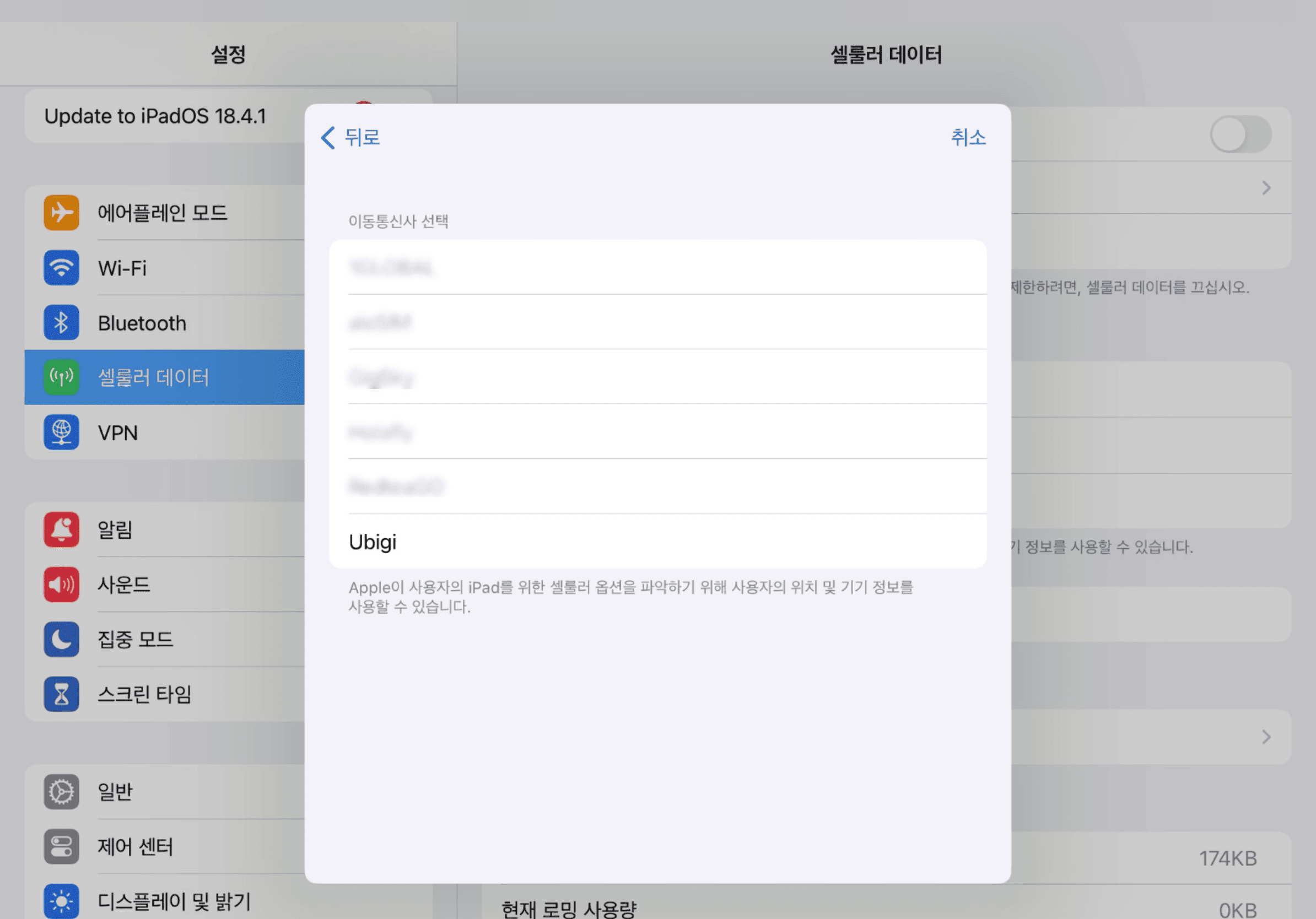
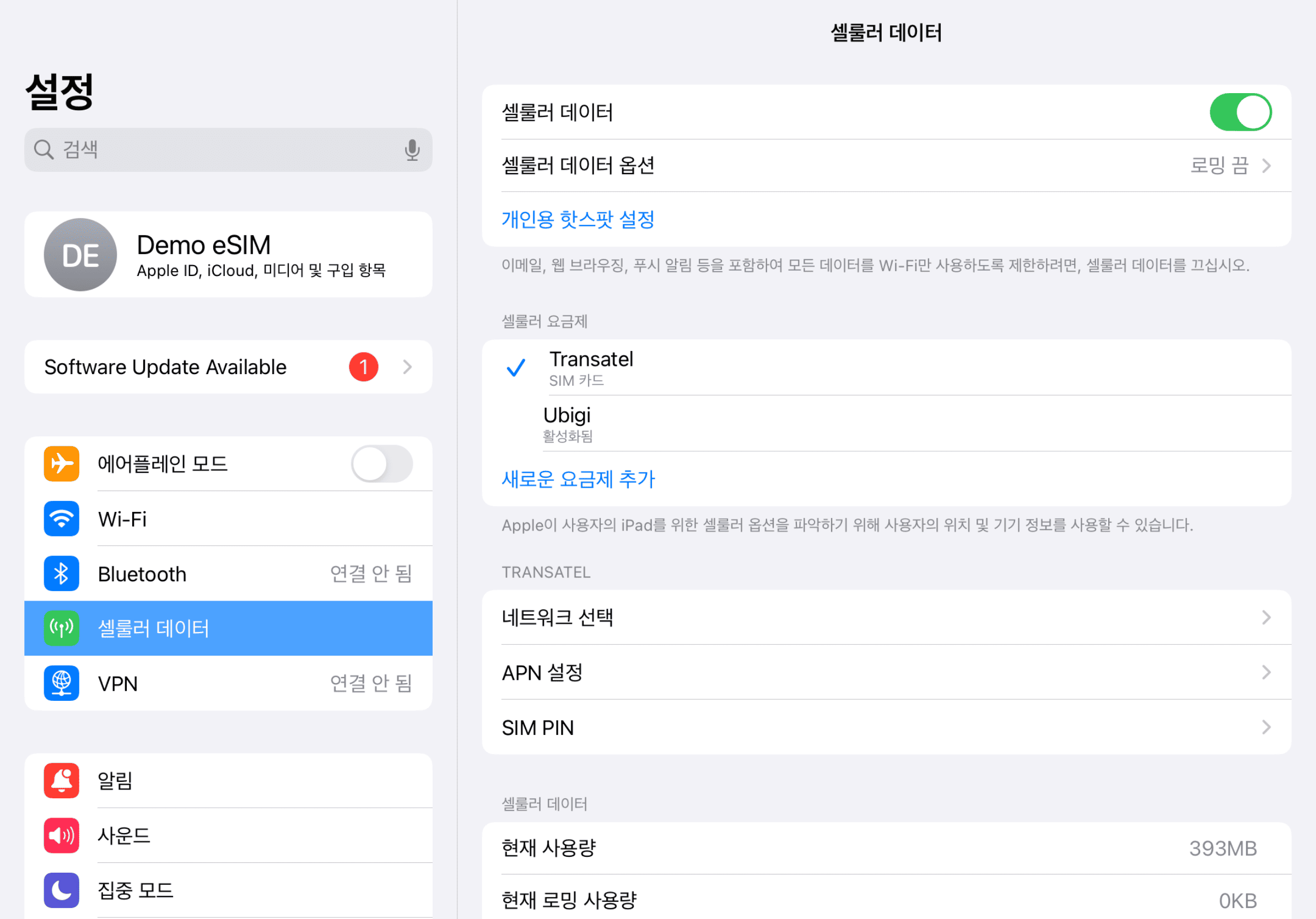
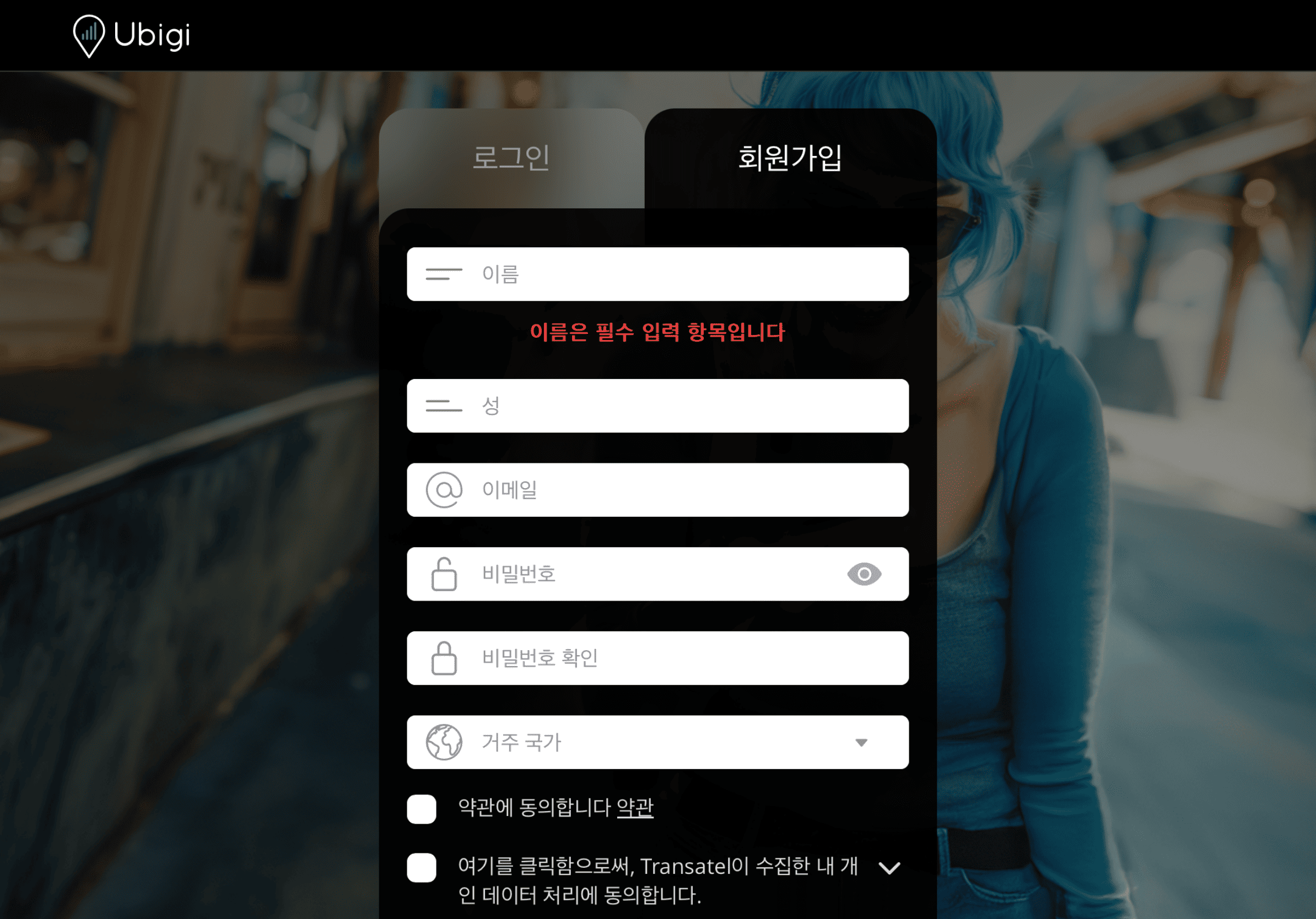
iPad 설정으로 가서 ‘셀룰러 데이터’를 탭한 후 ‘새 요금제 찾기’ 를 선택하고 Ubigi를 통신사로 선택하세요
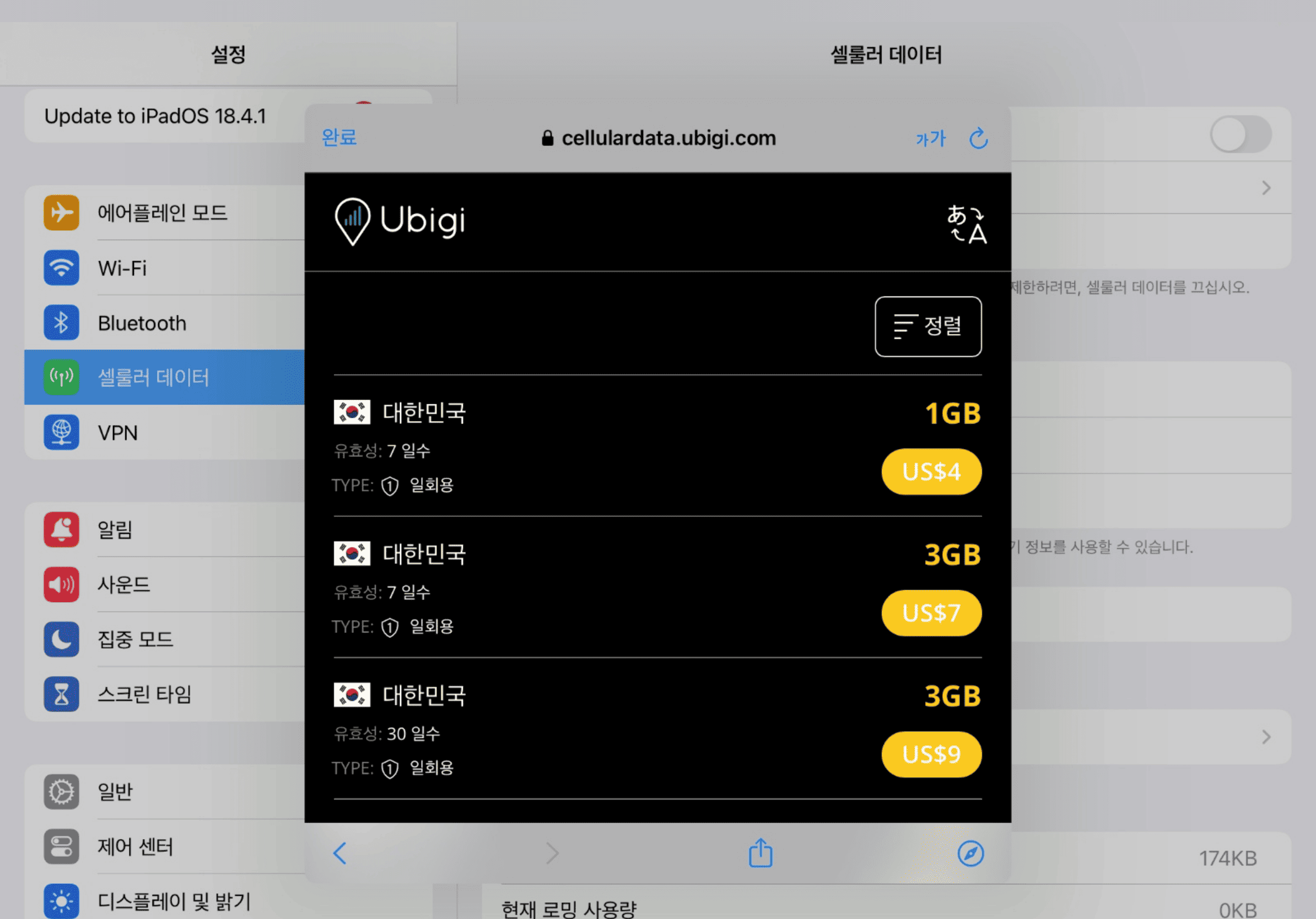
데이터 요금제를 구매하세요
목적지를 선택하고 우리의 카탈로그에서 데이터 요금제를 구매하세요
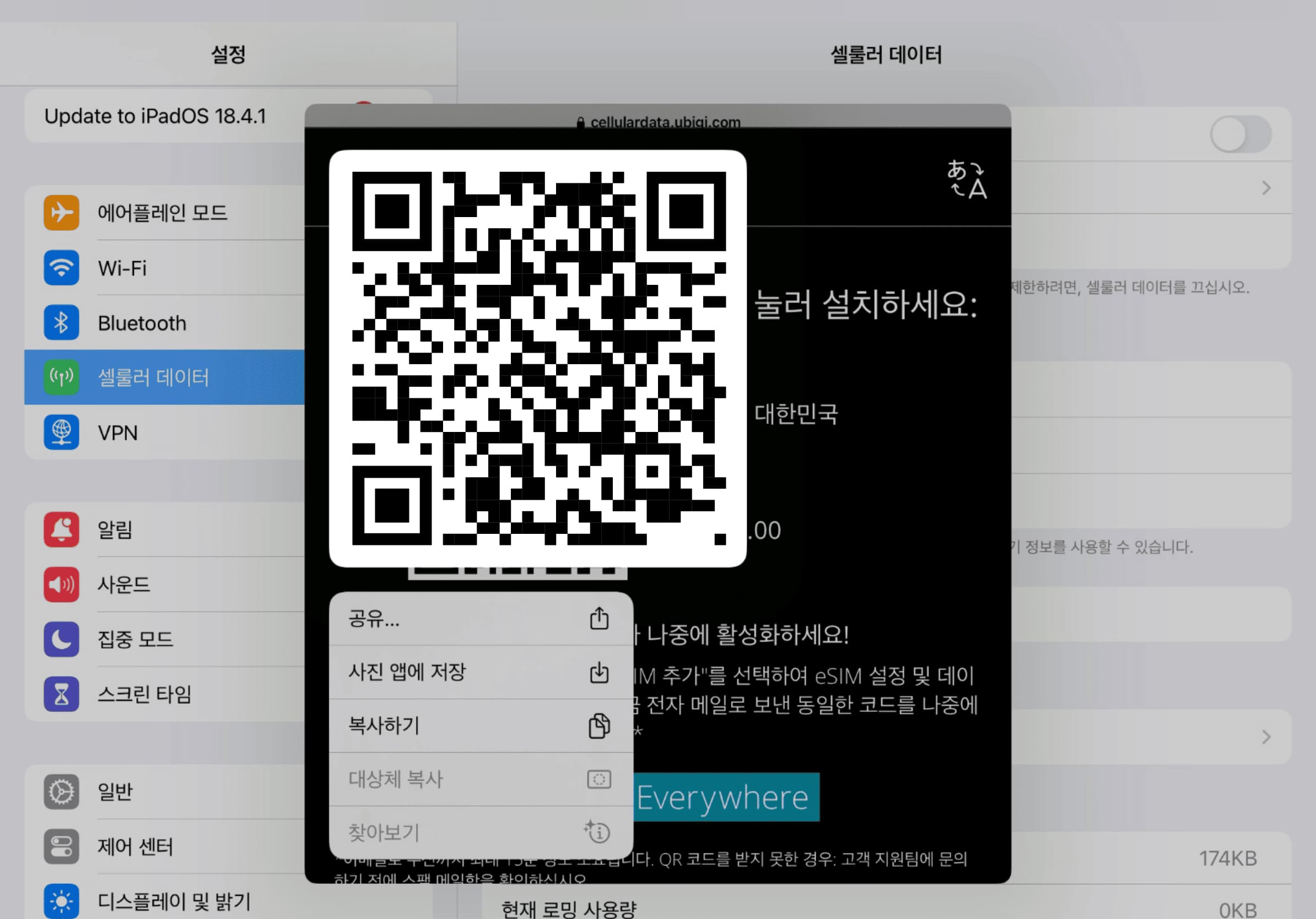
eSIM을 설치하세요
화면의 QR 코드를 길게 눌러 'eSIM 추가'”를 탭하세요
계정을 만드세요
앱을 다운로드하거나 Ubigi.me를 방문하여 실시간으로 데이터를 추적하고 알림을 받고 쉽게 충전하려면 Ubigi에 가입하세요
iPad에서 꼭 설정해야 할 몇 가지 항목이 있습니다
출발 전에
출발 전에 홈 라인의 데이터 로밍이 꺼져 있는지 확인하세요.
도착 시
목적지에 도착하면 데이터 사용이 시작됩니다. 셀룰러 데이터에 Ubigi 회선을 사용 중인지 확인하세요.
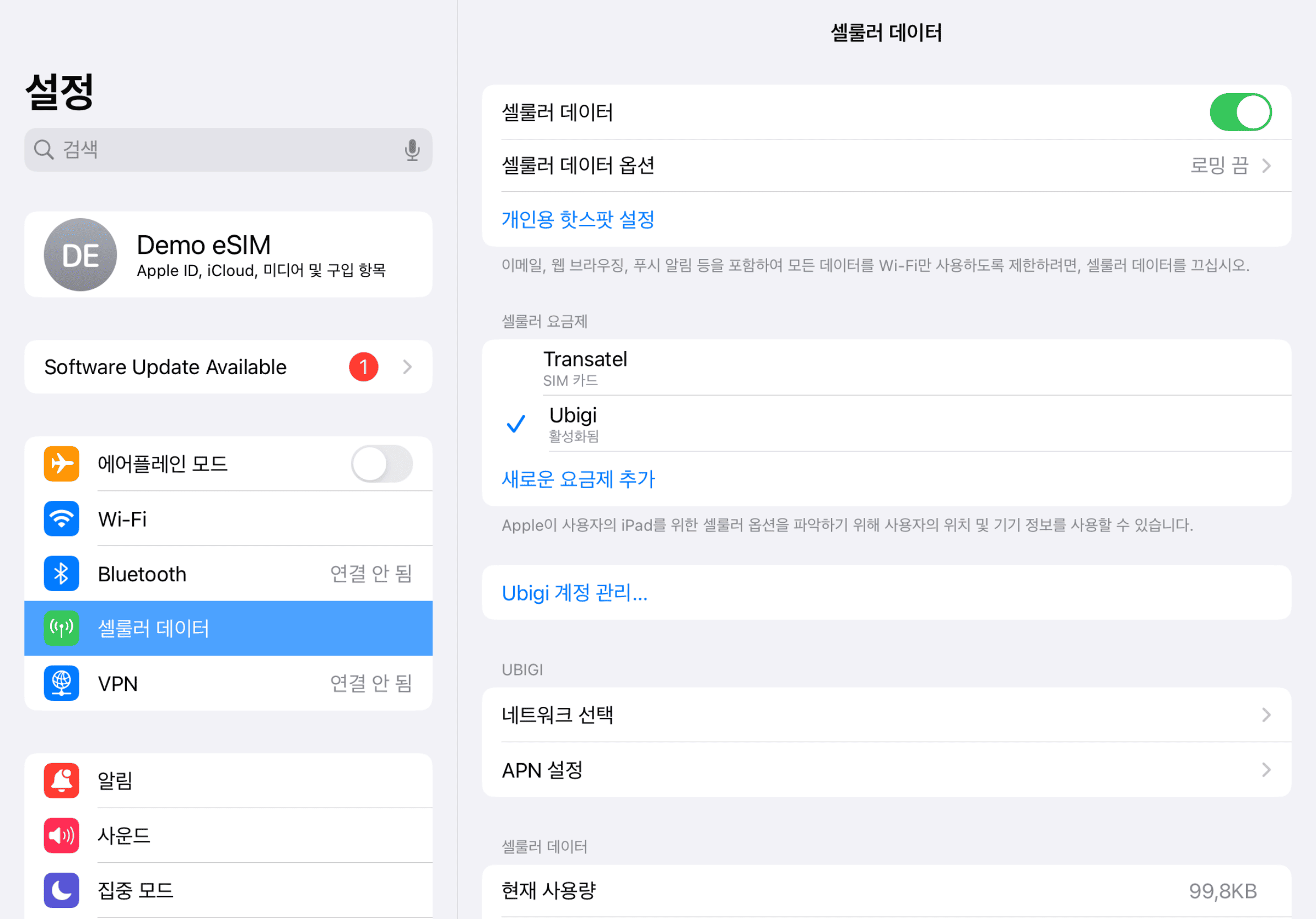
집에 돌아왔을 때
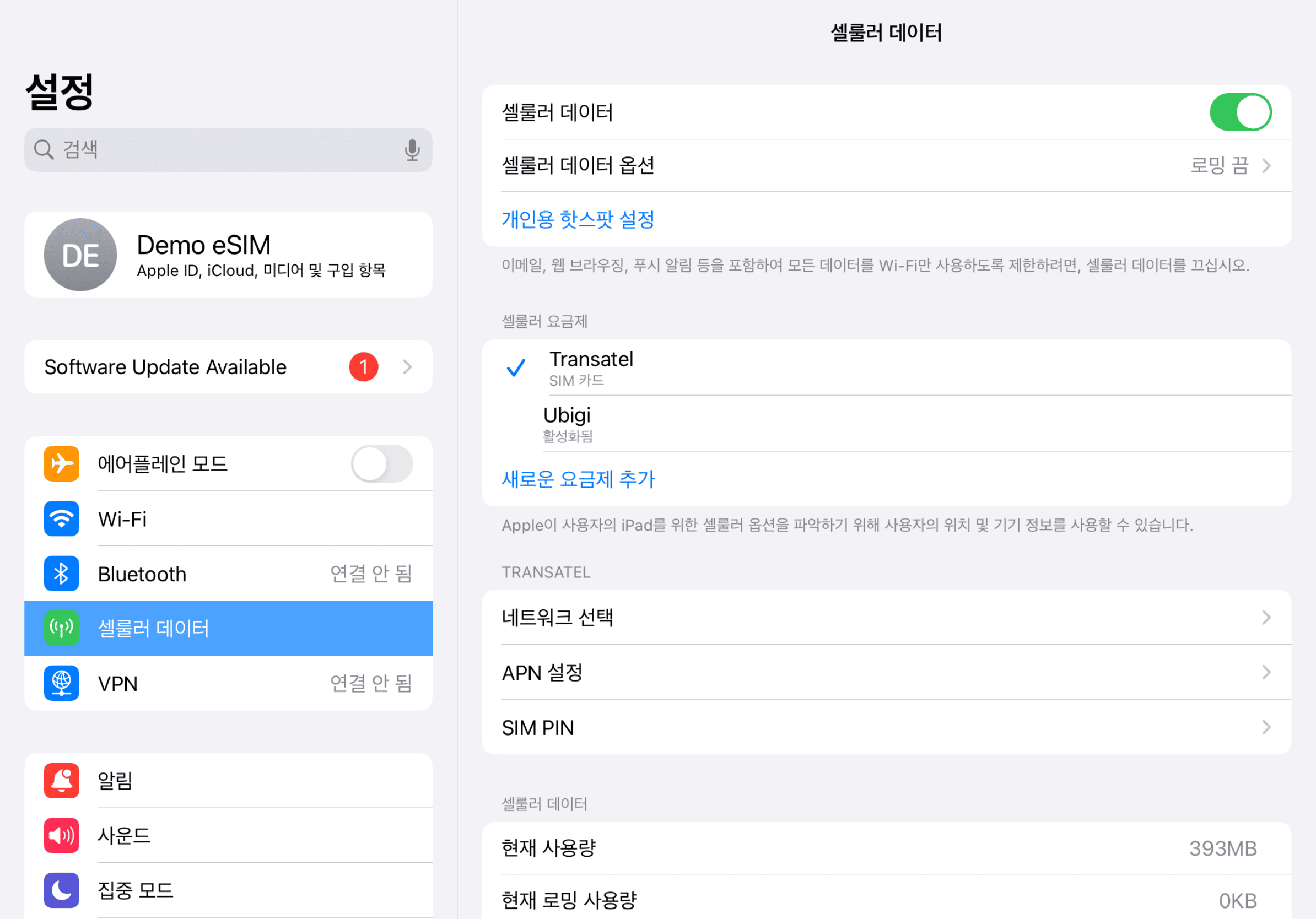
Ubigi 회선을 끄고 초기 설정으로 돌아가세요.
Ubigi 앱에서 eSIM을 어떻게 충전하나요?
튜토리얼을 확인해보세요:
훌륭해
의 43970개 리뷰를 기준으로
검증됨
검증된 리뷰
이 사용자는 구매자로 확인되었습니다
As promised
As promised, I always have reception and fast internet. Top
carolina, 20 Aug 2026
검증됨
검증된 리뷰
이 사용자는 구매자로 확인되었습니다
Easy connection,while in Ireland thank…
Easy connection,while in Ireland thank you Ubigi.
Jojo Alquiza, 20 Aug 2026
검증됨
검증된 리뷰
이 사용자는 구매자로 확인되었습니다
Recommend 100 %!
Recommend 100 %!
Ondřej Jícha, 20 Aug 2026
검증됨
검증된 리뷰
이 사용자는 구매자로 확인되었습니다
The coverage to be improved
The coverage is not quite good in the area of islands of Ischia and Procida.
Ivana Rajkovic, 20 Aug 2026
검증됨
검증된 리뷰
이 사용자는 구매자로 확인되었습니다
Applying for SIM was straightforward
Applying for SIM was straightforward. Their website was easy to navigate and secure. I would have no problems recommending or using this company in future
RGB, 20 Aug 2026
검증됨
검증된 리뷰
이 사용자는 구매자로 확인되었습니다
Transition to Ubigi eSim went perfectly…
Transition to Ubigi eSim went perfectly smoothly and meant I could use my phone without any issues in the USA
Judith Haley, 20 Aug 2026
검증됨
검증된 리뷰
이 사용자는 구매자로 확인되었습니다
Highly recommended
Quick, reliable, easy to follow instruction, great coverage! And much better value for the money than the alternatives!
customer, 20 Aug 2026
검증됨
검증된 리뷰
이 사용자는 구매자로 확인되었습니다
Awesome no problems at all I would…
Awesome no problems at all I would definitely recommend 👍
customer, 20 Aug 2026
검증됨
검증된 리뷰
이 사용자는 구매자로 확인되었습니다
Simple et efficace
Simple et efficace
customer, 20 Aug 2026
검증됨
검증된 리뷰
이 사용자는 구매자로 확인되었습니다
Great connection while cruising
Mike, 20 Aug 2026
검증됨
검증된 리뷰
이 사용자는 구매자로 확인되었습니다
Awesome connection
Very easy to buy, install and everything. Connection was on point! Awesome service
Mylene Heronimo, 20 Aug 2026
검증됨
검증된 리뷰
이 사용자는 구매자로 확인되었습니다
Reliable in all countries visited
Ed Jablonky, 20 Aug 2026
검증됨
검증된 리뷰
이 사용자는 구매자로 확인되었습니다
The phone service was perfect…
The phone service was perfect throughout our trip. I wanted to purchase a second esim for another device and had real difficulty with it. It wasn't till I uninstalled the app and got to the website page I was able to get the qr code to install the SIM on the other device. The app needs a little work for that scenario otherwise great.
Stuart, 20 Aug 2026
검증됨
검증된 리뷰
이 사용자는 구매자로 확인되었습니다
It was seamless
It was seamless, easy to install and use
craig north, 20 Aug 2026
검증됨
검증된 리뷰
이 사용자는 구매자로 확인되었습니다
everything worked as expected and…
everything worked as expected and described
customer, 20 Aug 2026
감사합니다
귀하의 메시지가 전송되었습니다. 곧 답변드리겠습니다.
감사합니다
귀하의 뉴스레터 구독을 고려했습니다.
eSIM 호환성 확인 방법
스마트폰 / 태블릿:
*#06# 입력. → EID 번호가 나오면 eSIM 지원 기기입니다.
Windows 10 / 11:
Windows+I 를 누르세요. “네트워크 및 인터넷”으로 이동하세요 → 셀룰러 네트워크가 보이면 PC가 eSIM을 지원합니다..
통신사 잠금 해제 여부 확인 방법
iPhone / iPad:
설정 > 일반 > 정보로 이동 통신사 잠금 항목까지 스크롤. → “SIM 제한 없음”이 표시되면 기기는 잠금 해제 상태입니다.
Android:
설정 > 네트워크 및 인터넷 > 모바일 네트워크 자동 네트워크 선택을 끄세요. → 여러 네트워크가 보이면 잠금 해제된 기기입니다.