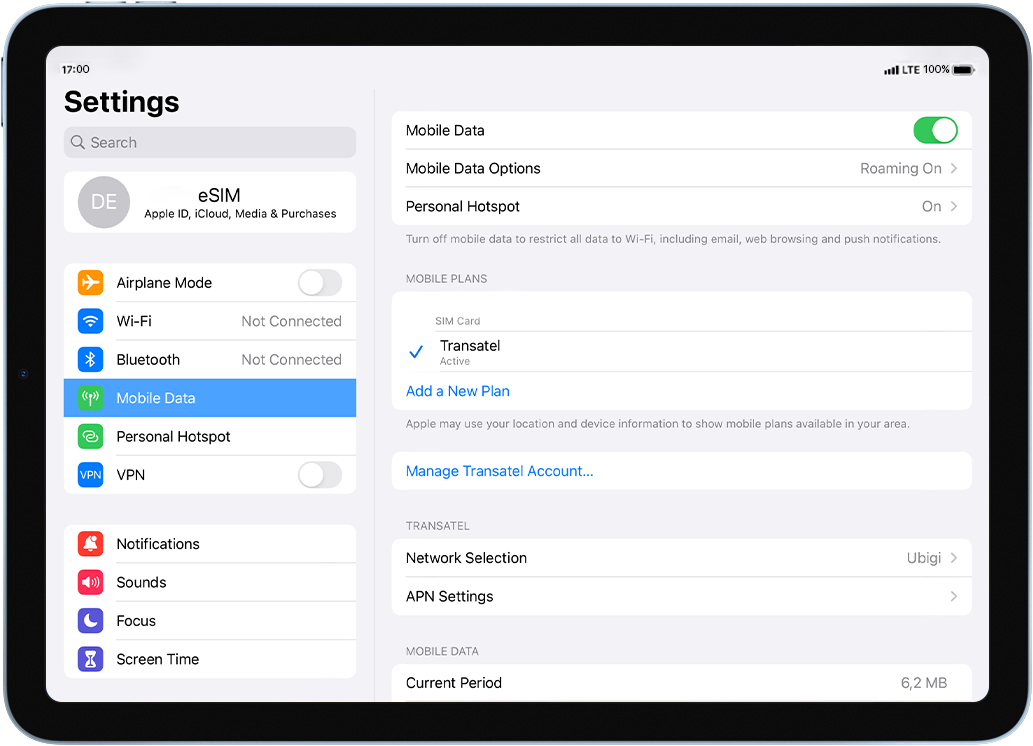
This was the very first time with SIM/eSIM. Ubigi made it easy for technologically challenged to access data in Japan. Not only connecting to internet on the go so easy but also very reasonable price. No more looking for McDonald's or Starbucks. And most of the time I am on 5G in Tokyo. I used to depends on paper maps but now I follow GPS directions.
Jess, 14 Mar 2026
검증됨
검증된 리뷰
이 사용자는 구매자로 확인되었습니다
Makes it so easy
What a boon to be able to get data etc anywhere in the world without worrying about anything, if you have bought a cover-all package.
Linda Farrington, 14 Mar 2026
검증됨
검증된 리뷰
이 사용자는 구매자로 확인되었습니다
I had an absolutely flawless experience…
I had an absolutely flawless experience using Ubigi eSIM during my solo trip to Japan. Setup was incredibly easy. I installed it before I even left home, and the moment I landed, I had data. No hunting for SIM cards, no airport kiosks, no stress.
The connection was fast, reliable, and consistent everywhere I went… from Tokyo to Kyoto and even while navigating train stations and side streets. Google Maps, translations, train schedules, messaging… everything worked seamlessly. It made traveling feel smooth and grounded instead of chaotic.
I also appreciated how transparent the data usage tracking was in the app. No surprises, no hidden fees, just straightforward service that worked exactly as promised.
Honestly, having dependable data the entire time gave me so much peace of mind. Ubigi made staying connected effortless, and I would absolutely use it again for international travel.
Highly recommend.
TC Snyder, 14 Mar 2026
검증됨
검증된 리뷰
이 사용자는 구매자로 확인되었습니다
Only this in Japan
Good price, easy to use, after landing and active work immediately, perfect quality dirung calls.
Used with samsung mobile.
Melinda, 14 Mar 2026
검증됨
검증된 리뷰
이 사용자는 구매자로 확인되었습니다
It was mostly great
It was mostly great, occasionally some hassles connecting but nothing major
Kate Bin, 14 Mar 2026
검증됨
검증된 리뷰
이 사용자는 구매자로 확인되었습니다
Very competitive e-SIM!
It was indeed very easy to use Ubigi e-SIM comparing with other e-SIMs. Besides, cost of Ubigi e-SIM is very competitive than others.
customer, 14 Mar 2026
검증됨
검증된 리뷰
이 사용자는 구매자로 확인되었습니다
Very good connection at all time
Very good connection at all time & the hotspot for my latop worked really well, I did use it many times.
customer, 14 Mar 2026
검증됨
검증된 리뷰
이 사용자는 구매자로 확인되었습니다
Service has worked without issues…
Service has worked without issues during my travel, even in rural areas and while traveling on trains, so I am completely satisfied with the service. The worst I have had was a bit of slow connection, but only while traveling which is expected.
Gabriel, 14 Mar 2026
검증됨
검증된 리뷰
이 사용자는 구매자로 확인되었습니다
Easy to use
We got Ubigi SIM for Ecuador. The price was very reasonable. And it's very simple to use. Converting over to the new SIM line was kind of automatic and pretty seamless. We will use Ubigi again for future travels
customer, 14 Mar 2026
검증됨
검증된 리뷰
이 사용자는 구매자로 확인되었습니다
Easy to connect.
Easy to connect.
customer, 14 Mar 2026
검증됨
검증된 리뷰
이 사용자는 구매자로 확인되었습니다
Excellent coverage which started…
Excellent coverage which started automatically when we arrived in Japan.
customer, 14 Mar 2026
검증됨
검증된 리뷰
이 사용자는 구매자로 확인되었습니다
Did everything ready before I left…
Did everything ready before I left home. When we landed I was online! Easy setup!
Lina H, 14 Mar 2026
검증됨
검증된 리뷰
이 사용자는 구매자로 확인되었습니다
It was excellent!
It worked perfectly well upon entry in Japan. I experienced no connection issues and I was with internet connection throughout my entire trip.
customer, 13 Mar 2026
검증됨
검증된 리뷰
이 사용자는 구매자로 확인되었습니다
It worked
It worked, can’t say much more than that.
John Davidson, 13 Mar 2026
검증됨
검증된 리뷰
이 사용자는 구매자로 확인되었습니다
Expected better connectivity
For me, installation and activation worked fine and I was able to use the internet upon arrival in the destination country. However, speed and connectivity was nit always that good.
customer, 13 Mar 2026
감사합니다
귀하의 메시지가 전송되었습니다. 곧 답변드리겠습니다.
감사합니다
귀하의 뉴스레터 구독을 고려했습니다.
eSIM 호환성 확인 방법
스마트폰 / 태블릿:
*#06# 입력. → EID 번호가 나오면 eSIM 지원 기기입니다.
Windows 10 / 11:
Windows+I 를 누르세요. “네트워크 및 인터넷”으로 이동하세요 → 셀룰러 네트워크가 보이면 PC가 eSIM을 지원합니다..
통신사 잠금 해제 여부 확인 방법
iPhone / iPad:
설정 > 일반 > 정보로 이동 통신사 잠금 항목까지 스크롤. → “SIM 제한 없음”이 표시되면 기기는 잠금 해제 상태입니다.
Android:
설정 > 네트워크 및 인터넷 > 모바일 네트워크 자동 네트워크 선택을 끄세요. → 여러 네트워크가 보이면 잠금 해제된 기기입니다.


