


Summary
- 1) Key Takeaways
- 2) Introduction
- 3) 1. Navigation with Google Maps
- 4) 2. Ride-Hailing with Grab
- 5) 3. Connectivity with Ubigi eSIM
- 6) 4. Communication with Facebook Messenger
- 7) 5. Food Delivery with Foodpanda
- 8) 6. Restaurant Discovery with Zomato
- 9) 7. Language with Google Translate
- 10) 8. Local Activities with Klook
- 11) 9. Inter-island Travel with 12Go
- 12) 10. Public Transit with Sakay.ph
- 13) Conclusion
- 14) Frequently Asked Questions
Key Takeaways
- Looking for the “10 Must-Have Apps for the Philippines“? This article is for you!
- Get around Philippines hotspots hassle-free with Google Maps, with live traffic info and offline maps.
- Whether you book rides through Grab or Angkas, you can be assured of reliable, safe and flexible transportation options throughout cities and towns.
- Ubigi eSIM keeps you connected with easy access to mobile data and no more costly roaming fees.
- Facebook Messenger lets you stay up to date with friends, family, and local contacts, so keeping in touch is a breeze during your visit.
- Foodpanda and other apps allow you to try the local food and have it delivered to your door, so no time and effort is wasted.
- With Zomato or Klook, you can find restaurants, book tours and have local experiences that make your travel experience special with tips and deals.

Introduction
These 10 must-have apps for the Philippines help you get through daily life, save time, and keep connected. You get food delivery, ride sharing, banking, news, and bill payment options.
All apps work well in congested urban centers and the provinces. These picks enable you to work, play, and connect effortlessly on the go.
Below, find out which apps match your needs and why they’re most important for you.
1. Navigation with Google Maps
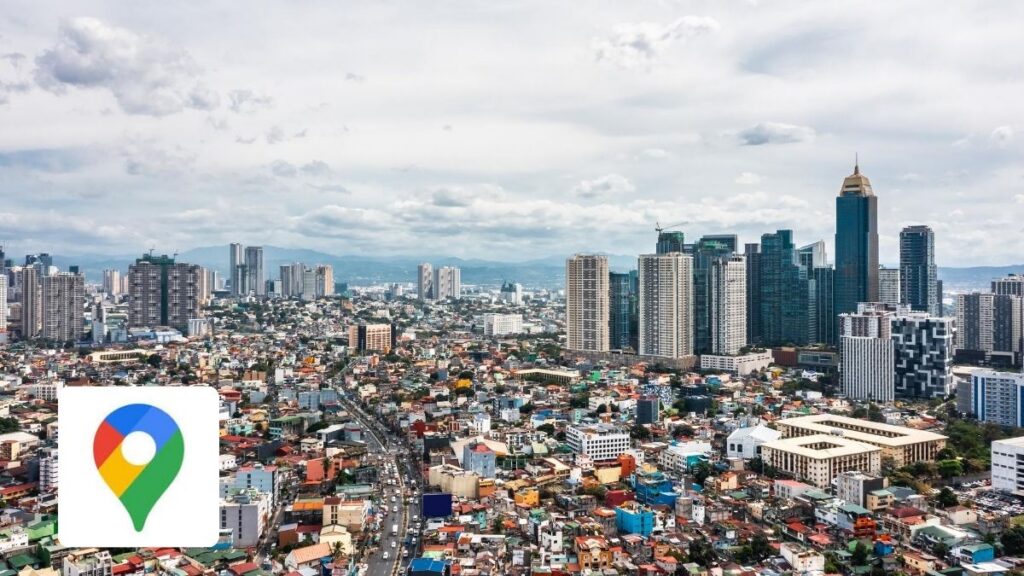
Navigate with Google Maps app. Get where you’re going with real-time traffic updates and route suggestions from Google Maps. You get turn-by-turn steps for driving, walking or public transit.
Even if you lose your signal, offline maps keep you on course, perfect for areas with patchy internet. The app displays local spots to eat, visit or shop, including little gems off the beaten path.
You can look up trip times before you go, so you plan wiser. The map’s design is intuitive and accessible, even for the non-tech-savvy.
Though mostly accurate, maps can occasionally be unaccountably off or sluggish in the face of bad service. Still, most travelers rely on it to reduce anxiety in unfamiliar locations.
2. Ride-Hailing with Grab

Grab provides you with an immediate decision to reserve rides, be it a vehicle or motorbike.
The app provides you with transparent prices in advance, so you’re aware of the cost before you travel. Local drivers, who know the roads well, get you to your stop on time.
You can watch your trip in real time on the map, which provides peace of mind in terms of safety and in terms of scheduling our day.
Grab is great if you seek a safe, smooth, and hassle-free way to navigate the city.
3. Connectivity with Ubigi eSIM

Keep connected with Ubigi eSIM when you roam in the Philippines! Avoid roaming fees and connect with data plans that suit you.
Ubigi functions in more than 200 locations with a wide coverage in 4G or 5G, enabling you to remain connected whether you’re in metropolitan areas or isolated areas. Ubigi eSIM give you fast, reliable data so you skip the brutal roaming fees.
You can configure it before you take off and activate your eSIM directly from Ubigi app, as soon as you land. Maintain your primary SIM for calls and texts.
You select the plan that fits your journey among a range of data plans designed for different travel needs:
- Short city breaks (3GB Philippines data plan for 7 days)
- Longer vacations across multiple regions (10GB or a 25GB Philippines data plan or an unlimited data plan for 15 or 30 days)
- Multi-country trips within Asia (25GB to Unlimited Asia data plan for up to 30 days)
Your Ubigi eSIM works throughout Asia, if you extend your journey beyond the Philippines, thanks to the Asia regional data plans.
Top up data anytime, no Wi-Fi needed. It’s compatible with many devices, including phones, tablets, and even Windows 10/11 laptops. Everyone loves how simple it is to activate and rely on it while at work or on the road.
4. Communication with Facebook Messenger

You require an instrument that allows you to get a hold of friends and relatives quickly, anytime, anywhere. Facebook Messenger is amazing.
Use text, voice, or video chat. You always have options. If you’re jetsetting, Messenger works anywhere you have internet, so you can swap pics or quick status updates while on the move.
For inquiries on other applications, chat support is simple to locate without exiting Messenger. While some users find Messenger disruptive at work, primarily due to ads and additional features, this can be mitigated by utilizing dedicated threads to maintain organization.
5. Food Delivery with Foodpanda
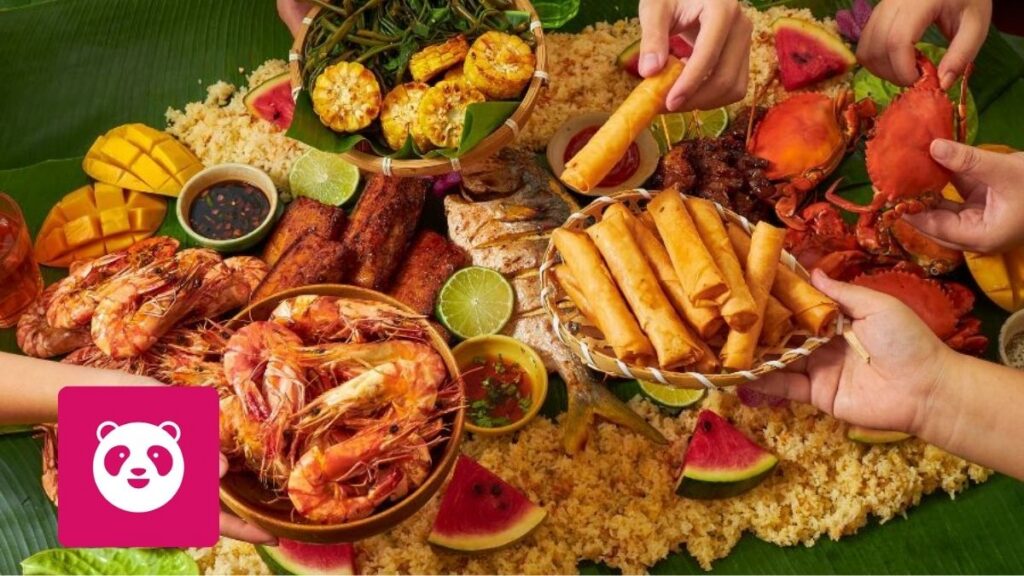
Go meals quick with Foodpanda! You select from a blend of local, fast-food, and food kiosks, more than 5,000 partners altogether. Foodpanda operates in 11 Asian countries and serves over 400 cities.
In the Philippines, you’ll get service in Metro Manila and close-by locations with more actually coming very soon. There’s no minimum bill, and you can order from multiple stores at the same time. Anticipate to receive it within 2 hours, so you don’t have to wait too long.
Discover exclusive offers, discounts, and cuisines. Foodpanda delivers groceries, medicine, and fresh produce to your doorstep, too. Stay in, skip the lines, and get what you need fast.
6. Restaurant Discovery with Zomato

Discover new places to eat with Zomato, from quaint cafes to upscale eateries within Metro Manila, Makati and Pasay. Zomato’s app draws in reviews and ratings from more than 3 million users at more than 20,000 restaurants, so you’re getting actual feedback, not just ads.
Check menus and compare ratings before you go. You’ll spot top picks like Antonio’s and Bag of Beans. Zomato lets you book tables for busier spots and highlights local favorites through its Foodies Choice Awards.
It’s not flawless but at least you’ll get a sense of what’s tasty, especially if you want to eat Filipino food.
7. Language with Google Translate

Break down language walls fast, with Google Translate’s support for 117+ languages. In the Philippines, you can use it to scrape up elementary Tagalog or translate signs, menus, and local expressions.
Camera mode lets you aim your phone at printed text for instant translation, which comes in handy when you’re ordering or reading directions. You can save handy words in the phrasebook or use the app offline, which is great for those locations with iffy internet.
Conversation mode lets you chat with locals, but it’s not always exact, so double-check when it counts. Detect language is handy because it saves time if you’re not sure what language you see.
8. Local Activities with Klook
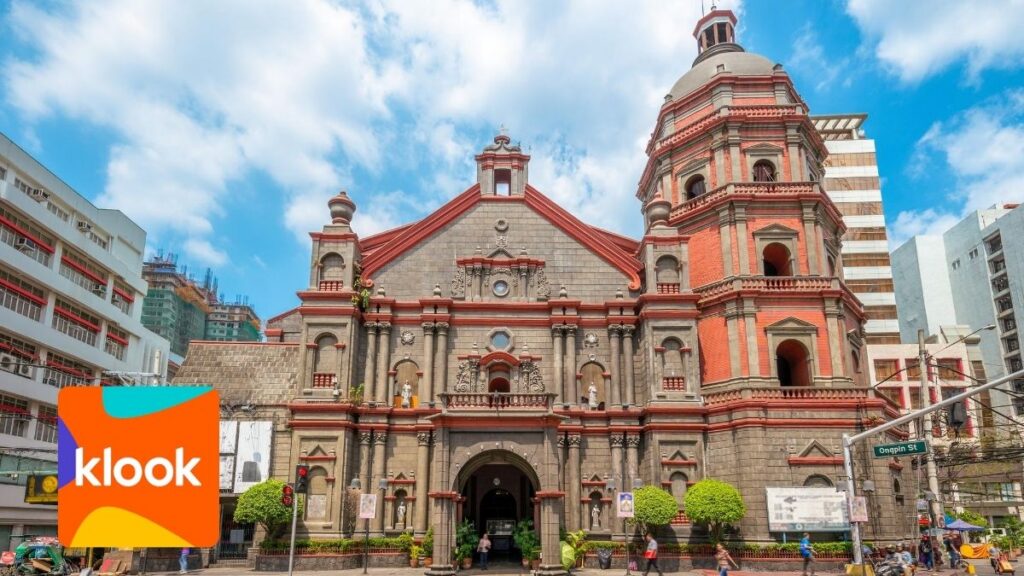
Klook lets you plan your trip here in the Philippines by booking tours and activities directly from your phone. You discover hundreds of activities, from guided city walks to museum visits.
The platform provides you access to exclusive deals and skip-the-line tickets for hot spots, so you spend less time waiting. Save your favorite experiences to a wishlist, then book when you’re ready.
Klook includes transport, with train, bus, and ferry tickets. Want a vacay package? They’ve got bundles for various places.
With Klook, receive local tips and curated activities that suit your preferences.
9. Inter-island Travel with 12Go

Book ferry tickets and inter-island transfers right from your phone with 12Go. The app lets you choose boats, buses, trains or flights so you can travel around the Philippines with less hassle.
It’s convenient to search schedules and fares for every route, and you can filter by date, destination, or travelers. You get to have all your options laid out side-by-side, so you can choose what best suits your itinerary or budget.
You get defined steps, English-speaking support, and assistance planning extended multi-island journeys.
10. Public Transit with Sakay.ph
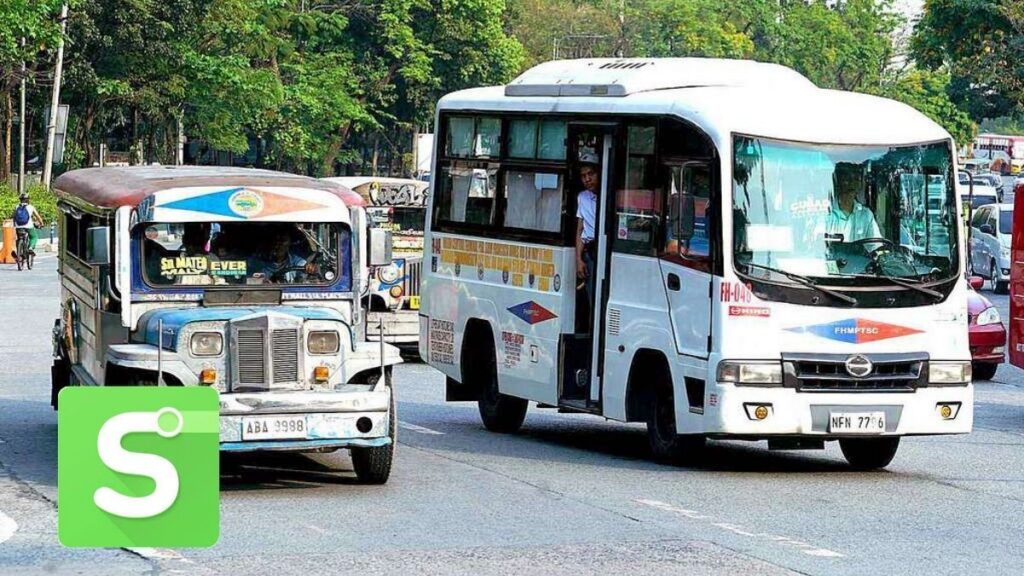
Sakay.ph offers you an easy route to navigate through major cities such as Manila or Cebu. You receive detailed, stepwise directions for bus, jeepneys, trains, P2P, MRT, UV Express, and even ferries.
Because of the app’s vast route coverage, you can consult schedules, view real-time bus arrival times, and compare estimated fares and trip times for any given route. Even if you don’t know the city, you can count on Sakay.ph!
Users claim it’s convenient and intuitive, with English and other language support. The app’s got a 4+ rating on the app store.
Conclusion
With these apps, you squeeze more from every day in the Philippines. You get around crowded streets quicker with Google Maps and Grab.
You catch up with friends on Messenger and never miss a meal with Foodpanda. Hungry for new places, Zomato shows what’s nearby.
Google Translate makes chats easy. Klook and 12Go allow you to explore new adventures and book rides in just a couple of taps. Sakay.ph navigates local transit, so you spend less time waiting.
You stay connected with your phone using Ubigi eSIM. Each app delivers genuine assistance, whether you’re staying for the long haul or just passing through.
Give a few a spin, find ones that suit your style, and make your stay in the Philippines easier and more enjoyable!
We hope that this article on the “10 Must-Have Apps for the Philippines” helped you in the planning of your trip!

Frequently Asked Questions
What are the best apps for getting around in the Philippines?
Google Maps for navigation, Grab of course, and Sakay.ph for public transit routes. These apps make it easy for you to navigate through cities in the Philippines fast and safe.
How can I stay connected to the internet while in the Philippines?
You can have instant mobile data without a SIM card by using the Ubigi eSIM app. It keeps you online effortlessly whether you’re island hopping or city hopping.
Which app should I use for food delivery in the Philippines?
Foodpanda is a popular food delivery app. It allows you to order from a variety of local restaurants and have your meals promptly delivered to you.
Is there an app to help with language barriers in the Philippines?
Google Translate: great for translating English, Filipino, and other languages. It makes communicating so much easier if you don’t speak the language.
What is the best app to book activities and tours in the Philippines?
Klook is a secure app for booking local tours, attractions, and activities. Discover and book experiences throughout the country with convenient and safe transactions.
Which app is recommended for inter-island travel bookings?
12Go, great for booking inter-island ferries, buses, and trains. It’s great for comparing schedules and pre-booking tickets.
How do I find good restaurants in the Philippines?
Zomato is a terrific restaurant finder app. Read reviews, check menus, and find the perfect place to eat that is right for you and your budget.







 How to check eSIM compatibility
 How to check carrier unlocking