Skip to content

TUTORIALS

Here you will find all our official tutorials to learn how to use Ubigi eSIM.

How to install a Ubigi eSIM on your iPhone via the Ubigi app?

Planning a trip abroad and need quick, reliable Internet access? Here’s a quick tutorial on how to install your Ubigi eSIM on your iPhone via the Ubigi app 📱✈️

View our video

How to install a Ubigi eSIM on your iPhone via a QR code?

Heading abroad and want hassle-free Internet on your journey? Here’s a quick guide on how to install your Ubigi eSIM on your iPhone device using a QR code 📱✈️

View our video

Having doubts about your Ubigi eSIM setup before your next trip? We’ll show you how to activate and deactivate your Ubigi eSIM on your Android device📱✈️

View our video

Having doubts about your Ubigi eSIM setup before your next trip? We’ll show you how to activate and deactivate your Ubigi eSIM on iPhone 📱✈️

View our video

Heading abroad and want hassle-free Internet on your journey? Here’s a quick guide on how to install your Ubigi eSIM on your Android device using the Ubigi App📱✈️

View our video

Planning a trip abroad and need quick, reliable Internet access? Here’s a quick tutorial on how to install your Ubigi eSIM on your iPad via the Ubigi app 📱✈️

View our video

Planning your vacation abroad and in search of a reliable Internet connectivity? Here is a quick tutorial on how to install your Ubigi eSIM on your iPad using a QR code📱✈️

View our video

Planning your vacation abroad and in search of a reliable Internet connectivity? Here is a quick tutorial on how to install your Ubigi eSIM on your iPad via your iPad settings📱✈️

View our video

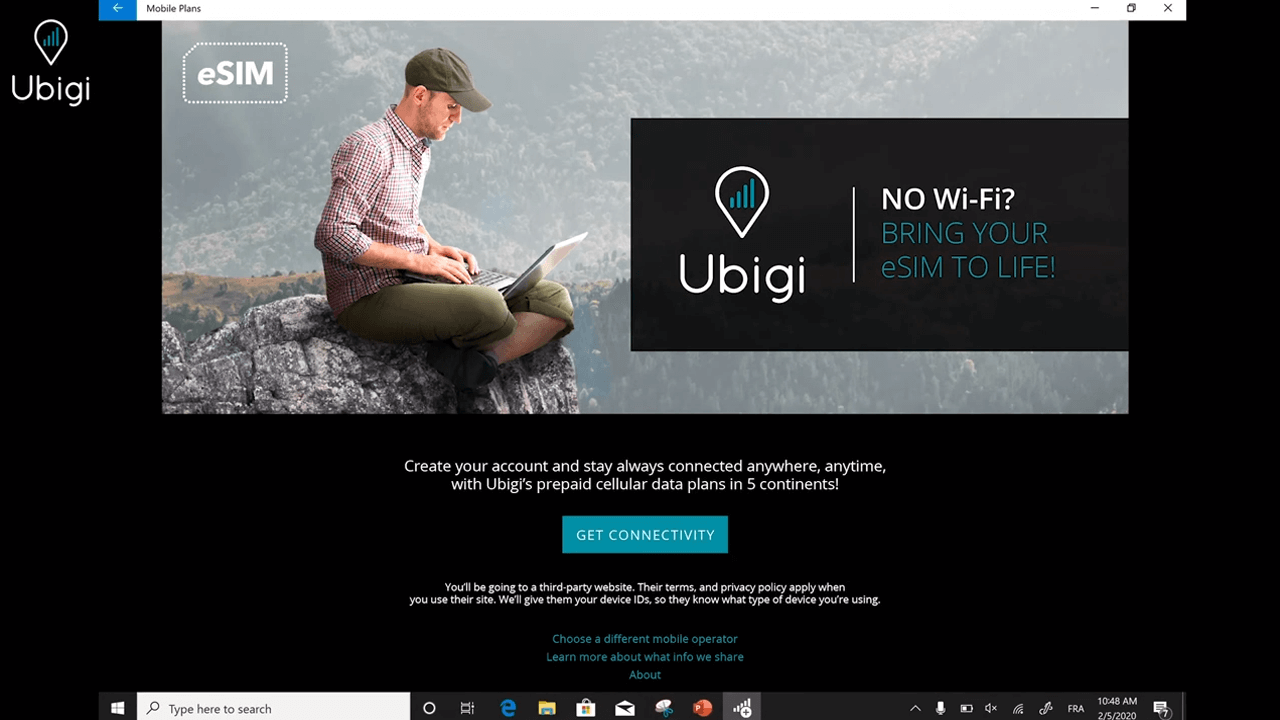
Heading abroad and want hassle-free Internet on your journey? Here’s a quick guide on how to install your Ubigi eSIM on your Android device using a QR code 📱✈️/p>
View our video

Traveling abroad and need reliable Internet access during your trip? Here’s a quick guide on how to install your Ubigi eSIM on your Windows 10 laptop 💻✈️
View our video

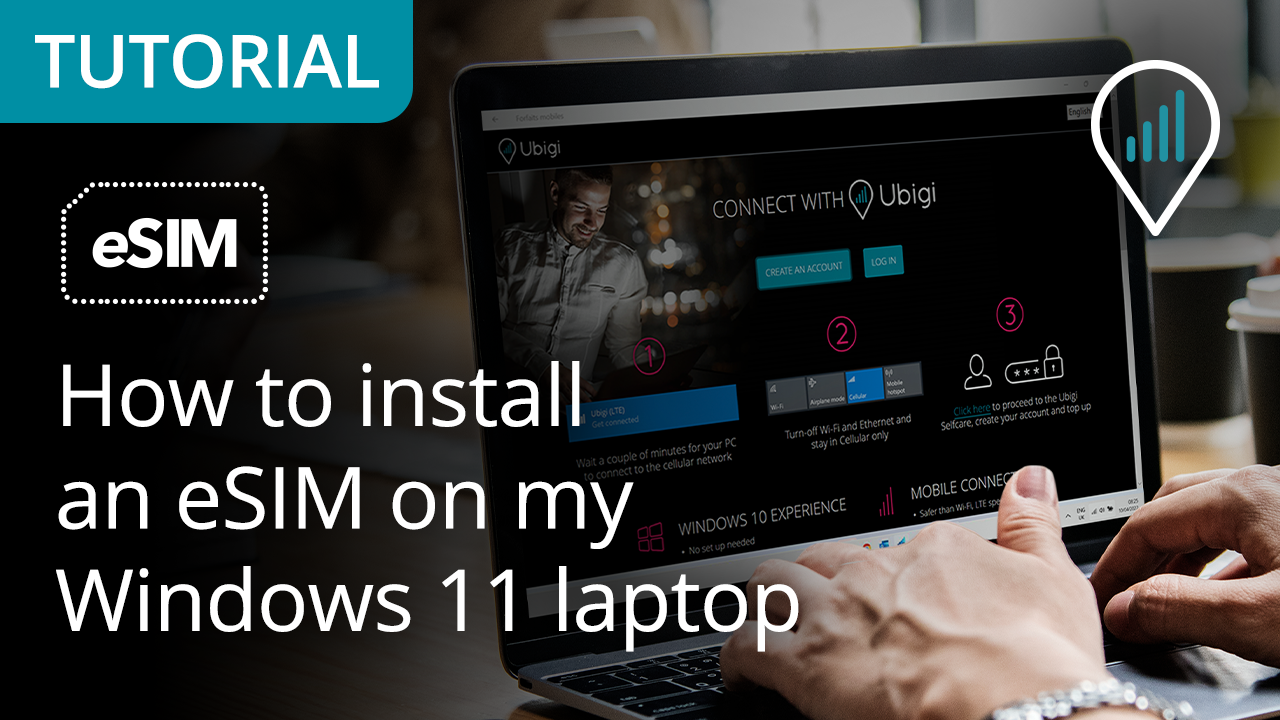
Traveling abroad and need reliable Internet access during your trip? Here’s a quick guide on how to install your Ubigi eSIM on your Windows 11 laptop 💻✈️
View our video

How to install Ubigi eSIM on your Windows laptop?

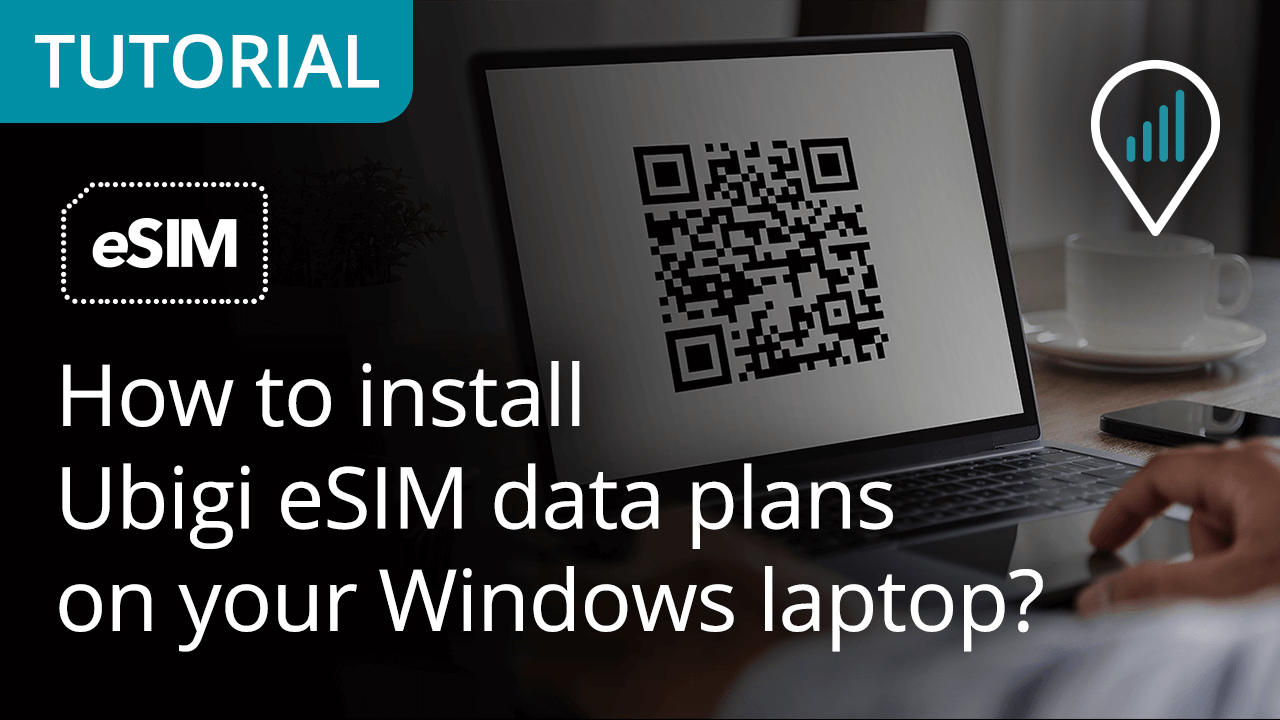
Planning your business trip or vacation abroad and need a stable Internet connection? Here’s a quick tutorial on how to install your Ubigi eSIM on your Windows laptop 💻✈️


View our video

Great Trustpilot stars Trustpilot
Trustpilot stars
Based on 39045 reviews on Trustpilot
5 stars Verified
Verified review
This user has been identified as a buyer
Clear instructions in how to use.
customer, 07 Jun 2026
5 stars Verified
Verified review
This user has been identified as a buyer
Works well so far in Vietnam
Cath cutler, 07 Jun 2026
5 stars Verified
Verified review
This user has been identified as a buyer
V quick response
V quick response
customer, 07 Jun 2026
5 stars Verified
Verified review
This user has been identified as a buyer
Never used a e SIM card before
Never used a e SIM card before. With advice and help from a friend this system worked nicely during a cruise to Europe. Used ship WiFi when on board and Ubigi service when on excursions. Easy to imitate and inexpensive for my 10 day use
customer, 07 Jun 2026
5 stars Verified
Verified review
This user has been identified as a buyer
Got to Paris from Ottawa
Got to Paris from Ottawa, Canada. Ubigi worked immediately.
jim.mcgee, 07 Jun 2026
4 stars Verified
Verified review
This user has been identified as a buyer
Internet to Asia
Got the Asia package. In China wish it worked better. Many times I was loosing connection etc. In Japan can give 5stars! no problem at all . Super connection, fast Internet.
customer, 07 Jun 2026
5 stars Verified
Verified review
This user has been identified as a buyer
This company have me service immediately
customer, 07 Jun 2026
5 stars Verified
Verified review
This user has been identified as a buyer
It was so easy to install and use the…
It was so easy to install and use the e-sim whilst staying in Equador. Great experience!
customer, 07 Jun 2026
5 stars Verified
Verified review
This user has been identified as a buyer
Used several e-sims and this is the best
Used several e-sims and this one the service has been fantastic. Always had solid connections travelling throughout Asia. Quick and easy to set up.
Lewis Stuart, 07 Jun 2026
5 stars Verified
Verified review
This user has been identified as a buyer
Easy to use and value for money.
customer, 07 Jun 2026
5 stars Verified
Verified review
This user has been identified as a buyer
Super easy to set up and use
Super easy to set up and use. Highly recommend.
customer, 07 Jun 2026
5 stars Verified
Verified review
This user has been identified as a buyer
Worked well in all or most places I…
Worked well in all or most places I travelled to in Japan .
customer Diana S, 07 Jun 2026
5 stars Verified
Verified review
This user has been identified as a buyer
We used in South Korea and had no…
We used in South Korea and had no problems the whole time
customer, 07 Jun 2026
5 stars Verified
Verified review
This user has been identified as a buyer
Easy to buy before you begin your…
Easy to buy before you begin your travels. Love that it automatically activates when you arrive at your destination. Never fails.
Marcus, 07 Jun 2026
4 stars Verified
Verified review
This user has been identified as a buyer
Second time using Ubigi
Second time using Ubigi. My only issue is that there was an outage for a couple of hours. Luckily I knew my way around the area since I rely heavily on using data for Google Maps.
Benji, 07 Jun 2026

Your message has been sent.
We’ll get back to you shortly.

We have taken into account your subscription to the newsletter
