Skip to content
-15% with MERRY15
Ends in:
CHRISTMAS PROMO:
-15% on unlimited eSIM plans with the code
MERRY15
The offer ends in:

TUTORIALS

Here you will find all our official tutorials to learn how to use Ubigi eSIM.

How to install a Ubigi eSIM on your iPhone via the Ubigi app?

Planning a trip abroad and need quick, reliable Internet access? Here’s a quick tutorial on how to install your Ubigi eSIM on your iPhone via the Ubigi app 📱✈️

View our video

How to install a Ubigi eSIM on your iPhone via a QR code?

Heading abroad and want hassle-free Internet on your journey? Here’s a quick guide on how to install your Ubigi eSIM on your iPhone device using a QR code 📱✈️

View our video

Having doubts about your Ubigi eSIM setup before your next trip? We’ll show you how to activate and deactivate your Ubigi eSIM on your Android device📱✈️

View our video

Having doubts about your Ubigi eSIM setup before your next trip? We’ll show you how to activate and deactivate your Ubigi eSIM on iPhone 📱✈️

View our video

Heading abroad and want hassle-free Internet on your journey? Here’s a quick guide on how to install your Ubigi eSIM on your Android device using the Ubigi App📱✈️

View our video

Planning a trip abroad and need quick, reliable Internet access? Here’s a quick tutorial on how to install your Ubigi eSIM on your iPad via the Ubigi app 📱✈️

View our video

Planning your vacation abroad and in search of a reliable Internet connectivity? Here is a quick tutorial on how to install your Ubigi eSIM on your iPad using a QR code📱✈️

View our video

Planning your vacation abroad and in search of a reliable Internet connectivity? Here is a quick tutorial on how to install your Ubigi eSIM on your iPad via your iPad settings📱✈️

View our video

Heading abroad and want hassle-free Internet on your journey? Here’s a quick guide on how to install your Ubigi eSIM on your Android device using a QR code 📱✈️/p>
View our video

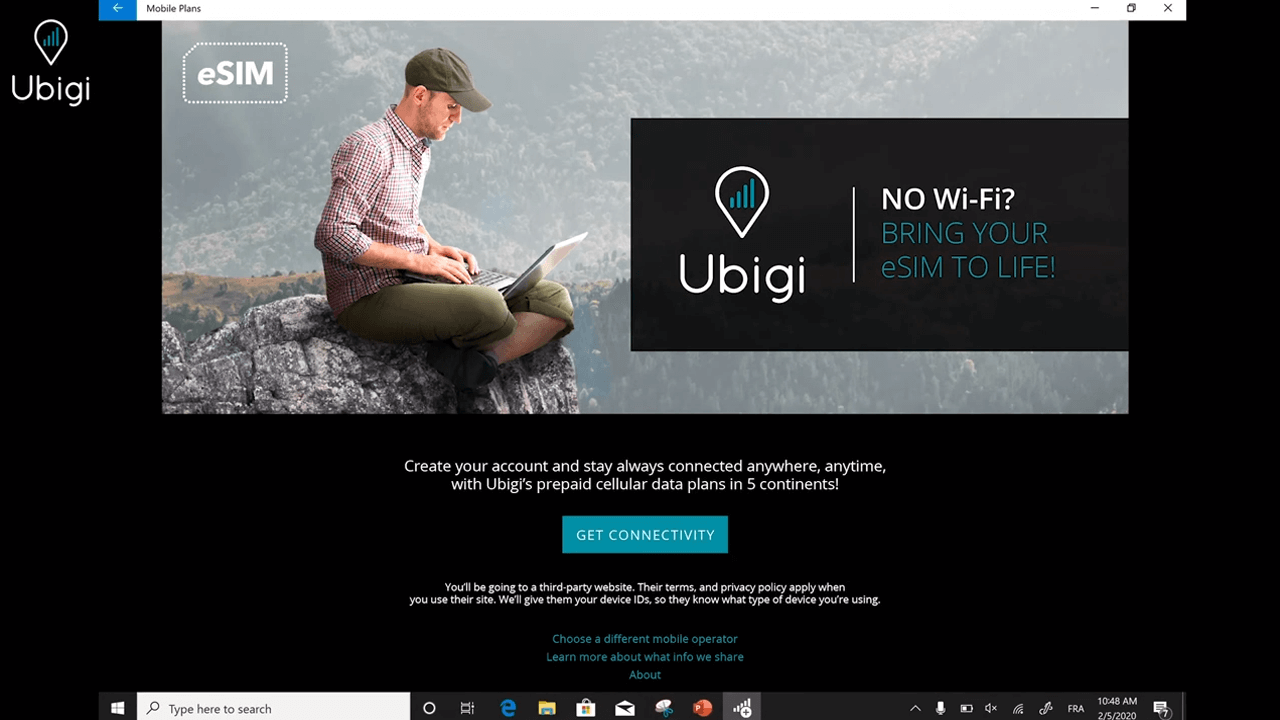
Traveling abroad and need reliable Internet access during your trip? Here’s a quick guide on how to install your Ubigi eSIM on your Windows 10 laptop 💻✈️
View our video

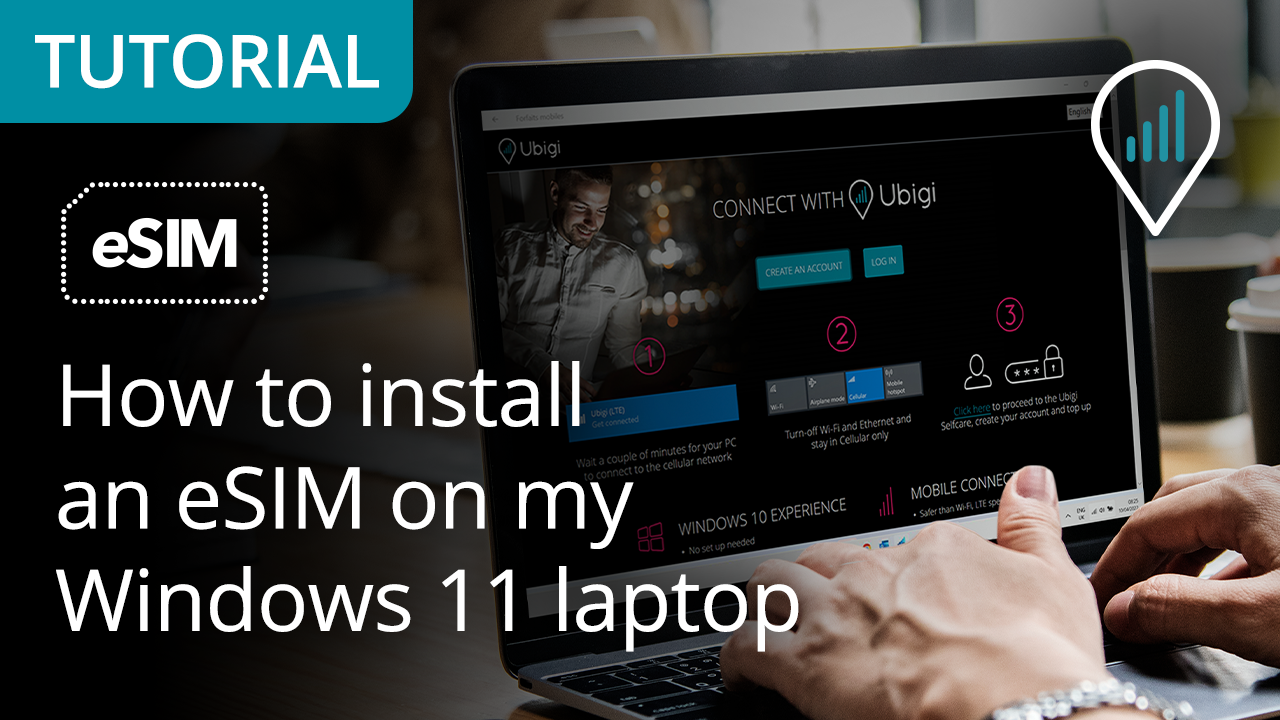
Traveling abroad and need reliable Internet access during your trip? Here’s a quick guide on how to install your Ubigi eSIM on your Windows 11 laptop 💻✈️
View our video

How to install Ubigi eSIM on your Windows laptop?

Planning your business trip or vacation abroad and need a stable Internet connection? Here’s a quick tutorial on how to install your Ubigi eSIM on your Windows laptop 💻✈️


View our video

Great Trustpilot stars Trustpilot
Trustpilot stars
Based on 29897 reviews on Trustpilot
5 stars Verified
Verified review
This user has been identified as a buyer
Great coverage
Great coverage
Norma, 19 Dec 2025
5 stars Verified
Verified review
This user has been identified as a buyer
Ease of installation & activation good…
Ease of installation & activation good pricing
Yo Valiente, 19 Dec 2025
5 stars Verified
Verified review
This user has been identified as a buyer
Simply great
Used it in the USA last year and this year in Japan, worked flawlessly each time
Matthias Waldmüller, 19 Dec 2025
5 stars Verified
Verified review
This user has been identified as a buyer
Value for money and reliable
Good price, works perfectly in Korea and Japan. Great new feature that you can get an IP address from home country
BV, 19 Dec 2025
4 stars Verified
Verified review
This user has been identified as a buyer
Ubigi plans in India
Ease of use, good prices
Hofi, 19 Dec 2025
5 stars Verified
Verified review
This user has been identified as a buyer
Reliable and easy to use
Linda, 19 Dec 2025
5 stars Verified
Verified review
This user has been identified as a buyer
Delivery as promised
Delivery as promised. I have connections everywhere i went and no drops of service.
customer, 19 Dec 2025
5 stars Verified
Verified review
This user has been identified as a buyer
The connection was perfect
customer, 19 Dec 2025
4 stars Verified
Verified review
This user has been identified as a buyer
The service worked in all counties when…
The service worked in all counties when I could get my phone to connect, which was a challenge. Having wifi turned on frequently interfered with making a connection to local service providers. I never did find a process that worked consistently, but turning wifi and Bluetooth off and cycling through airplane mode usually worked. A few times I needed to power my phone down and then restart it.
Chip, 19 Dec 2025
5 stars Verified
Verified review
This user has been identified as a buyer
Great eSIM use everytime I go away
Great eSIM use everytime I go away. Easy to top up. Great notification if your limit is getting low. Totally recommend
customer, 18 Dec 2025
5 stars Verified
Verified review
This user has been identified as a buyer
Accessibility
Works very well
customer, 18 Dec 2025
5 stars Verified
Verified review
This user has been identified as a buyer
Very easy to set up and use
Very easy to set up and use. No issues with data when traveling.
MURILLO JOSE MANUEL, 18 Dec 2025
5 stars Verified
Verified review
This user has been identified as a buyer
Easy to activate and use
customer, 18 Dec 2025
4 stars Verified
Verified review
This user has been identified as a buyer
Network was not available at same…
Network was not available at same times, even if I was located in the centre od Athens
customer, 18 Dec 2025
5 stars Verified
Verified review
This user has been identified as a buyer
Great service in Japan
Easy set up and great service when I turned it on upon arrival in Tokyo.
Lorange, 18 Dec 2025

Your message has been sent.
We’ll get back to you shortly.

We have taken into account your subscription to the newsletter
