
Your passport to seamless mobile Internet connectivity while traveling abroad in 200+ destinations!

Digital SIM card

100% Prepaid

Instant setup

200+ destinations
Digital SIM card
100% Prepaid
Instant setup
200+ destinations
Dear Valued Partners,

Dial *#06#: if an EID number appears, your device supports eSIM.


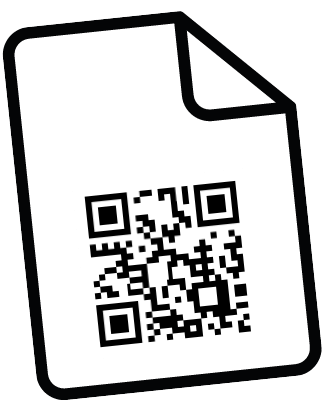
Scan the eSIM data plan QR code provided by Ubigi, either on a VIP card
or sent to you via email, to create your account.


Consent to Ubigi's Privacy Policy
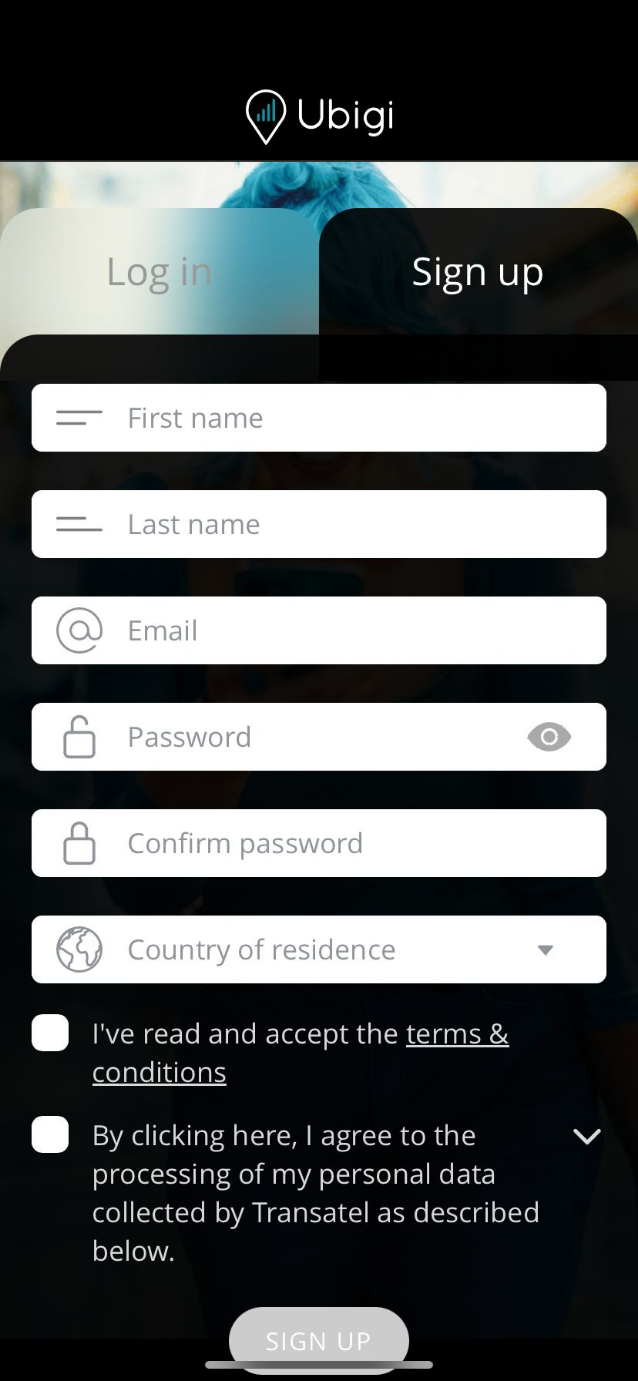
Create your
account
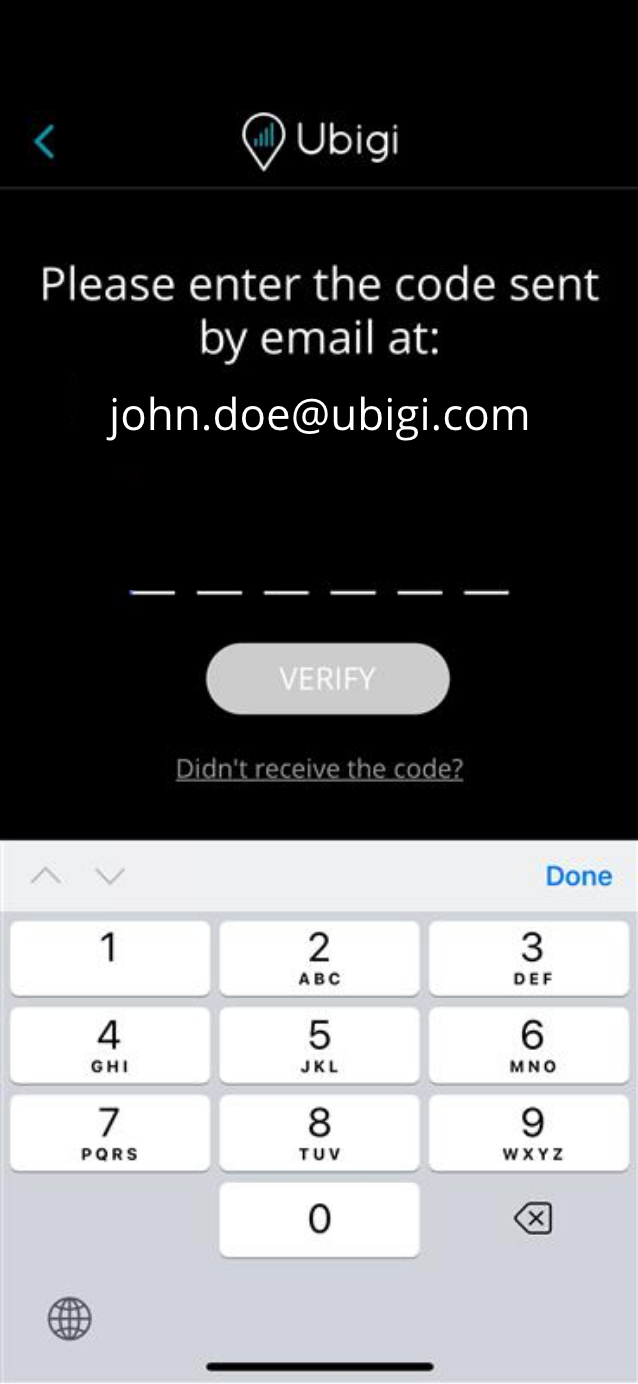
Enter your authentification code

Congratulations! Your 1 GB World plan is now unlocked

Select your 1GB plan in the Rewards section, confirm,
and it’s instantly added to your account.


Tap "Install your eSIM" and confirm only when you’re ready
to use your data, as your plan will activate immediately after installation


Follow the installation steps for the eSIM on your iPhone, then rename it “Ubigi” so you can easily identify it.


Need more data? Top up anytime, even without Wi-Fi.


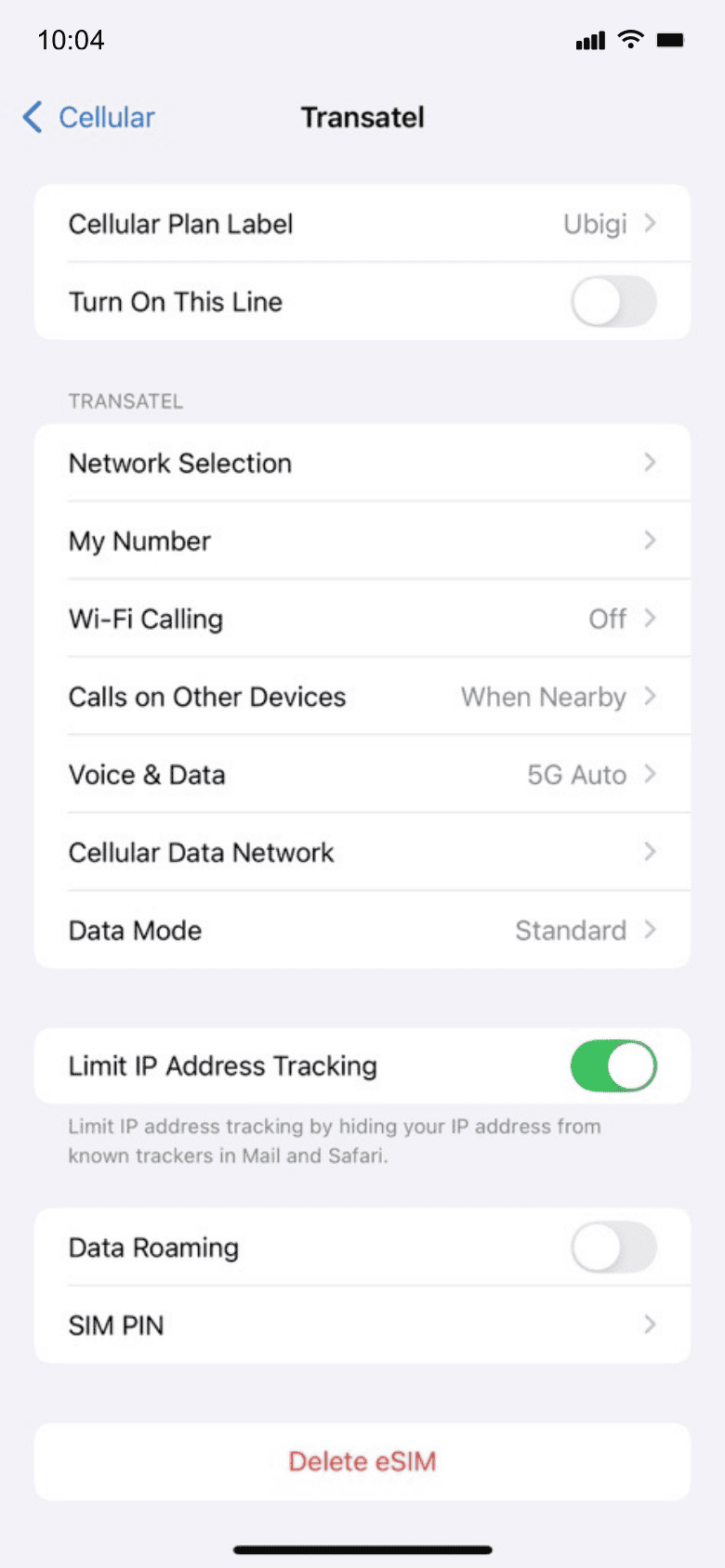
Make sure you have switched off Data Roaming of your home line before departure!
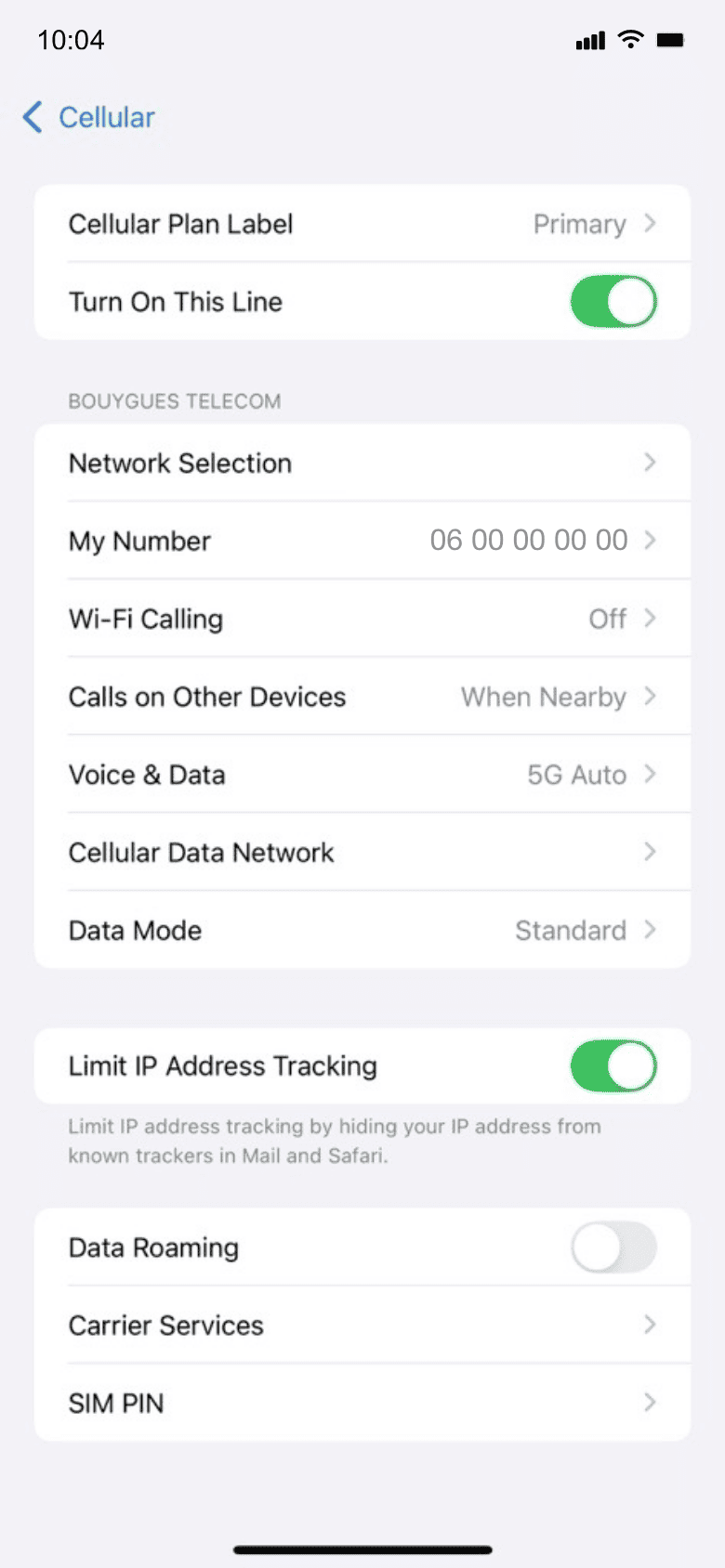

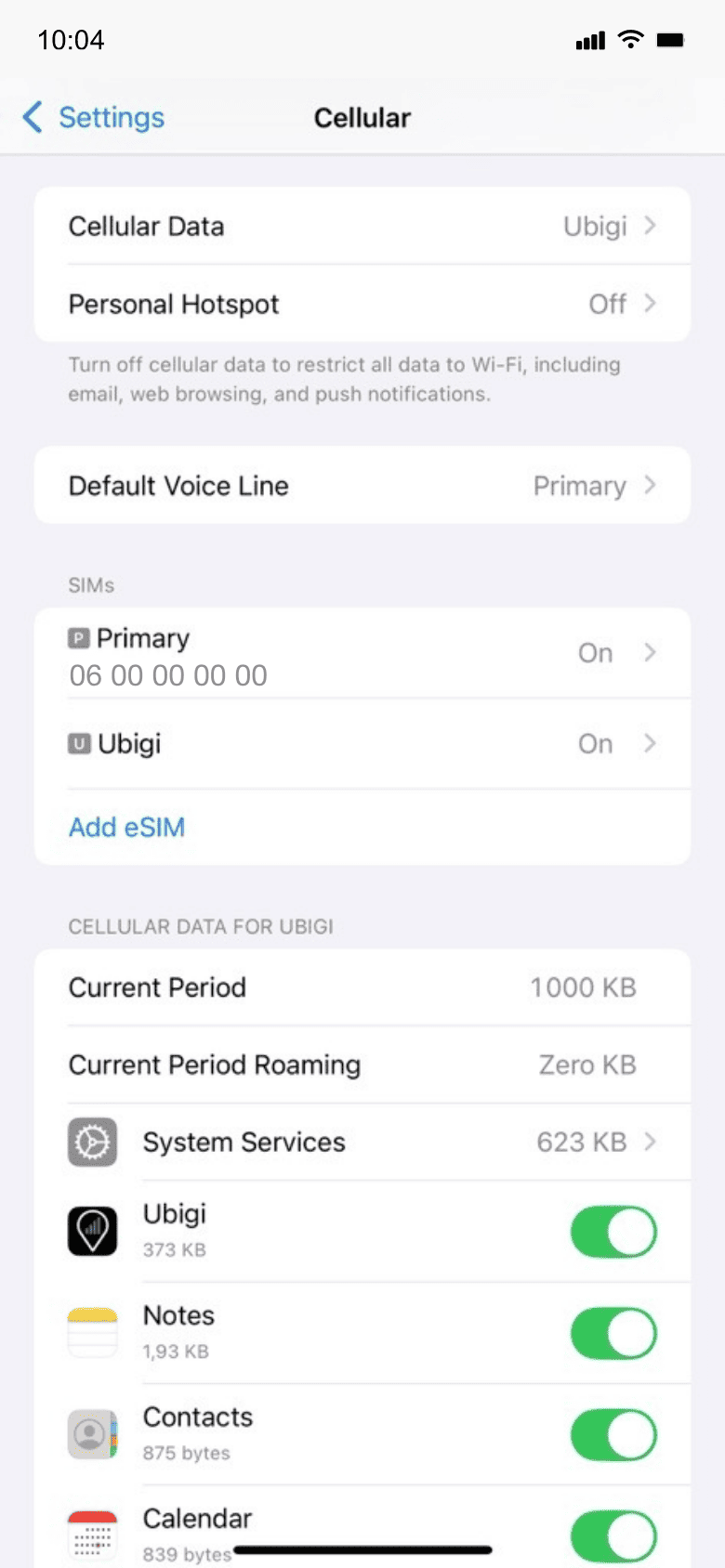
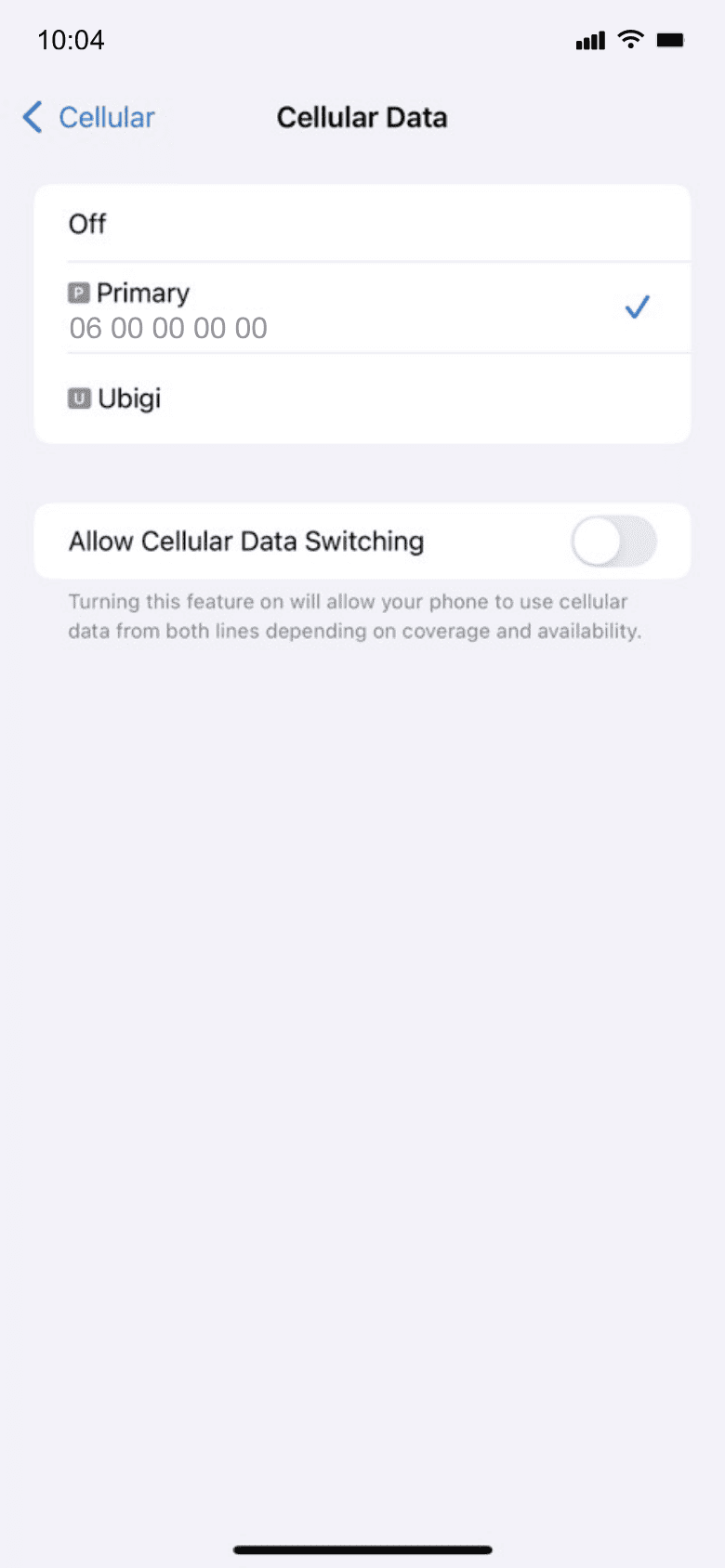
Your data consumption will start upon arrival at destination. Make sure you're using the Ubigi line for Cellular Data!
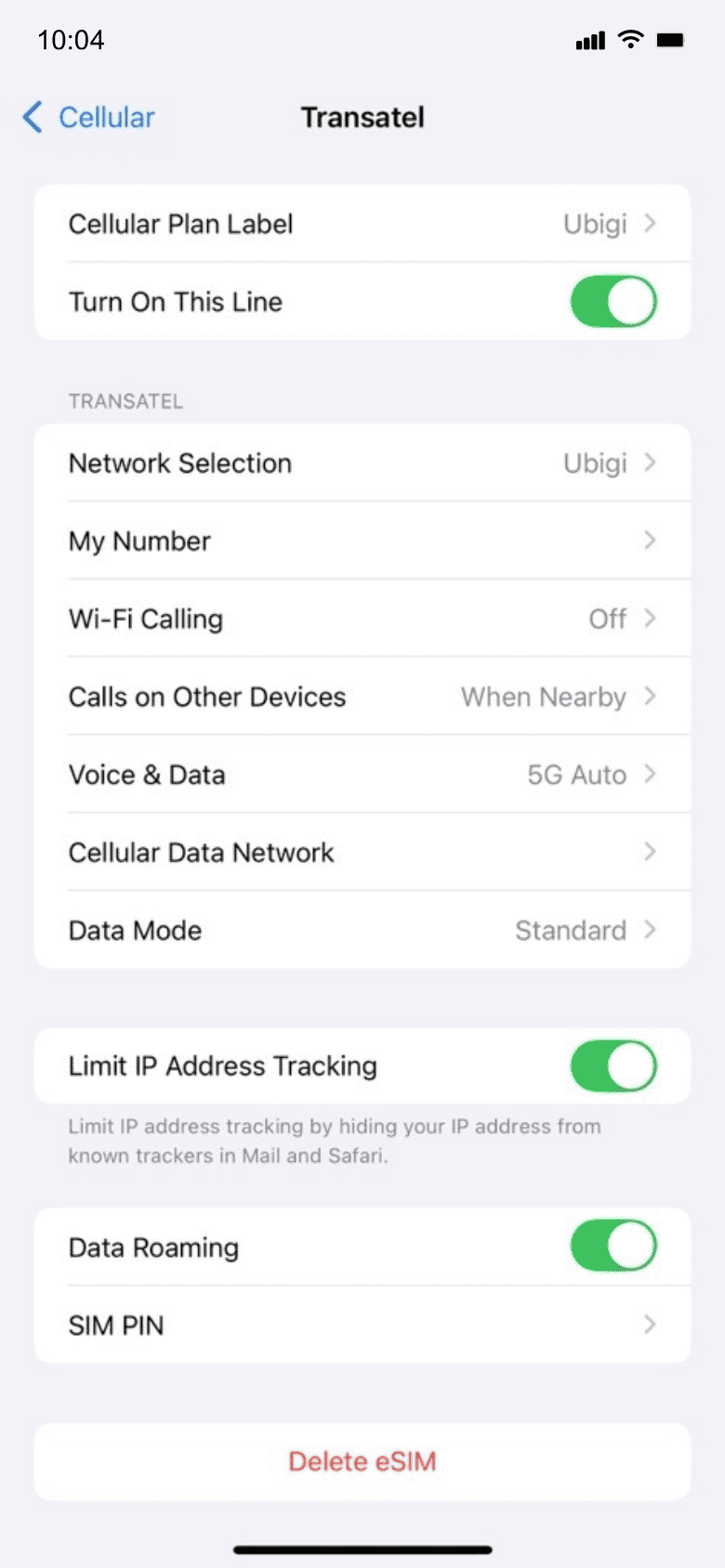

Turn off your Ubigi line and return to your initial settings.



 Verified
Verified
Verified
Verified
Verified
Verified
Verified
Verified
Verified
Verified
Verified
Verified
Verified
Verified
Verified
Verified
Verified
Verified
Verified
Verified
Verified
Verified
Verified  Verified
Verified
Verified
Verified
Verified 
 How to check eSIM compatibility
Smartphones / Tablets:
Dial *#06#.
→ If an EID number appears, your device is eSIM-compatible.
Windows 10 / 11:
Press Windows+I.
Go to “Network & Internet”
→ If you see "Cellular", your PC is eSIM-compatible.
 How to check carrier unlocking
iPhone / iPad:
Go to Settings > General > About.
Scroll to Carrier Lock.
→ If you see “No SIM restrictions”, your device is unlocked.
Android:
Go to Settings > Network & Internet > Mobile network.
Disable Automatic network selection.
→ If multiple networks appear, your device is unlocked.

