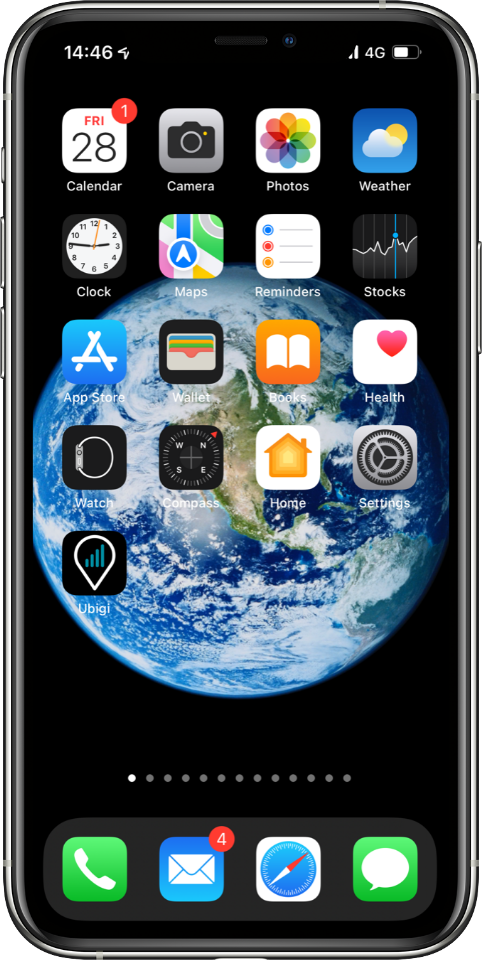
Open your Ubigi Selfcare app on your smartphone or tablet.
If you do not have the app, you can also access your Ubigi account on ubigi.me using a web browser.
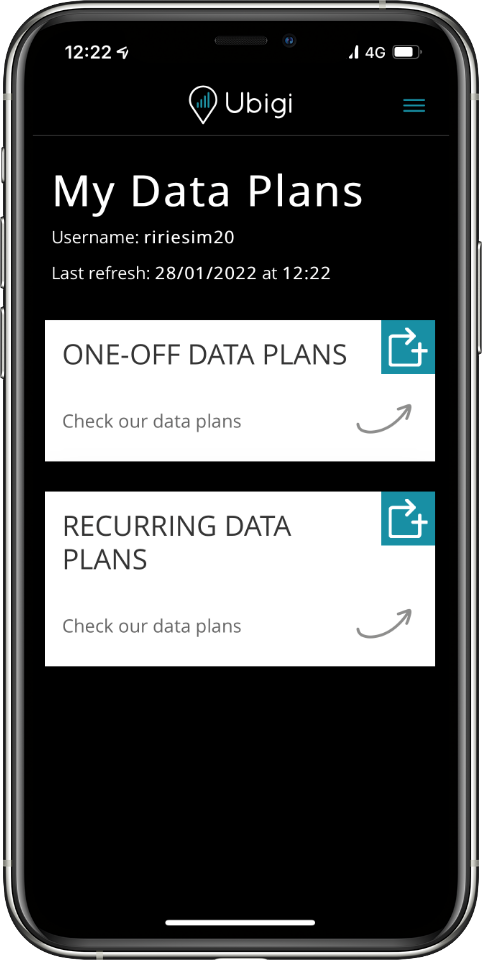
Go to Top Up
Tap on the Top Up symbol
to see the wide range of one‑off and recurring
data plans covering your destination.
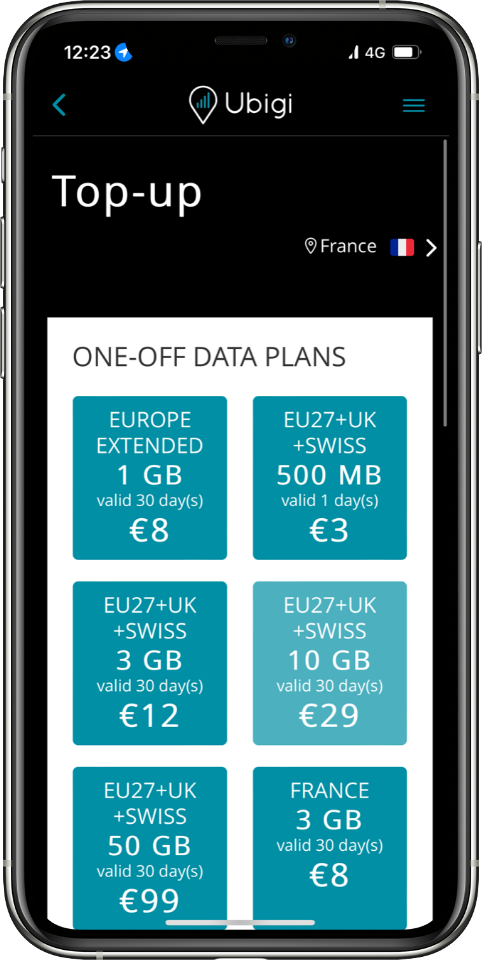
Choose your data plan
Tap on the data plan of your choice to see complete information including data allowance, days valid, expiration date, price and destinations covered.
Note: If you want to search for a data plan outside your current location, you can change location settings at the top right corner.
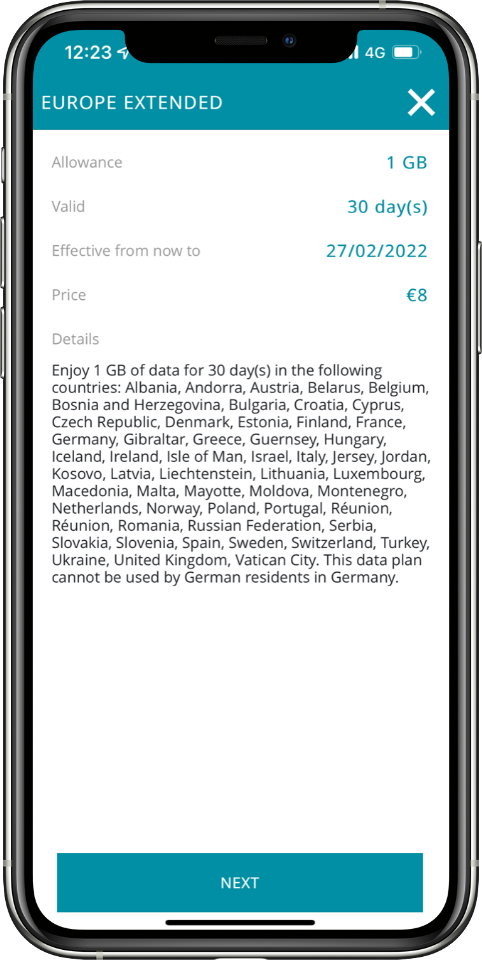
Make a payment
Once you have selected your data plan, check out by selecting your payment method and entering your payment details.
Your data plan will automatically activate upon arrival in a destination covered by the plan, with the validity period starting from that moment. Please note, if the plan is not activated within 6 months of purchase, it will expire automatically.
Enjoy your Ubigi connectivity!

We accept major international payment methods:

Great
Based on 35344 reviews on
Verified
Verified review
This user has been identified as a buyer
Good service
Good service , next time I will get a number to make calls
customer, 21 Apr 2026
Verified
Verified review
This user has been identified as a buyer
All perfect
All perfect
Alexandre Scimone, 21 Apr 2026
Verified
Verified review
This user has been identified as a buyer
easy to connect
easy to connect, good price and great internet
Arunas Sangavicius, 21 Apr 2026
Verified
Verified review
This user has been identified as a buyer
It worked right as I landed
Simple setup. It worked within 5 minutes after I landed in all countries I visited. Service was good and had no trouble at any time. It's my main travel esim provider for years now.
customer, 21 Apr 2026
Verified
Verified review
This user has been identified as a buyer
Review
Changed my phone and had issues. Customer service wouldn’t grant the same price that i initially paid it. Overall, i usually have no issues using this company.
Elaine, 21 Apr 2026
Verified
Verified review
This user has been identified as a buyer
Very easy and fast onboarding for a…
Very easy and fast onboarding for a good price. It worked right away when landing in the US.
Only thing to improve is the clarity at signing up. I confused the country for the destination country, while the country of residence was meant. This changed the currency and limited the IP option.
Martijn Rooijakkers, 21 Apr 2026
Verified
Verified review
This user has been identified as a buyer
Works everywhere Hassle free
Normand, 21 Apr 2026
Verified
Verified review
This user has been identified as a buyer
Easy to install and configure
Easy to install and configure, works reliably!
Katrin Laas-Mikko, 21 Apr 2026
Verified
Verified review
This user has been identified as a buyer
Service continuity
Service continuity. Any problems
customer, 21 Apr 2026
Verified
Verified review
This user has been identified as a buyer
Great service
Great service, only when on the monrail from Airport to Tokyo City I lost complete serfcice. Not helpful if you want to navigate your stops.
Rest of the time in Japan I had no connection issues.
customer, 21 Apr 2026
Verified
Verified review
This user has been identified as a buyer
Always a smooth experience
We used Ubigi for an couple of trips now and always the experience is great: prepare all from home, arrive to the destination, have a data plan. (Remember to deactivate data roaming for your regular SIM).
Michael, 21 Apr 2026
Verified
Verified review
This user has been identified as a buyer
Quick connection and hasn’t missed a…
Quick connection and hasn’t missed a step in our strip.
Cannondale, 21 Apr 2026
Verified
Verified review
This user has been identified as a buyer
It's an excellent product
It's an excellent product. Easy to buy and easy to use. I bought the Best Aaia plan and it started to work immediately. Tested it from Home in India, it worked , used it in Thailand, it worked seamlessly immediately on landing at Don Mueng. Used in in Japan. It started to work immediately on landing at Narita.
I am very happy. Thanks Ubigi
Deepakananda bharali, 21 Apr 2026
Verified
Verified review
This user has been identified as a buyer
Good network
Good network
Seamless experience
Reliable even at beach mountain valley
customer, 21 Apr 2026
Thank you
Your message has been sent. We’ll get back to you shortly.
Thank you
We have taken into account your subscription to the newsletter
How to check eSIM compatibility
Smartphones / Tablets:
Dial *#06#. → If an EID number appears, your device is eSIM-compatible.
Windows 10 / 11:
Press Windows+I. Go to “Network & Internet” → If you see "Cellular", your PC is eSIM-compatible.
How to check carrier unlocking
iPhone / iPad:
Go to Settings > General > About. Scroll to Carrier Lock. → If you see “No SIM restrictions”, your device is unlocked.
Android:
Go to Settings > Network & Internet > Mobile network. Disable Automatic network selection. → If multiple networks appear, your device is unlocked.
You already have an eSIM in your cart.
Each order can only include one eSIM data plan.
If you choose to add a new one, the current plan will be removed. What would you like to do?