


How can I top up my Ubigi eSIM?
It’s easy to top up online. Just go to the Ubigi app
or visit ubigi.me





Top up from any device (smartphone, tablet, laptop)

Choose from one‑off, monthly or annual data plans

Accessible anywhere* even when there is no data left or no Wi‑Fi

Accepts major international payment methods
*Under Ubigi’s network coverage
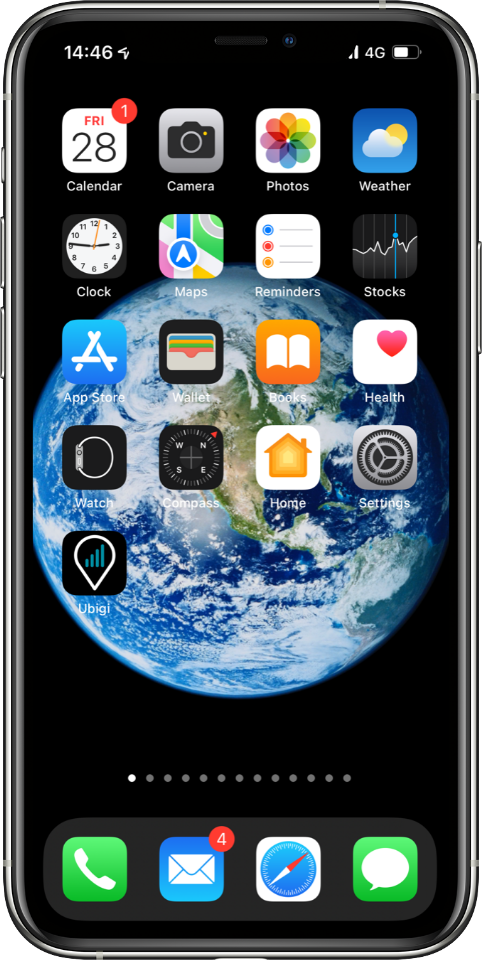
Go to the Ubigi app
Open your Ubigi Selfcare app on your smartphone or tablet.
If you do not have the app, you can also access your Ubigi account on ubigi.me using a web browser.
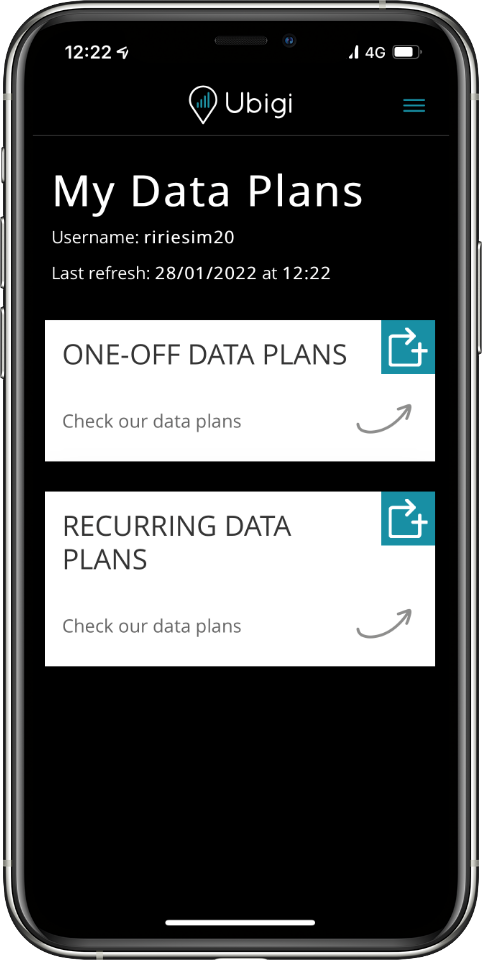
Go to Top Up
Tap on the Top Up symbol
to see the wide range of one‑off and recurring
data plans covering your destination.
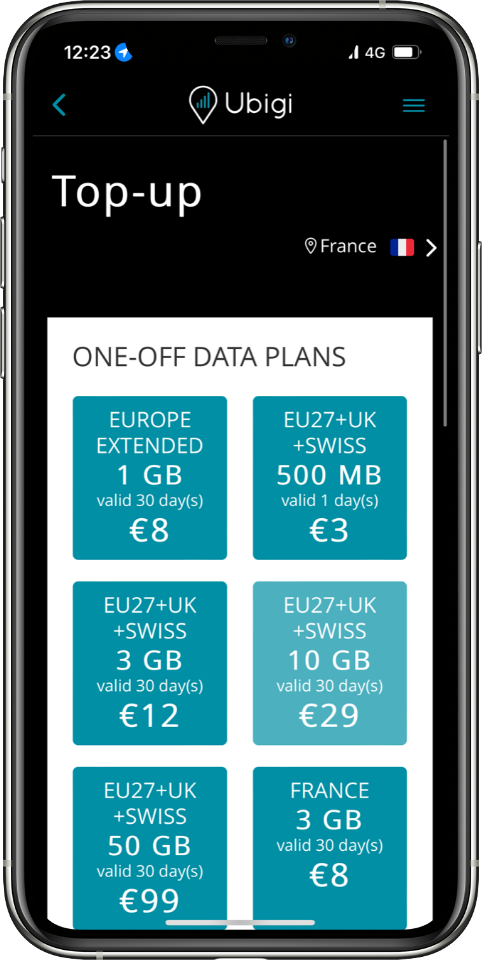
Choose your data plan
Tap on the data plan of your choice to see complete information including data allowance, days valid, expiration date, price and destinations covered.
Note: If you want to search for a data plan outside your current location, you can change location settings at the top right corner.
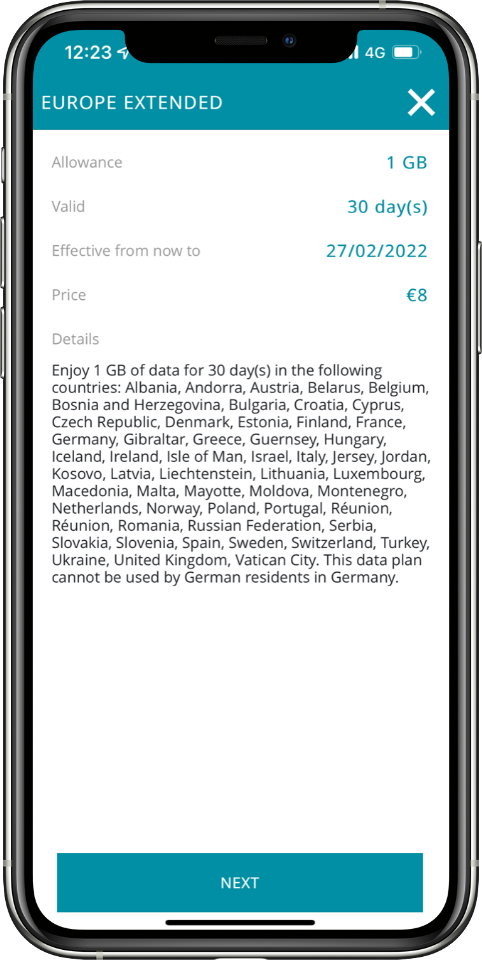
Make a payment
Once you have selected your data plan, check out by selecting your payment method and entering your payment details.
Your data plan will automatically activate upon arrival in a destination covered by the plan, with the validity period starting from that moment. Please note, if the plan is not activated within 6 months of purchase, it will expire automatically.
Enjoy your Ubigi connectivity!


We accept major international payment methods:














 How to check eSIM compatibility
 How to check carrier unlocking