Skip to content

TUTORIALS

Here you will find all our official tutorials to learn how to use Ubigi eSIM.

How to install a Ubigi eSIM on your iPhone via the Ubigi app?

Planning a trip abroad and need quick, reliable Internet access? Here’s a quick tutorial on how to install your Ubigi eSIM on your iPhone via the Ubigi app 📱✈️

View our video

How to install a Ubigi eSIM on your iPhone via a QR code?

Heading abroad and want hassle-free Internet on your journey? Here’s a quick guide on how to install your Ubigi eSIM on your iPhone device using a QR code 📱✈️

View our video

Having doubts about your Ubigi eSIM setup before your next trip? We’ll show you how to activate and deactivate your Ubigi eSIM on your Android device📱✈️

View our video

Having doubts about your Ubigi eSIM setup before your next trip? We’ll show you how to activate and deactivate your Ubigi eSIM on iPhone 📱✈️

View our video

Heading abroad and want hassle-free Internet on your journey? Here’s a quick guide on how to install your Ubigi eSIM on your Android device using the Ubigi App📱✈️

View our video

Planning a trip abroad and need quick, reliable Internet access? Here’s a quick tutorial on how to install your Ubigi eSIM on your iPad via the Ubigi app 📱✈️

View our video

Planning your vacation abroad and in search of a reliable Internet connectivity? Here is a quick tutorial on how to install your Ubigi eSIM on your iPad using a QR code📱✈️

View our video

Planning your vacation abroad and in search of a reliable Internet connectivity? Here is a quick tutorial on how to install your Ubigi eSIM on your iPad via your iPad settings📱✈️

View our video

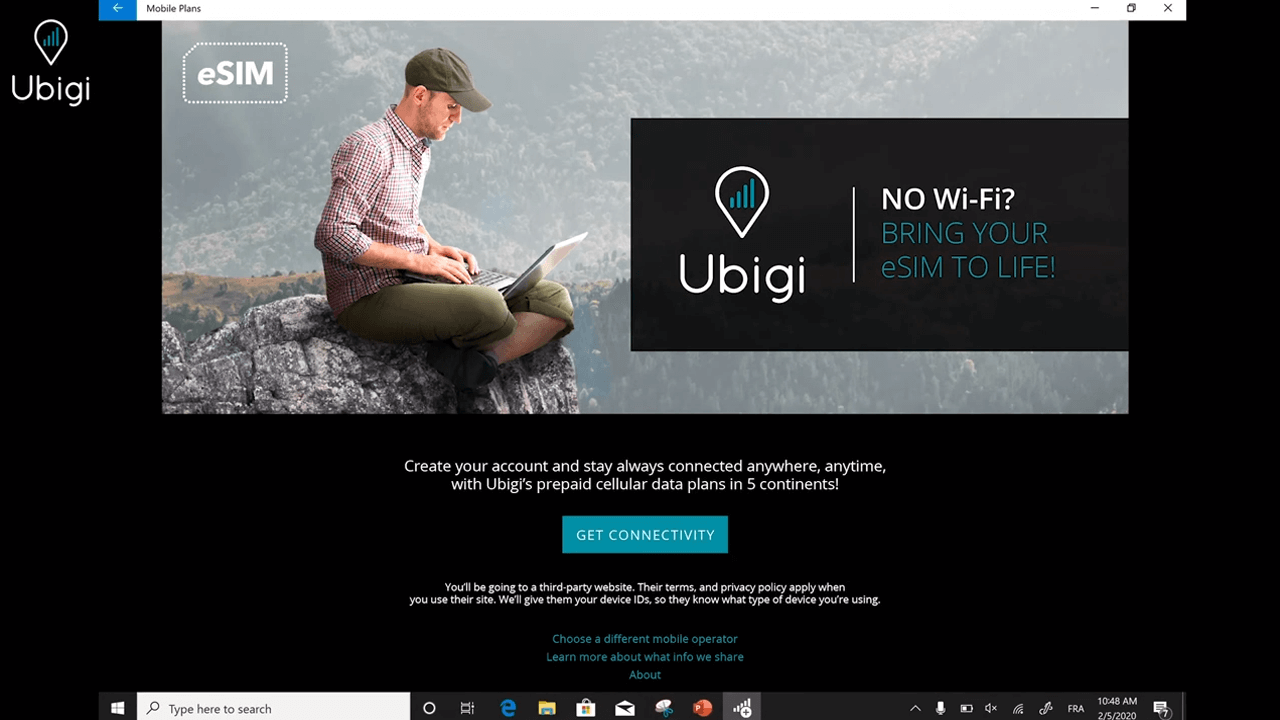
Heading abroad and want hassle-free Internet on your journey? Here’s a quick guide on how to install your Ubigi eSIM on your Android device using a QR code 📱✈️/p>
View our video

Traveling abroad and need reliable Internet access during your trip? Here’s a quick guide on how to install your Ubigi eSIM on your Windows 10 laptop 💻✈️
View our video

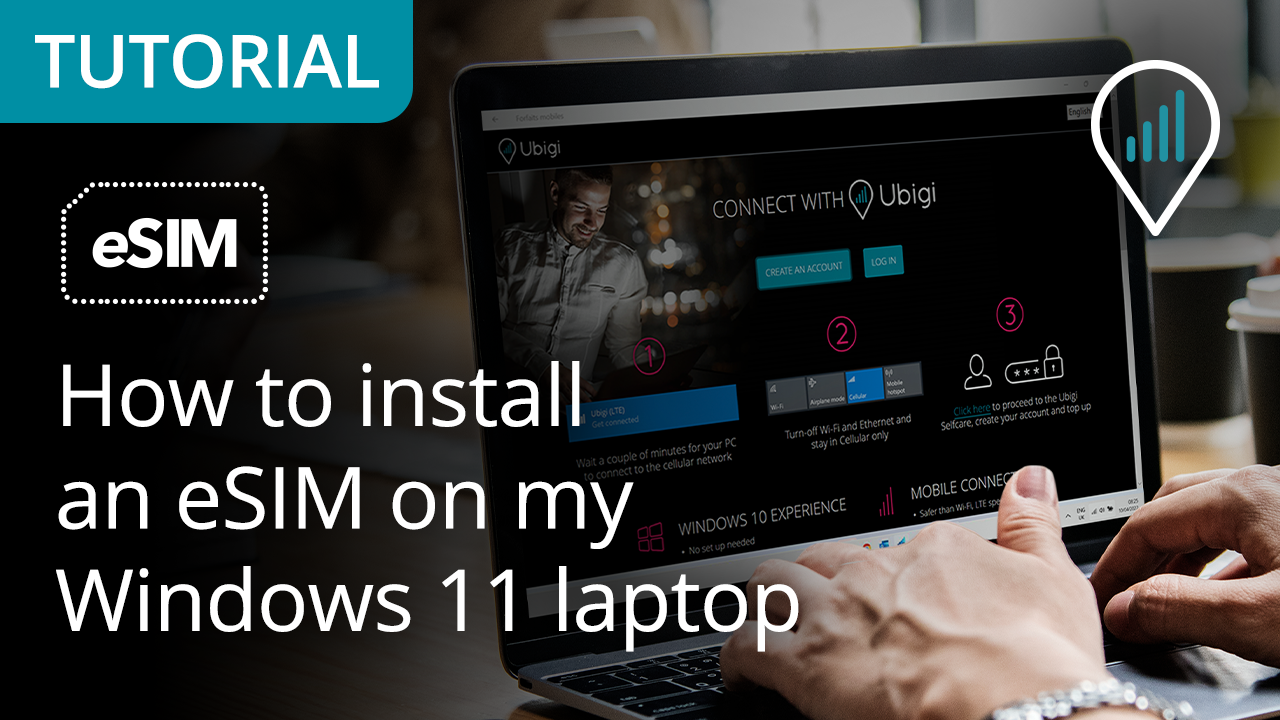
Traveling abroad and need reliable Internet access during your trip? Here’s a quick guide on how to install your Ubigi eSIM on your Windows 11 laptop 💻✈️
View our video

How to install Ubigi eSIM on your Windows laptop?

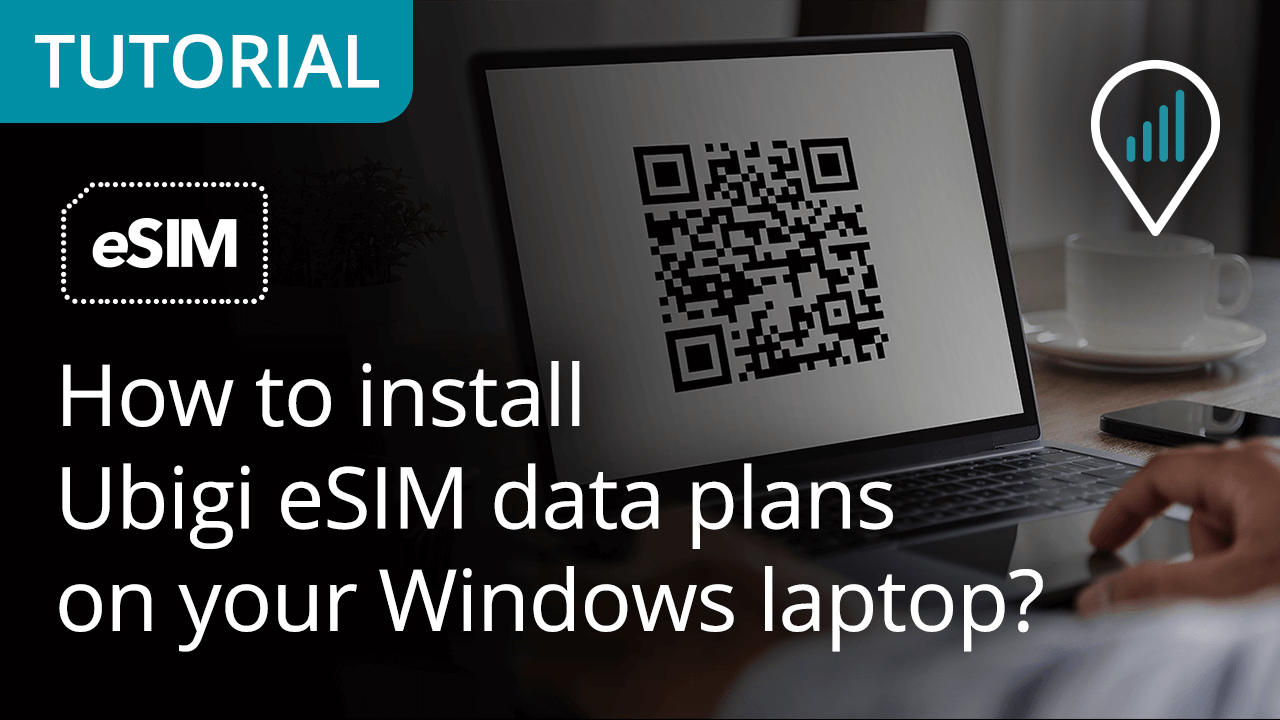
Planning your business trip or vacation abroad and need a stable Internet connection? Here’s a quick tutorial on how to install your Ubigi eSIM on your Windows laptop 💻✈️


View our video

Great Trustpilot stars Trustpilot
Trustpilot stars
Based on 41779 reviews on Trustpilot
5 stars Verified
Verified review
This user has been identified as a buyer
Worked as promised
Easy to install, easy to use, reasonable price
Peter, 20 Jul 2026
5 stars Verified
Verified review
This user has been identified as a buyer
Service in Italy was as fast as if I…
Service in Italy was as fast as if I was back home in the states!
customer, 20 Jul 2026
5 stars Verified
Verified review
This user has been identified as a buyer
Easy set up!
Easy set up!
customer, 20 Jul 2026
5 stars Verified
Verified review
This user has been identified as a buyer
Superior connectivity
The service was easy to connect to & was faultless.
customer, 20 Jul 2026
5 stars Verified
Verified review
This user has been identified as a buyer
Network availability everywhere
customer, 20 Jul 2026
5 stars Verified
Verified review
This user has been identified as a buyer
Flawless coverage in Japan - even in the mountains!
I bought a Ubigi eSIM for a 2-week trip to Japan and was a bit worried that I wouldn't get a signal when travelling through the remote Tateyama area. Surprisingly, it worked the entire time perfectly! Setup was smooth and the connection was completely reliable. All good—highly recommend for travelling in Japan! Enjoy the rest of your memories from the trip! Let me know if you need any recommendations for your next destination or help sorting out photos from your mountain trek.
Wendy, 20 Jul 2026
4 stars Verified
Verified review
This user has been identified as a buyer
Easy to start the connection
Easy to start the connection. Good value for the price.
Dal Mi, 20 Jul 2026
5 stars Verified
Verified review
This user has been identified as a buyer
User friendly.
User friendly.
Thomas Olson, 20 Jul 2026
5 stars Verified
Verified review
This user has been identified as a buyer
Purchased on my son's advice
Purchased an e-sim on my son's advice, worked perfectly throughout my foreign holiday. Much cheaper than going through my mobile network provider.
Stuart Webb, 20 Jul 2026
5 stars Verified
Verified review
This user has been identified as a buyer
Fantastic / absolutely no problem to…
Fantastic / absolutely no problem to use. I am not tech savvy so this is a god send and so easy to set up and use
Wendy Church, 20 Jul 2026
5 stars Verified
Verified review
This user has been identified as a buyer
Worked perfectly
Worked perfectly
customer, 20 Jul 2026
5 stars Verified
Verified review
This user has been identified as a buyer
no problems accured
no problems accured. user experience was great, everything straight forward
customer, 20 Jul 2026
5 stars Verified
Verified review
This user has been identified as a buyer
Easy
Easy, no headache, perfect solution for traveling, I literally did nothing but install the app and created a plan. Amazing !
Verga Iulian, 20 Jul 2026
5 stars Verified
Verified review
This user has been identified as a buyer
Fully reliable
Fully reliable. Connection everywhere. I had no issues
Stefano, 20 Jul 2026
5 stars Verified
Verified review
This user has been identified as a buyer
Good connectivity and speed
Customer, 20 Jul 2026

Your message has been sent.
We’ll get back to you shortly.

We have taken into account your subscription to the newsletter
