Skip to content

Discover how to install your Ubigi eSIM on your laptop in few steps!

Start by checking if your device is eSIM compatible

Desktop illustration

Open your flyout (bottom-right corner), if Cellular settings are visible, your laptop supports eSIM
Install a Ubigi eSIM on your laptop via the Mobile Plans app

Step 1 - eSIM tutorial

Get your eSIM profile

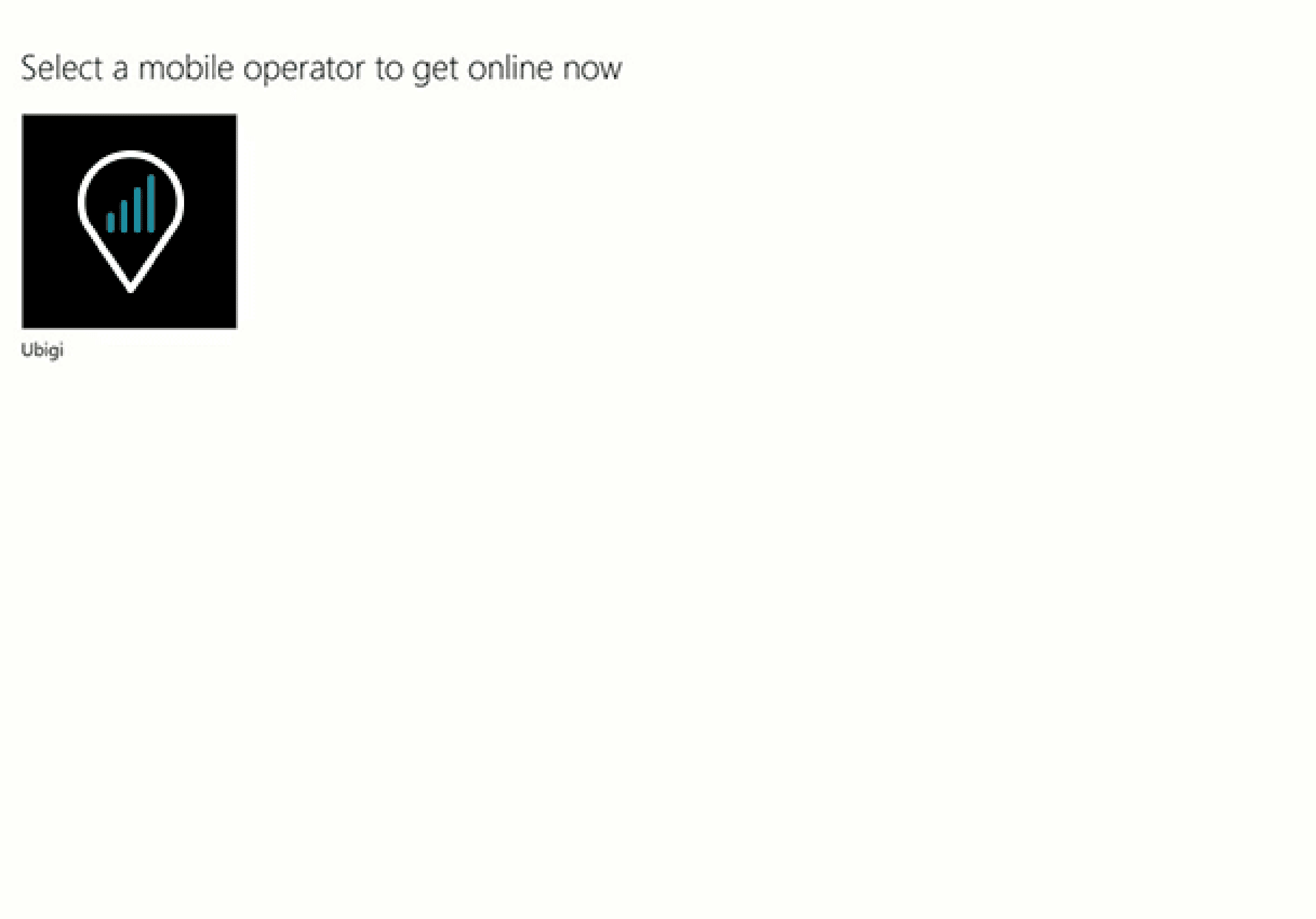
Open the network flyout, click on Connect with eSIM to display the Mobile plan app and select Ubigi
Step 2 - eSIM tutorial

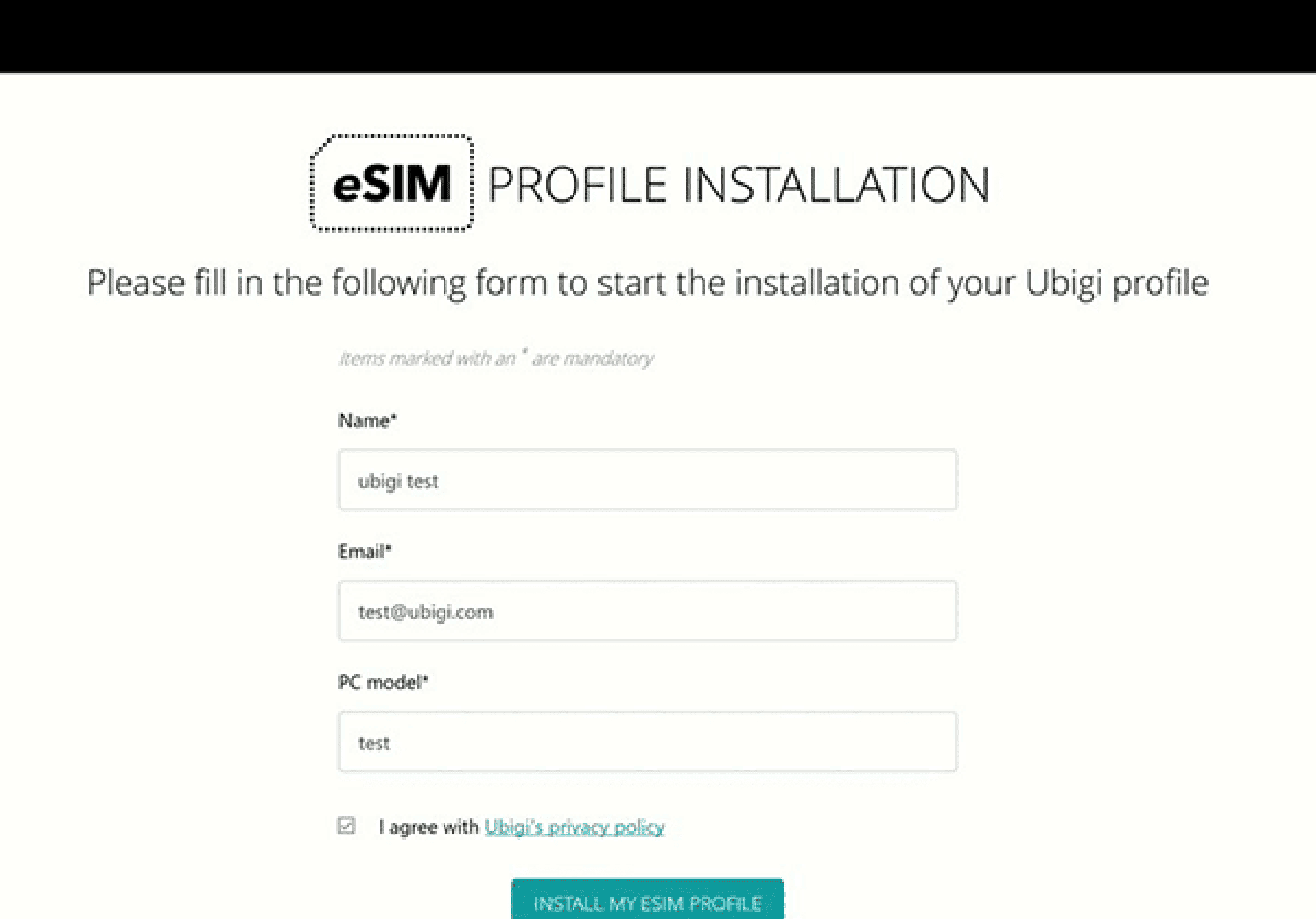
Install your eSIM

Fill in the form to get started. The process will take few minutes. Once it's complete, your eSIM will be ready

Step 3 - eSIM tutorial

Purchase a data plan

Visit Ubigi.me to sign up and purchase your first data plan​

Step 4 - eSIM tutorial

Here are some laptop setups you need to remember to do

Setup Logo 1

Prior to departure

Install your eSIM and make sure to disconnect from Cellular Data.

Device setup reminder - before departure
Setup Logo 2

Upon arrival

Switch on your Cellular Data to enable your eSIM to connect at destination.

Mobile device setup reminder - upon arrival
Setup Logo 3

Back home

Switch off your Cellular Data and restore usual settings.

Mobile device setup reminder - upon arrival

How to top up your eSIM on the Ubigi app?

Check out the tutorial:

Great Trustpilot stars Trustpilot
Trustpilot stars
Based on 41702 reviews on Trustpilot
5 stars Verified
Verified review
This user has been identified as a buyer
Excelente app for international travel
Excellent app for international travel
customer, 19 Jul 2026
5 stars Verified
Verified review
This user has been identified as a buyer
Worked as expected
Worked as expected
Bertrand, 19 Jul 2026
4 stars Verified
Verified review
This user has been identified as a buyer
Nice help for my inquiry
customer, 19 Jul 2026
5 stars Verified
Verified review
This user has been identified as a buyer
Excellent app highly recommended it.
I do not wish my name displaye, 19 Jul 2026
5 stars Verified
Verified review
This user has been identified as a buyer
Easy to setup
Easy to setup. A must have for travel.
Austin OTTO, 19 Jul 2026
5 stars Verified
Verified review
This user has been identified as a buyer
It was an easy and convenient esim
It was an easy and convenient esim. Excellent connection.
customer, 19 Jul 2026
5 stars Verified
Verified review
This user has been identified as a buyer
easy to install and to handle
easy to install and to handle. good app that gives you transparency about the GB you have already spent. I used it for the UK, reliable and worth the price.
Vera Schuh, 19 Jul 2026
5 stars Verified
Verified review
This user has been identified as a buyer
Easy to set up and worked well.
customer, 19 Jul 2026
5 stars Verified
Verified review
This user has been identified as a buyer
Fast and easy
Fast and easy, although for first time international travelers can be difficult, but fallows instructions and easy
Eduardo Aponte, 19 Jul 2026
5 stars Verified
Verified review
This user has been identified as a buyer
Satisfied customer
I have been using JetPack for years and was tired about bugs and poor network. Decided to move to Ubigi. Don’t regret it so far.
Alban Perrin Doleans, 19 Jul 2026
5 stars Verified
Verified review
This user has been identified as a buyer
Thank you so much everything is perfect!
customer, 19 Jul 2026
5 stars Verified
Verified review
This user has been identified as a buyer
Great speed and stable conection
customer, 19 Jul 2026
5 stars Verified
Verified review
This user has been identified as a buyer
Easy to use
Easy to use Good stabilylity Reasonable price
customer, 19 Jul 2026
5 stars Verified
Verified review
This user has been identified as a buyer
So far the service has been excellent
Mr John Linsdell, 19 Jul 2026
5 stars Verified
Verified review
This user has been identified as a buyer
Everything worked well and the…
Everything worked well and the connection didn't lag.
customer, 19 Jul 2026

Your message has been sent.
We’ll get back to you shortly.

We have taken into account your subscription to the newsletter