Absolutely great. Really easy to use. Highly recommended.
customer, 27 Jun 2026
검증됨
검증된 리뷰
이 사용자는 구매자로 확인되었습니다
Great signal throughout my trip to…
Great signal throughout my trip to Europe, and the data usage was very reasonable. It lasted longer than I expected. Would definitely use it again!
Amy, 27 Jun 2026
검증됨
검증된 리뷰
이 사용자는 구매자로 확인되었습니다
Turkish esim
The Turkish esim I purchased does everything it says it will and with great connectivity 👍
MR GARY ORAM, 27 Jun 2026
검증됨
검증된 리뷰
이 사용자는 구매자로 확인되었습니다
It just works
Easy installation and activation when needed.
Good coverage on the Iceland ring road, a few pretty remote spots. Can recommend
Walter, 27 Jun 2026
검증됨
검증된 리뷰
이 사용자는 구매자로 확인되었습니다
The Ubigi eSIM worked well for me.
The Ubigi eSIM worked very well in the Lisbon area. I used it mostly for navagation/Google maps. I've used Ubigi eSIMs successfully three times now in different countries. I will use it for my trip.
customer, 27 Jun 2026
검증됨
검증된 리뷰
이 사용자는 구매자로 확인되었습니다
Worked well most of the time
Worked well most of the time. Not sure I understand exactly how it is supposed to work.
Nash DeFord, 27 Jun 2026
검증됨
검증된 리뷰
이 사용자는 구매자로 확인되었습니다
simple
simple, fast and easy to start and use.
Nissim Joseph, 27 Jun 2026
검증됨
검증된 리뷰
이 사용자는 구매자로 확인되었습니다
It’s easy to get started
It’s easy to get started, inexpensive, and comfortable to use in most of the places I visited.
customer, 27 Jun 2026
검증됨
검증된 리뷰
이 사용자는 구매자로 확인되었습니다
Good service
Good service! The setup was a little bit clunky, but it worked very well! Didn‘t have major issues with the service. Would use it again.
Lucia, 27 Jun 2026
검증됨
검증된 리뷰
이 사용자는 구매자로 확인되었습니다
Ubigi is the best esim data provider…
Ubigi is the best esim data provider out there never lost a connection cheap prices and great speed 5g all around the japan area i loved it
Sultan Sattar, 27 Jun 2026
검증됨
검증된 리뷰
이 사용자는 구매자로 확인되었습니다
Excellent service however it started…
Excellent service however it started functioning after 24 hours of arrival in Russia which created issues initially when I needed the mobile connection the most.
customer, 27 Jun 2026
검증됨
검증된 리뷰
이 사용자는 구매자로 확인되었습니다
Easy to download and use
Easy to download and use
customer, 27 Jun 2026
검증됨
검증된 리뷰
이 사용자는 구매자로 확인되었습니다
It worked well
It worked well
customer, 27 Jun 2026
감사합니다
귀하의 메시지가 전송되었습니다. 곧 답변드리겠습니다.
감사합니다
귀하의 뉴스레터 구독을 고려했습니다.
eSIM 호환성 확인 방법
스마트폰 / 태블릿:
*#06# 입력. → EID 번호가 나오면 eSIM 지원 기기입니다.
Windows 10 / 11:
Windows+I 를 누르세요. “네트워크 및 인터넷”으로 이동하세요 → 셀룰러 네트워크가 보이면 PC가 eSIM을 지원합니다..
통신사 잠금 해제 여부 확인 방법
iPhone / iPad:
설정 > 일반 > 정보로 이동 통신사 잠금 항목까지 스크롤. → “SIM 제한 없음”이 표시되면 기기는 잠금 해제 상태입니다.
Android:
설정 > 네트워크 및 인터넷 > 모바일 네트워크 자동 네트워크 선택을 끄세요. → 여러 네트워크가 보이면 잠금 해제된 기기입니다.



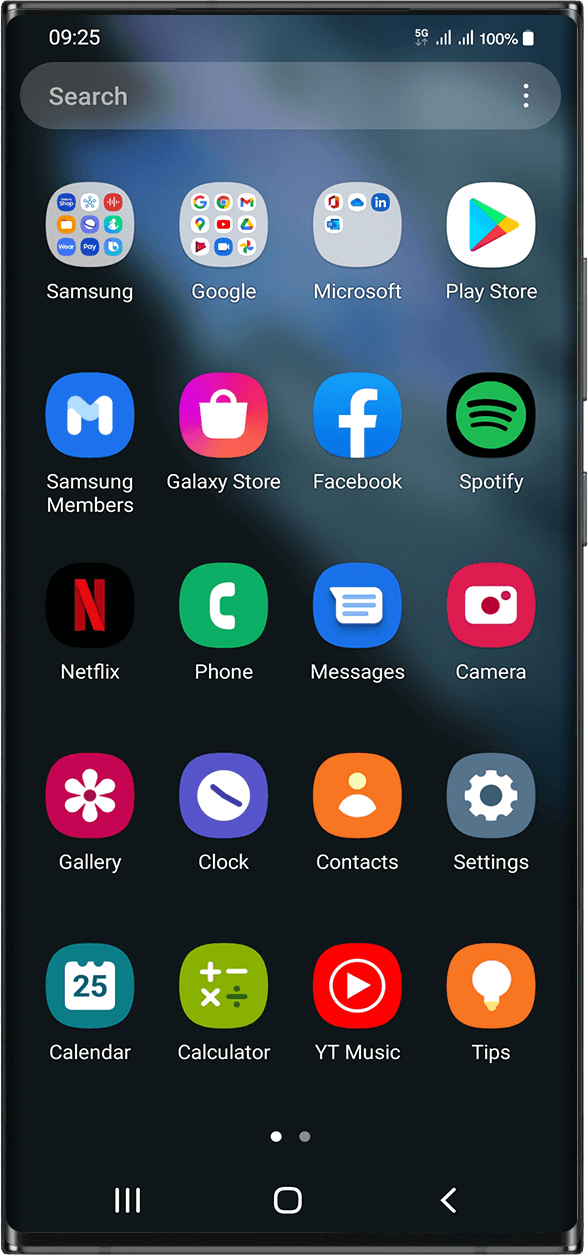
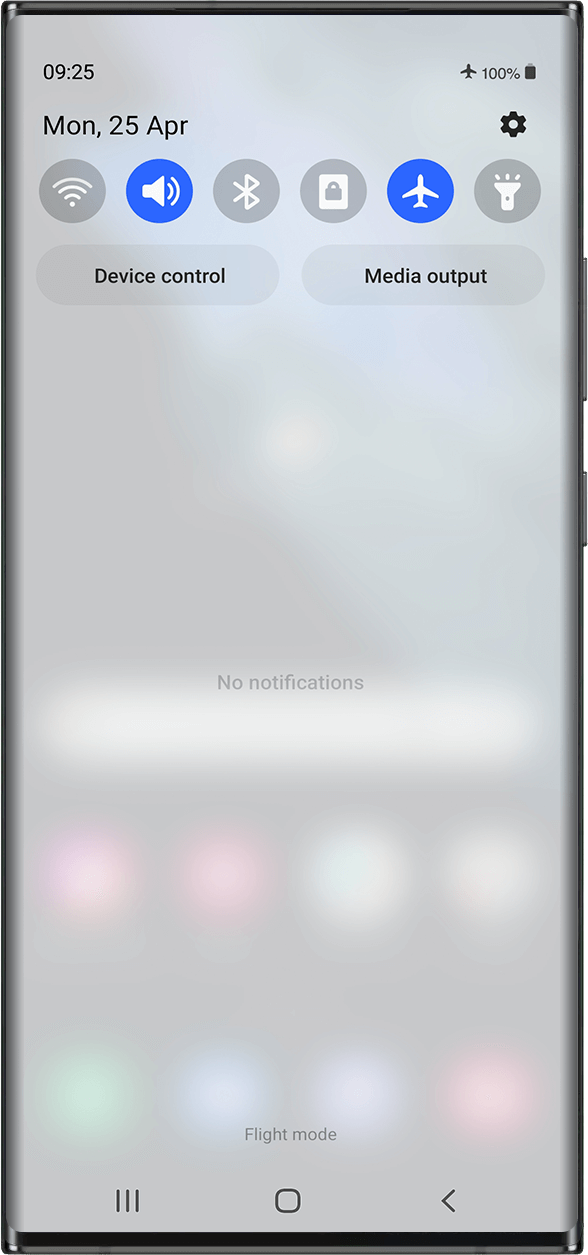

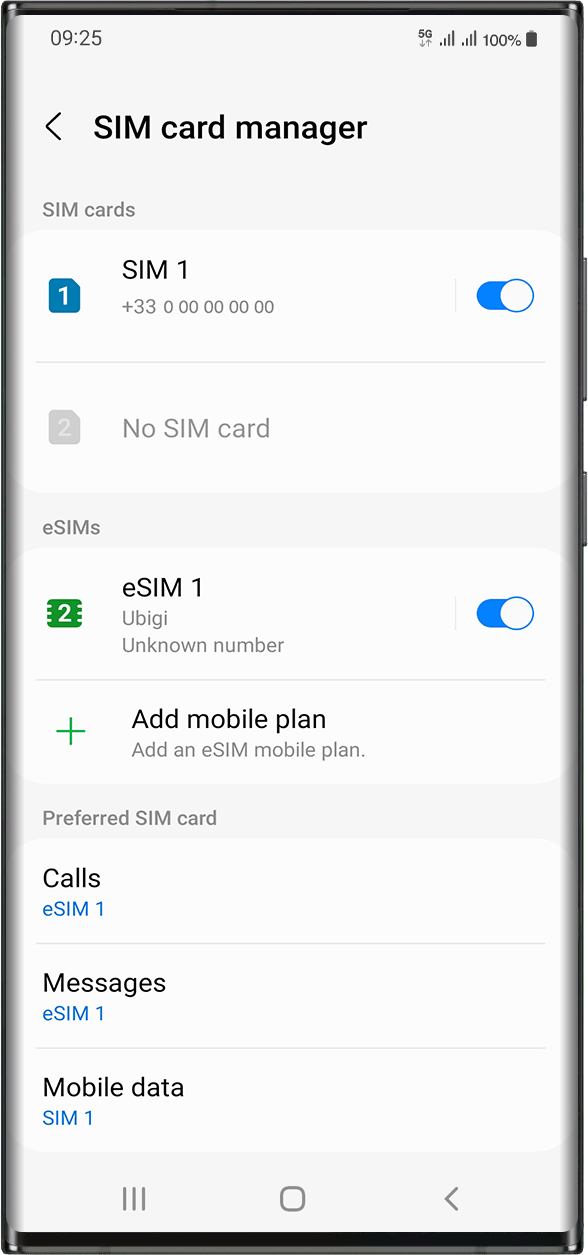






 eSIM 호환성 확인 방법
 통신사 잠금 해제 여부 확인 방법