It was an easy and convenient esim. Excellent connection.
customer, 19 Jul 2026
검증됨
검증된 리뷰
이 사용자는 구매자로 확인되었습니다
easy to install and to handle
easy to install and to handle. good app that gives you transparency about the GB you have already spent. I used it for the UK, reliable and worth the price.
Vera Schuh, 19 Jul 2026
검증됨
검증된 리뷰
이 사용자는 구매자로 확인되었습니다
Easy to set up and worked well.
customer, 19 Jul 2026
검증됨
검증된 리뷰
이 사용자는 구매자로 확인되었습니다
Fast and easy
Fast and easy, although for first time international travelers can be difficult, but fallows instructions and easy
Eduardo Aponte, 19 Jul 2026
검증됨
검증된 리뷰
이 사용자는 구매자로 확인되었습니다
Satisfied customer
I have been using JetPack for years and was tired about bugs and poor network. Decided to move to Ubigi. Don’t regret it so far.
Alban Perrin Doleans, 19 Jul 2026
검증됨
검증된 리뷰
이 사용자는 구매자로 확인되었습니다
Thank you so much everything is perfect!
customer, 19 Jul 2026
검증됨
검증된 리뷰
이 사용자는 구매자로 확인되었습니다
Great speed and stable conection
customer, 19 Jul 2026
검증됨
검증된 리뷰
이 사용자는 구매자로 확인되었습니다
Easy to use
Easy to use
Good stabilylity
Reasonable price
customer, 19 Jul 2026
검증됨
검증된 리뷰
이 사용자는 구매자로 확인되었습니다
So far the service has been excellent
Mr John Linsdell, 19 Jul 2026
검증됨
검증된 리뷰
이 사용자는 구매자로 확인되었습니다
Everything worked well and the…
Everything worked well and the connection didn't lag.
customer, 19 Jul 2026
감사합니다
귀하의 메시지가 전송되었습니다. 곧 답변드리겠습니다.
감사합니다
귀하의 뉴스레터 구독을 고려했습니다.
eSIM 호환성 확인 방법
스마트폰 / 태블릿:
*#06# 입력. → EID 번호가 나오면 eSIM 지원 기기입니다.
Windows 10 / 11:
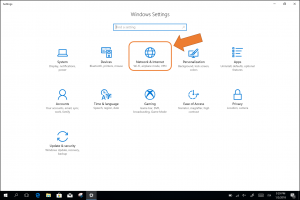
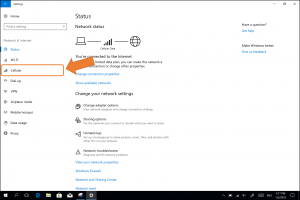
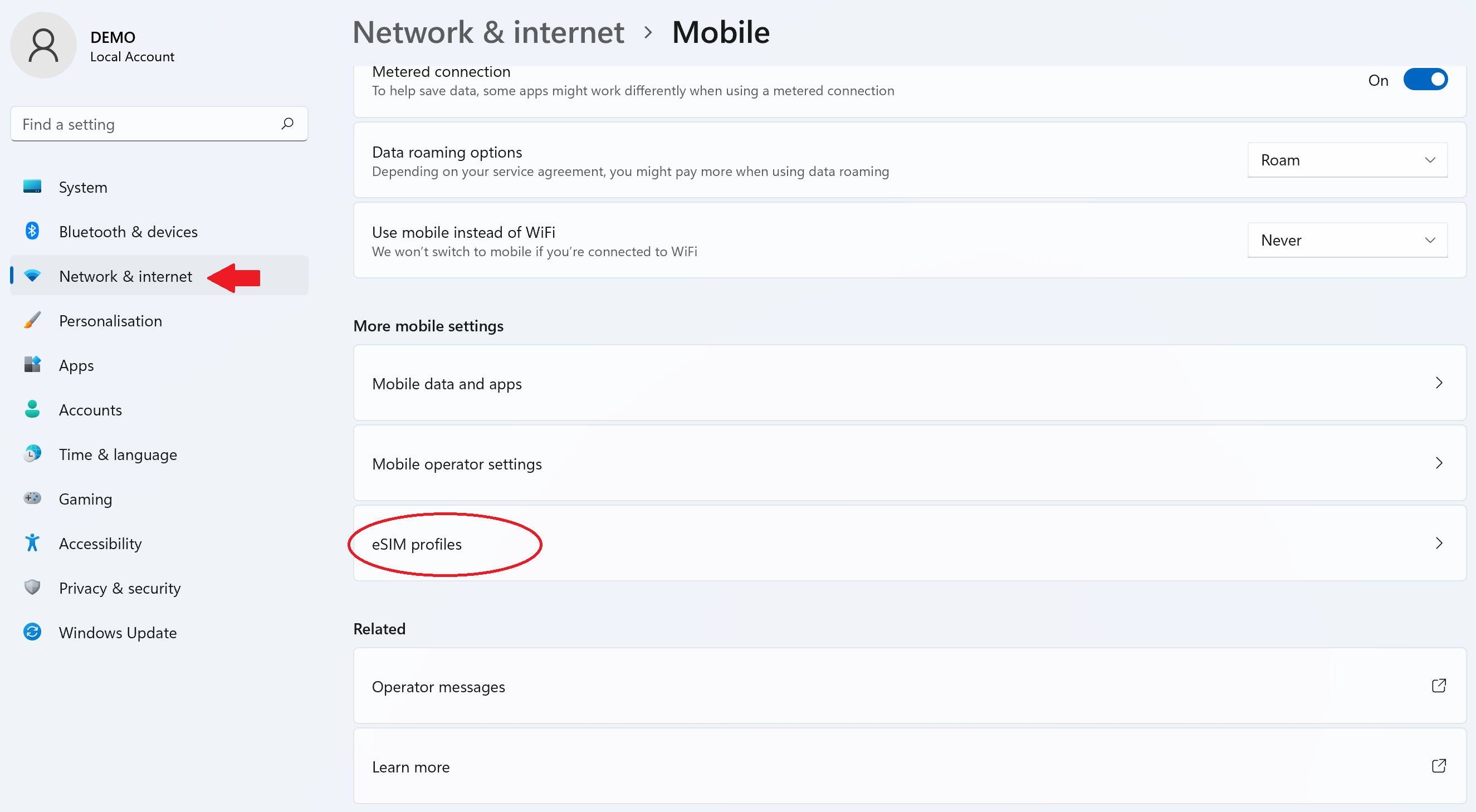
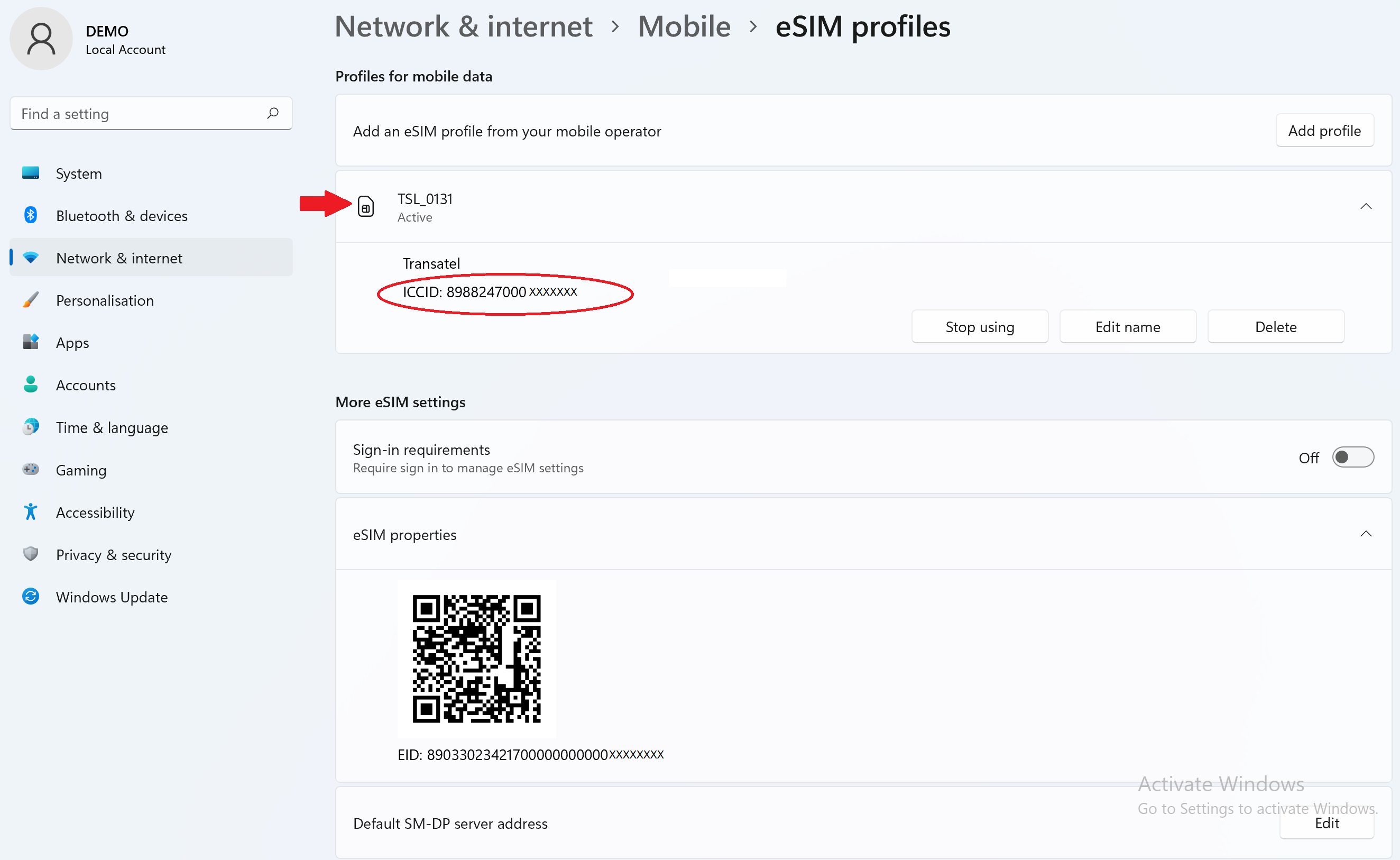
Windows+I 를 누르세요. “네트워크 및 인터넷”으로 이동하세요 → 셀룰러 네트워크가 보이면 PC가 eSIM을 지원합니다..
통신사 잠금 해제 여부 확인 방법
iPhone / iPad:
설정 > 일반 > 정보로 이동 통신사 잠금 항목까지 스크롤. → “SIM 제한 없음”이 표시되면 기기는 잠금 해제 상태입니다.
Android:
설정 > 네트워크 및 인터넷 > 모바일 네트워크 자동 네트워크 선택을 끄세요. → 여러 네트워크가 보이면 잠금 해제된 기기입니다.