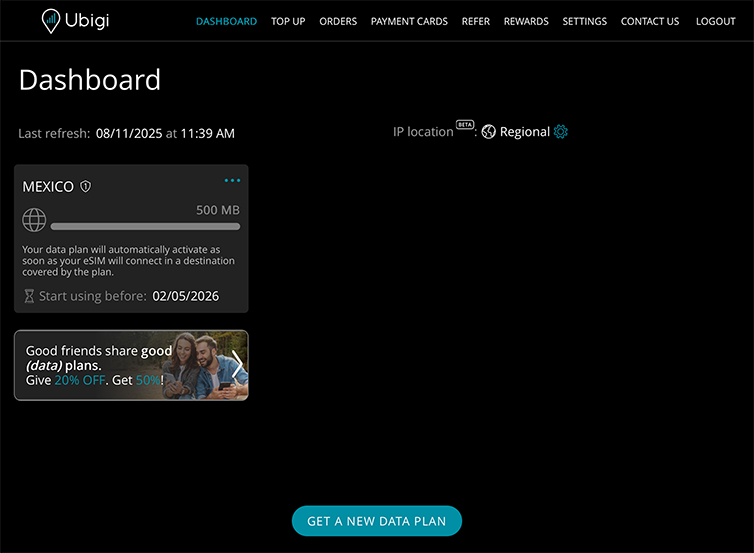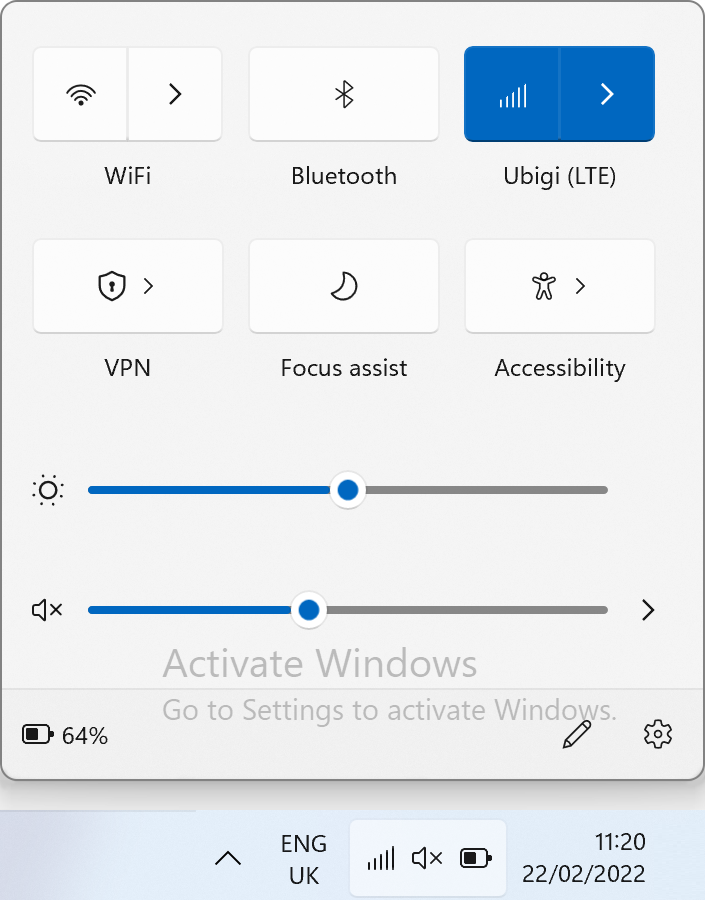
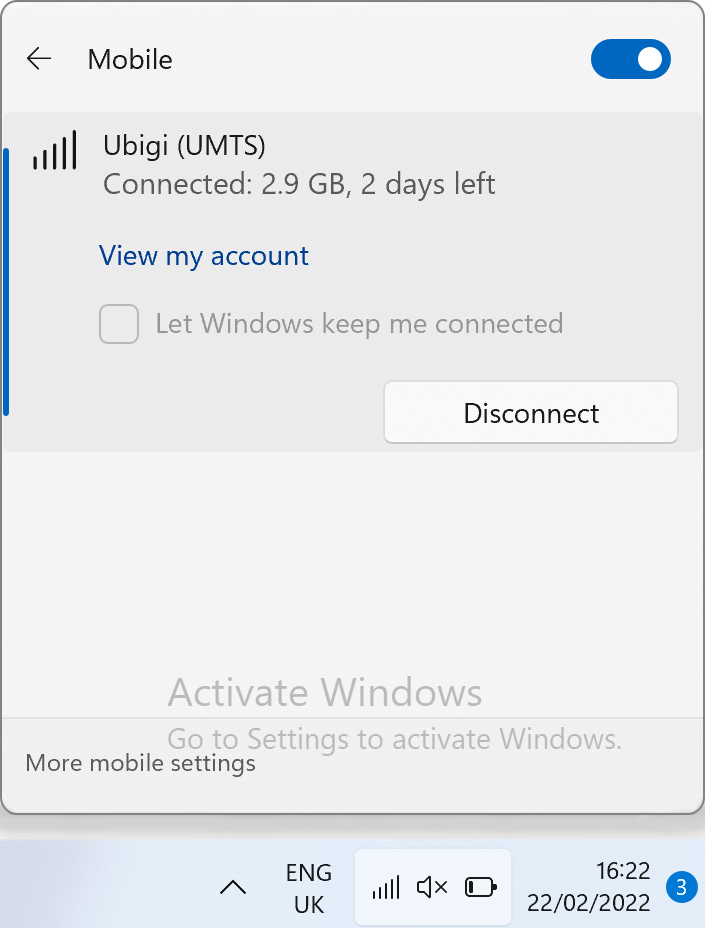
If you already have a Ubigi account, you will be automatically connected to it.
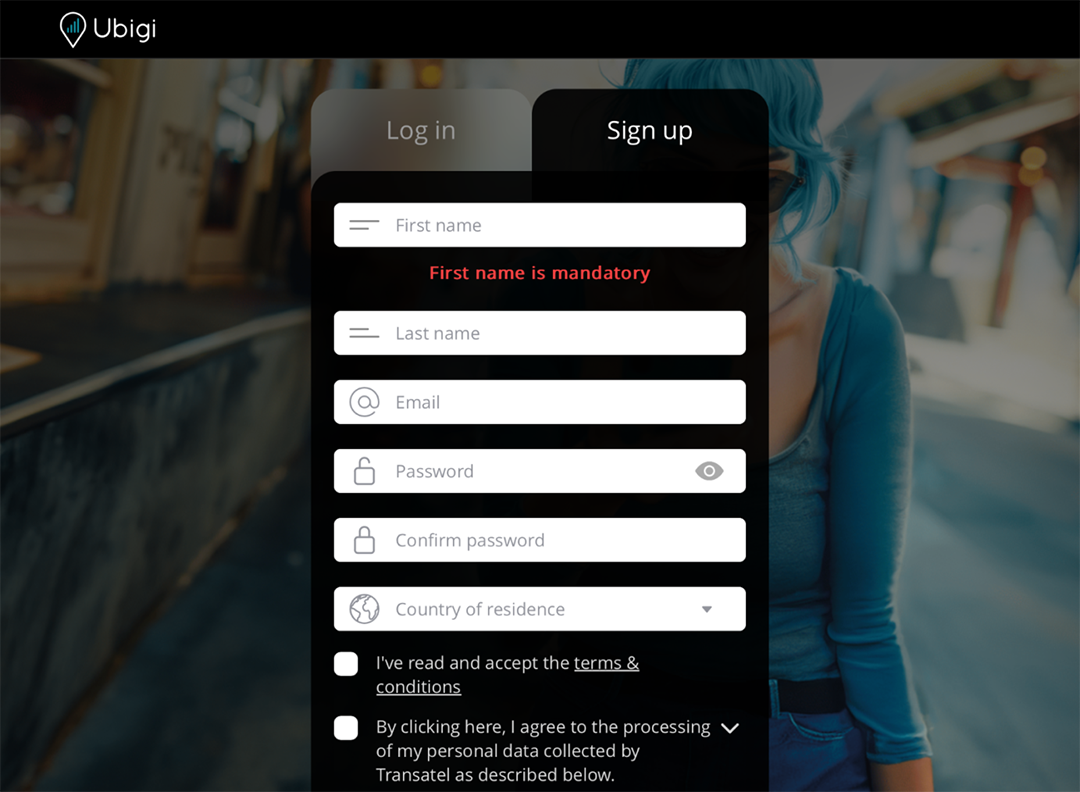
In case you do not have a Ubigi account yet, you will get the account creation page:
Fill in the fields and click on Create Account. Once your account is created, you will be connected to it.
You can now enjoy your Ubigi connectivity in more than 200 countries!
NB: In case you have followed all previous steps carefully and still cannot access your account or the account creation page, please contact our Customer Support for further help.

Great
Based on 39258 reviews on
Verified
Verified review
This user has been identified as a buyer
Great connectivity in UK
Great connectivity in UK. Highly recommend it.
customer, 10 Jun 2026
Verified
Verified review
This user has been identified as a buyer
Working just fine in Japan
Working just fine in Japan. Don’t have any problems. Great service.
Vladimir Rozenberg, 10 Jun 2026
Verified
Verified review
This user has been identified as a buyer
I did exactly what it is supposed to…
I did exactly what it is supposed to do, provided reliable internet on our trip to Japan
Kimball, 10 Jun 2026
Verified
Verified review
This user has been identified as a buyer
Wonderful service
Wonderful service! Easy to use, and seamlessly amazing data in Poland. Highly recommend for ALL travelers, and a big shoutout to Pasta Grammar on YouTube for recommending Ubigi! :)
Wiktor Walczyk, 10 Jun 2026
Verified
Verified review
This user has been identified as a buyer
Easy to connect
Easy to connect
Beatriz Roman, 10 Jun 2026
Verified
Verified review
This user has been identified as a buyer
Easy to use
Ubigi is really easy to use for eSims abroad. I’ve used them multiple times in different locations across the world now and it’s always been a great experience. Would highly recommend.
Alannah, 10 Jun 2026
Verified
Verified review
This user has been identified as a buyer
Great network
Great network, no issues at all.
CHIN , 10 Jun 2026
Verified
Verified review
This user has been identified as a buyer
I followed the instructions before…
I followed the instructions before travelling to the US made sure that the esim was listed in my sims. Turned it off until I got on the plane. I turned off my normal sim and turned on the ubigi esim. As soon as I landed in US it connected giving me service on T-Mobile. The service hasn't failed me once while here. Highly recommended A*.
I have not needed to worry about data either as I got the unlimited plan for my duration.
Paul Coulter, 10 Jun 2026
Verified
Verified review
This user has been identified as a buyer
,Very good experience
,Very good experience, I never ran out of signal and very fast.
Luz maria Martinez, 10 Jun 2026
Verified
Verified review
This user has been identified as a buyer
Great coverage for the period I…
Great coverage for the period I subscribed.
Lorelie Pietersz, 10 Jun 2026
Verified
Verified review
This user has been identified as a buyer
Excellent experience
customer, 10 Jun 2026
Verified
Verified review
This user has been identified as a buyer
Great for Travel
Great eSIM! Easy setup, good coverage, and no issues during my travels.
customer, 10 Jun 2026
Verified
Verified review
This user has been identified as a buyer
My ubigi connection did not start by…
My ubigi connection did not start by itself, with the help of the team i was able to set up the same
customer, 10 Jun 2026
Verified
Verified review
This user has been identified as a buyer
Very easy to use.
Very easy to use.
customer, 10 Jun 2026
Verified
Verified review
This user has been identified as a buyer
5 stars in Egypt
5 stars in Egypt. 1 star in Morocco.
Mary McAllister, 10 Jun 2026
Thank you
Your message has been sent. We’ll get back to you shortly.
Thank you
We have taken into account your subscription to the newsletter
How to check eSIM compatibility
Smartphones / Tablets:
Dial *#06#. → If an EID number appears, your device is eSIM-compatible.
Windows 10 / 11:
Press Windows+I. Go to “Network & Internet” → If you see "Cellular", your PC is eSIM-compatible.
How to check carrier unlocking
iPhone / iPad:
Go to Settings > General > About. Scroll to Carrier Lock. → If you see “No SIM restrictions”, your device is unlocked.
Android:
Go to Settings > Network & Internet > Mobile network. Disable Automatic network selection. → If multiple networks appear, your device is unlocked.
You already have an eSIM in your cart.
Each order can only include one eSIM data plan.
If you choose to add a new one, the current plan will be removed. What would you like to do?