Check if your eSIM profile is installed on your device.
Check eSIM profile activation
Check if your eSIM profile is activated on your device.
Apply data to eSIM profile
Ensure data is applied to your Ubigi eSIM profile.
Check APN configuration
Ensure that the APN is correctly set for your Ubigi connectivty.
Check network display
Check the network status for your Ubigi connectivity.
Final checks!
Check account creation and Internet access.
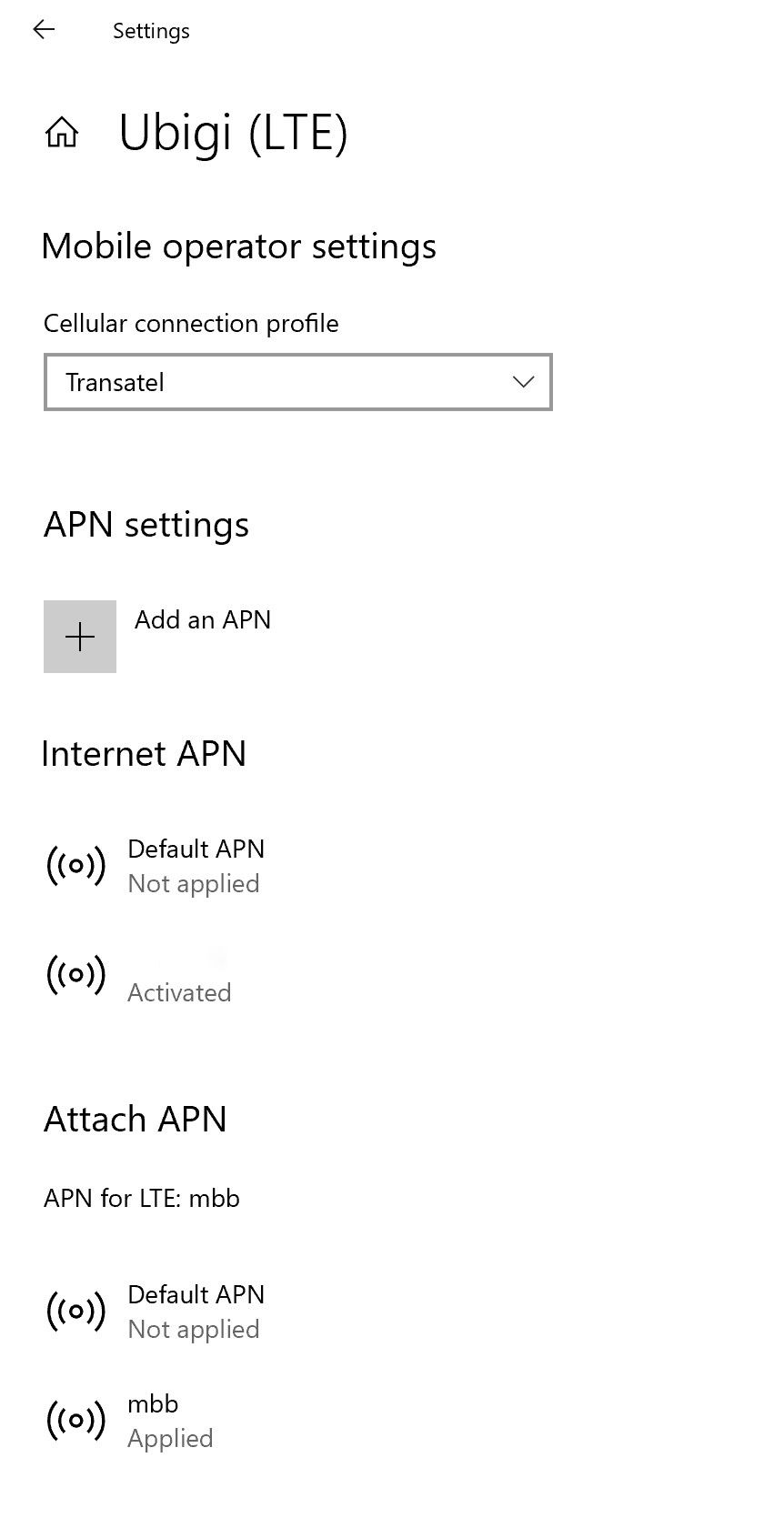
Now ensure that the APN(Access Point Name) is correctly set on your device.
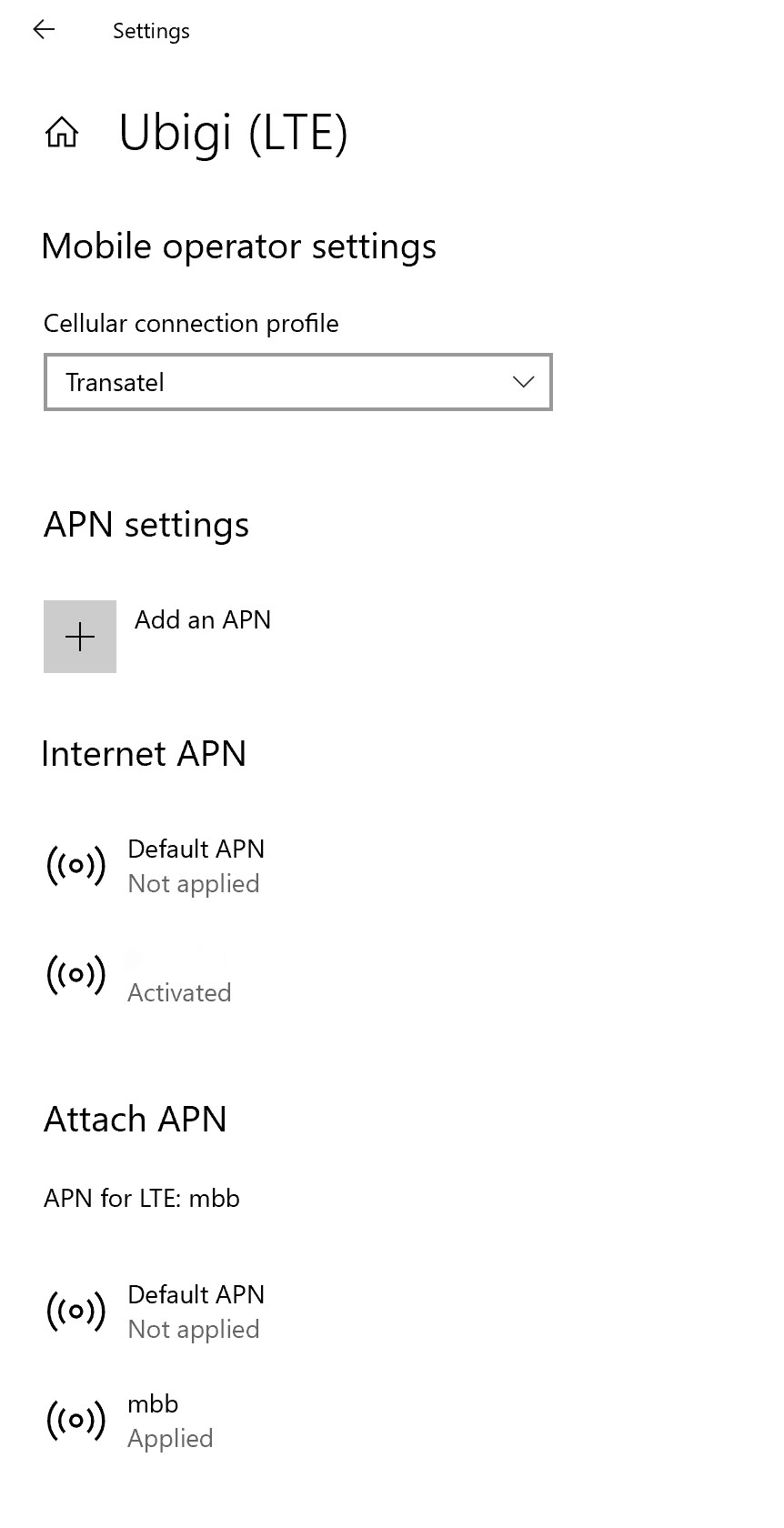
Go to: Settings > Networks & Internet > Mobile, then Mobile operator settings. If APN mbb appears on Internet APN or Attach APN lists, go directly to the step 5.
If the Ubigi APN does not appear, go to the next step.
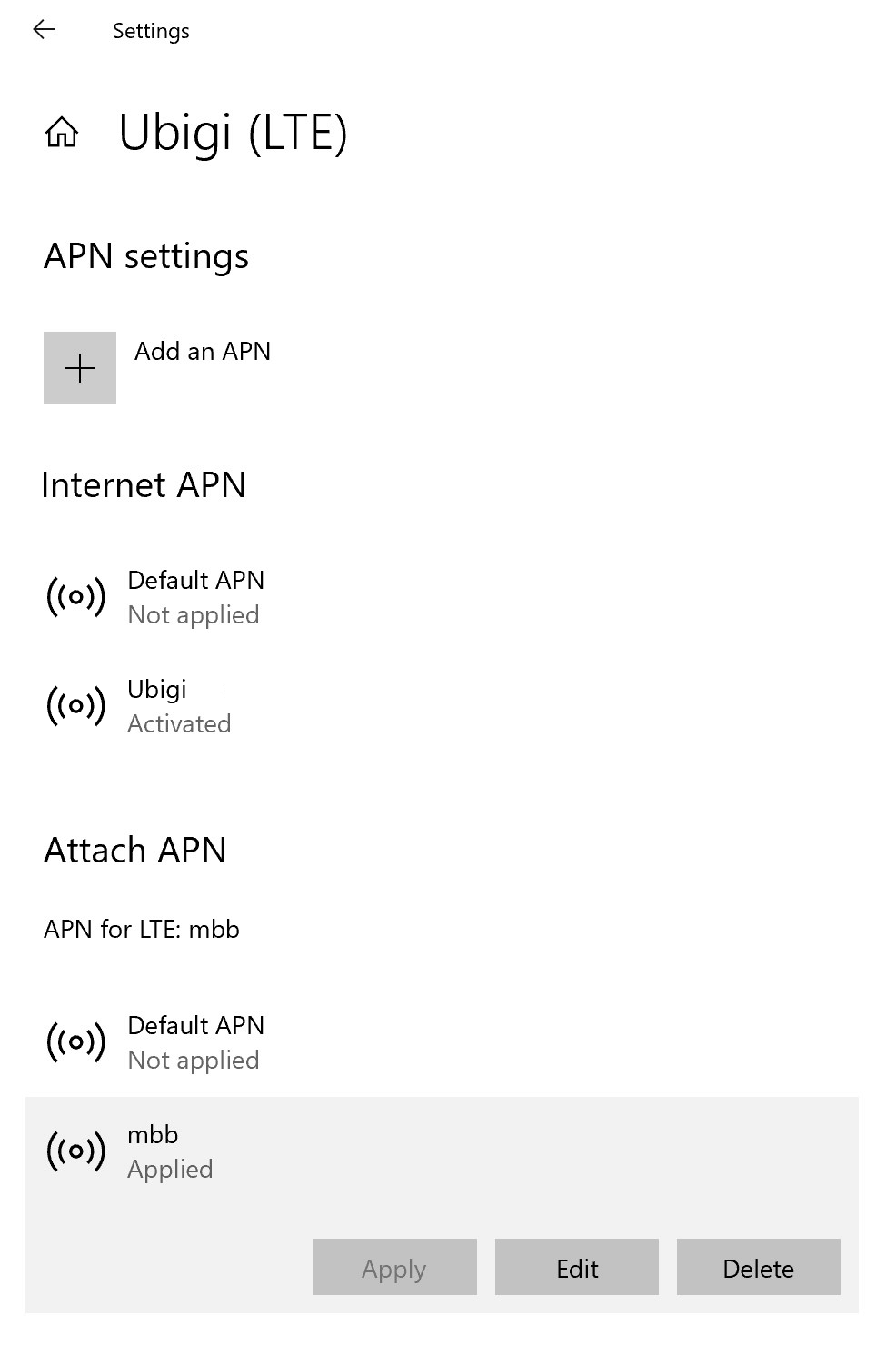
If the Ubigi APN does not appear, click on “Add an APN” and fill in:
– Profile name: Ubigi – APN: mbb
Check the box “Apply this profile” and click on save.
Now make sure that the Ubigi APN appears as “Applied”.
If not, click on it to display more options and click on Apply button.
Great
Based on 49377 reviews on
Verified
Verified review
This user has been identified as a buyer
LOCATION is perfect
LOCATION is perfect
Pascal, 23 Oct 2026
Verified
Verified review
This user has been identified as a buyer
Very good service
Very good service. Quick and easy to use. No problems.
Customer, 23 Oct 2026
Verified
Verified review
This user has been identified as a buyer
Happy with the service
Happy with the service - reliable and fast.
customer, 23 Oct 2026
Verified
Verified review
This user has been identified as a buyer
Seamless experience with Ubigi
Seamless experience with Ubigi! Before travelling to Malaysia, I downloaded the app and purchased an eSIM, which activated as soon as we landed. The connectivity throughout Kuala Lumpur and Penang was excellent, with no issues at all. The rates were also more affordable than those of other brands. Overall, a hassle-free experience and highly recommend Ubigi to anyone travelling to Malaysia!
ruchika, 23 Oct 2026
Verified
Verified review
This user has been identified as a buyer
thank you.and thank you again.
thank you.and thank you again.
customer, 23 Oct 2026
Verified
Verified review
This user has been identified as a buyer
Streamlined setup
It was simple to follow set up and worked for me immediately upon landing in the UK.
Trine vom Braucke, 23 Oct 2026
Verified
Verified review
This user has been identified as a buyer
Easy setup & using all around Europe
So easy to get and setup ; So little cost but large benefits; Use on the sea, use on the train
Ling Gardner, 23 Oct 2026
Verified
Verified review
This user has been identified as a buyer
👍 Italie
👍
That was fonctionnal every where
Alain, 23 Oct 2026
Verified
Verified review
This user has been identified as a buyer
Easy as
So easy to install and straight away working! Easy app!
Donna Williams, 23 Oct 2026
Verified
Verified review
This user has been identified as a buyer
Very nearly 5 stars
I’m very close to giving this 5 stars, but I have one small issue with the whole thing. When purchasing the eSIM, setting up the eSIM, and installing the app, I had quite a lot of trouble. While the installation was a bit complicated, the rest of my experience was very good. The eSIM worked well all across Japan, even in extremely rural areas. The pricing was reasonable. I had no issues with running out of data of anything similar. I would definitely use ubigi again, and probably will. 4.7/5
customer, 23 Oct 2026
Verified
Verified review
This user has been identified as a buyer
Always had fast reliable data service…
Always had fast reliable data service for my time in South Korea and Japan. The Asia plan allowed me to maintain connectivity after leaving South Korea and entering Japan. Service never lagged or dropped.
customer, 23 Oct 2026
Verified
Verified review
This user has been identified as a buyer
I had used Ubigi once a year before
I had used Ubigi once a year before. I thought it was so simple to use and cost effect that I would use it again. I did t know how to reactivate the eSIM. I searched it out, downloaded the app, and it was simple to reactivate! Love it.
customer, 23 Oct 2026
Verified
Verified review
This user has been identified as a buyer
Amazing conectivos and very faster ⭐️⭐️⭐️⭐️⭐️
Amazing conectivos and very faster ⭐️⭐️⭐️⭐️⭐️
customerWellington Zoccante, 23 Oct 2026
Verified
Verified review
This user has been identified as a buyer
Excellent help to connect after getting…
Excellent help to connect after getting a new device. Prompt and clear
Lee, 23 Oct 2026
Verified
Verified review
This user has been identified as a buyer
Arrival in TOKYO VERY good cellular…
Arrival in TOKYO VERY good cellular data and useful information and connectivity thank you Ubiji
Khin Sandar maung, 23 Oct 2026
Thank you
Your message has been sent. We’ll get back to you shortly.
Thank you
We have taken into account your subscription to the newsletter
How to check eSIM compatibility
Smartphones / Tablets:
Dial *#06#. → If an EID number appears, your device is eSIM-compatible.
Windows 10 / 11:
Press Windows+I. Go to “Network & Internet” → If you see "Cellular", your PC is eSIM-compatible.
How to check carrier unlocking
iPhone / iPad:
Go to Settings > General > About. Scroll to Carrier Lock. → If you see “No SIM restrictions”, your device is unlocked.
Android:
Go to Settings > Network & Internet > Mobile network. Disable Automatic network selection. → If multiple networks appear, your device is unlocked.
You already have an eSIM in your cart.
Each order can only include one eSIM data plan.
If you choose to add a new one, the current plan will be removed. What would you like to do?








 How to check eSIM compatibility
 How to check carrier unlocking