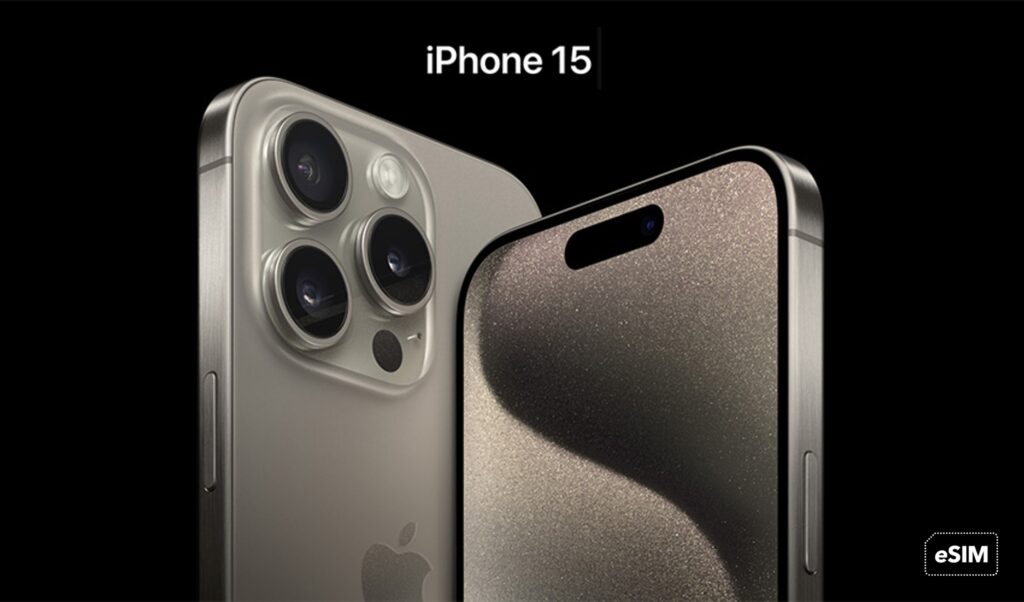
What is the SIM card configuration for iPhone 15 in Europe, USA, and China?
In Europe, the iPhone 15 features a dual setup with both a physical SIM card slot and an eSIM. In the USA, it supports a dual eSIM setup only. Meanwhile, in China, it provides access to a dual physical SIM card setup exclusively.
Are Ubigi eSIM data plans compatible with the new iPhone 15 series?
Yes, Ubigi eSIM data plans are fully compatible with the iPhone 15 series purchased in Europe or the USA, ensuring seamless connectivity for users.
How can I activate Ubigi eSIM data plans on my iPhone 15?
Activating Ubigi eSIM data plans on your iPhone 15 is a straightforward process. Simply navigate to the Settings app, select ‘Cellular’, and then choose ‘Add Cellular Plan’. Follow the on-screen instructions to set up your Ubigi eSIM.
What advantages do Ubigi eSIM data plans offer over traditional SIM cards?
Ubigi eSIM data plans provide a convenient and flexible solution for global connectivity. They eliminate the need for physical SIM cards, allowing for easy activation and management directly from your device. Additionally, they offer the flexibility to switch between different data plans and carriers without the hassle of changing physical cards.
Explore Ubigi eSIM data plans for seamless connectivity worldwide!
Install once, stay globally connected for life with a single eSIM, compatible with all eSIM-enabled devices : iOS Phone, iPad OS, Android, and Windows 10 and 11.
Are you a company with teams on the move?
Manage your employees' LTE/5G connectivity on smartphones, tablets, laptops, and hotspots while maintaining complete control over your costs.
Explore Ubigi eSIM data plans for seamless connectivity worldwide!
Install once, stay globally connected for life with a single eSIM, compatible with all eSIM-enabled devices : iOS Phone, iPad OS, Android, and Windows 10 and 11.
Are you a company with teams on the move?
Manage your employees' LTE/5G connectivity on smartphones, tablets, laptops, and hotspots while maintaining complete control over your costs.
Great
Based on 39430 reviews on
Verified
Verified review
This user has been identified as a buyer
Works most of the time
When it works, it works great! But there's been a few times the data just stops working, especially texting. I try to troubleshoot and nothing.... Then it'll randomly start working again. So strange! But for the most part it's good!
Lysa Molcan, 13 Jun 2026
Verified
Verified review
This user has been identified as a buyer
Very good service and quick get internet
Wei, 13 Jun 2026
Verified
Verified review
This user has been identified as a buyer
Sometimes not working
Jessica, 13 Jun 2026
Verified
Verified review
This user has been identified as a buyer
Multiple esims
Especially when using multiple esims, it was a bit challenging to set up these Sims. It was also not quite clear initially, that you need wifi to download.
customer, 13 Jun 2026
Verified
Verified review
This user has been identified as a buyer
Easy and it works as intended
The service was easy to set up and worked as intended
customer, 13 Jun 2026
Verified
Verified review
This user has been identified as a buyer
Strong connection
Strong connection, no lag
customer, 13 Jun 2026
Verified
Verified review
This user has been identified as a buyer
Easy to use
Easy to use, great quick help response, great price. Thank you!
Mali, 13 Jun 2026
Verified
Verified review
This user has been identified as a buyer
Simple
Simple, working excelente
customer, 13 Jun 2026
Verified
Verified review
This user has been identified as a buyer
Perfectly working 👌🏻👌🏻👌🏻
David, 13 Jun 2026
Verified
Verified review
This user has been identified as a buyer
Cellular data Connection free of faults
Cellular data Connection is working without any faults. Is quick and consistent.
Martin, 13 Jun 2026
Verified
Verified review
This user has been identified as a buyer
Ubigi was the first E-Sim I ever used…
Ubigi was the first E-Sim I ever used and I had a great experience. I will use them every time I travel. It worked great and it was so easy to use. I recommend!
Rudy Rocha, 13 Jun 2026
Verified
Verified review
This user has been identified as a buyer
Superb
Superb, always connected!
Giovanni, 13 Jun 2026
Verified
Verified review
This user has been identified as a buyer
Super esim
Super esim, everything worked well, always good connection
Magdalena, 12 Jun 2026
Verified
Verified review
This user has been identified as a buyer
Was very easy to use
André Lemmens, 12 Jun 2026
Verified
Verified review
This user has been identified as a buyer
I used this for Japan
I used this for Japan. The installation was great as it added the esim automatically. Worked great in Tokyo and Okinawa. Also was happy that the hot spot was also really good
customer, 12 Jun 2026
Thank you
Your message has been sent. We’ll get back to you shortly.
Thank you
We have taken into account your subscription to the newsletter
How to check eSIM compatibility
Smartphones / Tablets:
Dial *#06#. → If an EID number appears, your device is eSIM-compatible.
Windows 10 / 11:
Press Windows+I. Go to “Network & Internet” → If you see "Cellular", your PC is eSIM-compatible.
How to check carrier unlocking
iPhone / iPad:
Go to Settings > General > About. Scroll to Carrier Lock. → If you see “No SIM restrictions”, your device is unlocked.
Android:
Go to Settings > Network & Internet > Mobile network. Disable Automatic network selection. → If multiple networks appear, your device is unlocked.
You already have an eSIM in your cart.
Each order can only include one eSIM data plan.
If you choose to add a new one, the current plan will be removed. What would you like to do?