

← Back to questions
I am stuck on the “FINAL STEP” page, and the message “Waiting for Ubigi cellular connectivity” has been displayed for several minutes. How can I resolve this?
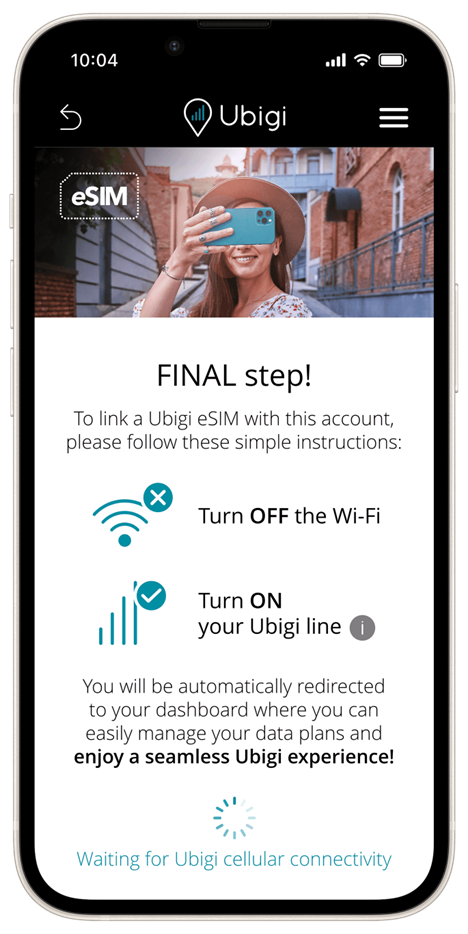
If this message has been displayed on your screen for several minutes, please follow the steps below to resolve the issue:
1. Turn off Wi-Fi on your device.
2. Ensure that your Ubigi line is activated:
– Go to Settings
– Select Mobile Data (or Cellular)
– Choose your Ubigi eSIM profile
– Make sure the “Turn on this line” option is enabled
3.Activate mobile data for your Ubigi line:
– Go to Settings
– Select Mobile Data (or Cellular)
– At the top, select Mobile Data
– Choose your Ubigi eSIM
You are now connected to Ubigi. You can reopen the Ubigi app, and you will be connected to your Ubigi account.



 How to check eSIM compatibility
 How to check carrier unlocking